
Shack Private cheat for Age of Empires IV on Windows
Updating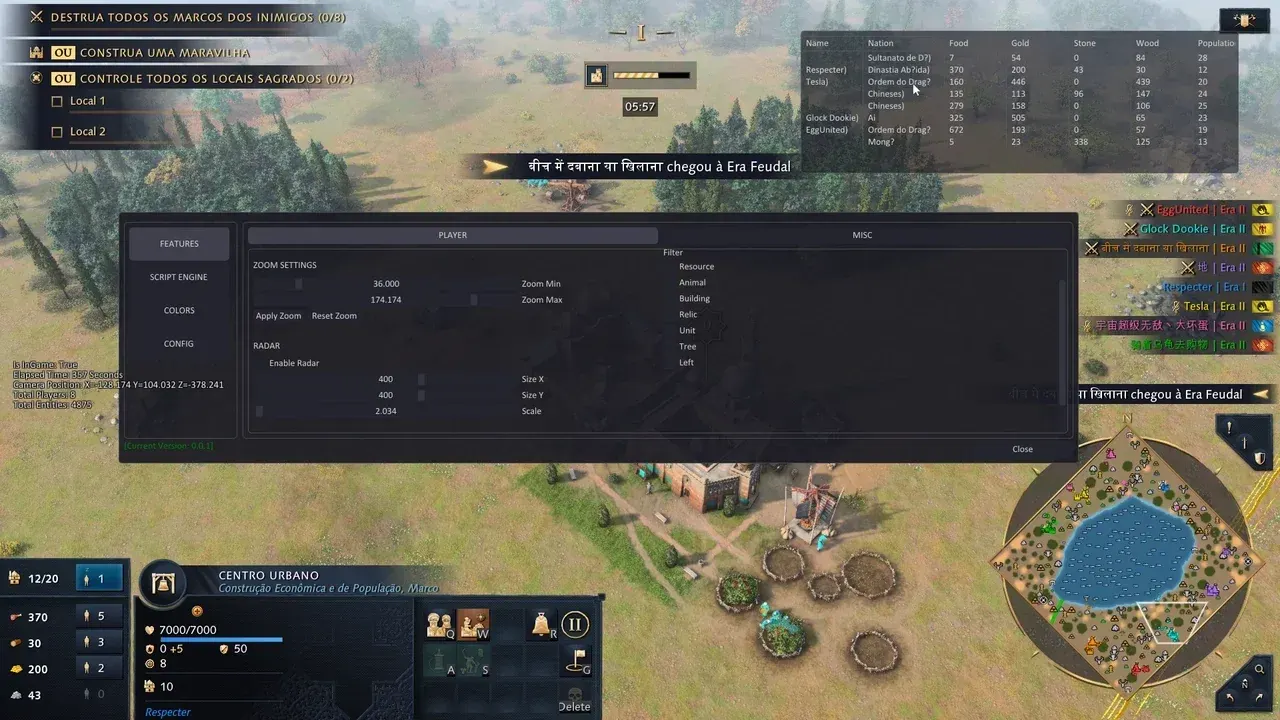
SHACK PRIVATE is being updated: the developer is releasing a new version. Sales resume as soon as it is out.
Ask about timingShack Private for Age of Empires IV: system requirements
About Shack Private for Age of Empires IV
Shack Private reveals the entire map in Age of Empires IV and can take over the game for you. The maphack removes the fog of war, tracks the enemy and extends the zoom. For each player you can see their civilization, team, population and gold, food, wood and stone reserves, while category-based ESP marks units, buildings, resources, animals, trees and sacred relics.
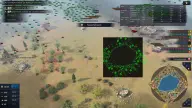
The 2D radar adapts to your resolution, filters objects by type and color, and mirrors the ESP filters. The AI TakeOver mode hands the game over to the built-in AI with selectable difficulty and can start automatically at the beginning of a 1v1 match, including ranked. A Lua scripting engine with an in-menu editor and API documentation loads your scripts.
Steam and Xbox Game Pass clients, Windows 10 or 11, windowed or borderless mode. Stream Safe hides the visuals from OBS recording; there is no built-in spoofer.
Features of Shack Private for Age of Empires IV
- removes the fog of war and reveals the entire map.
- shows enemy movements in real time.
- an increased zoom range with adjustable minimum and maximum.
- each player's name, civilization, team and population.
- opponents' gold, food, wood and stone reserves.
- units, buildings, resources, animals, trees, sacred relics and special objects; each category is toggled separately.
- a radar over the game with adjustable size, scale and border that adapts to your resolution.
- filtering by object type, color categories and sync with the ESP filters.
- the built-in AI plays for you in multiplayer and 1vs1 ranked, with auto-start and camera control.
- from Easy and Normal up to Ridiculous, Outrageous and Absurd.
- support for Lua and SCAR, an in-menu script editor and running your own commands, including in ranked.
- saving, loading and connecting third-party scripts, plus built-in SCAR API documentation.
- hides the menu and visuals from recording and streaming.
- shows the frame rate.
- gives access to the in-game console.
- including Chinese, Japanese, Korean, Thai, Turkish, Vietnamese and Portuguese (BR).
- saving and loading configs, RGBA colors and a dark interface.