Aegis ESP cheat for Arena Breakout: Infinite on Windows
Updating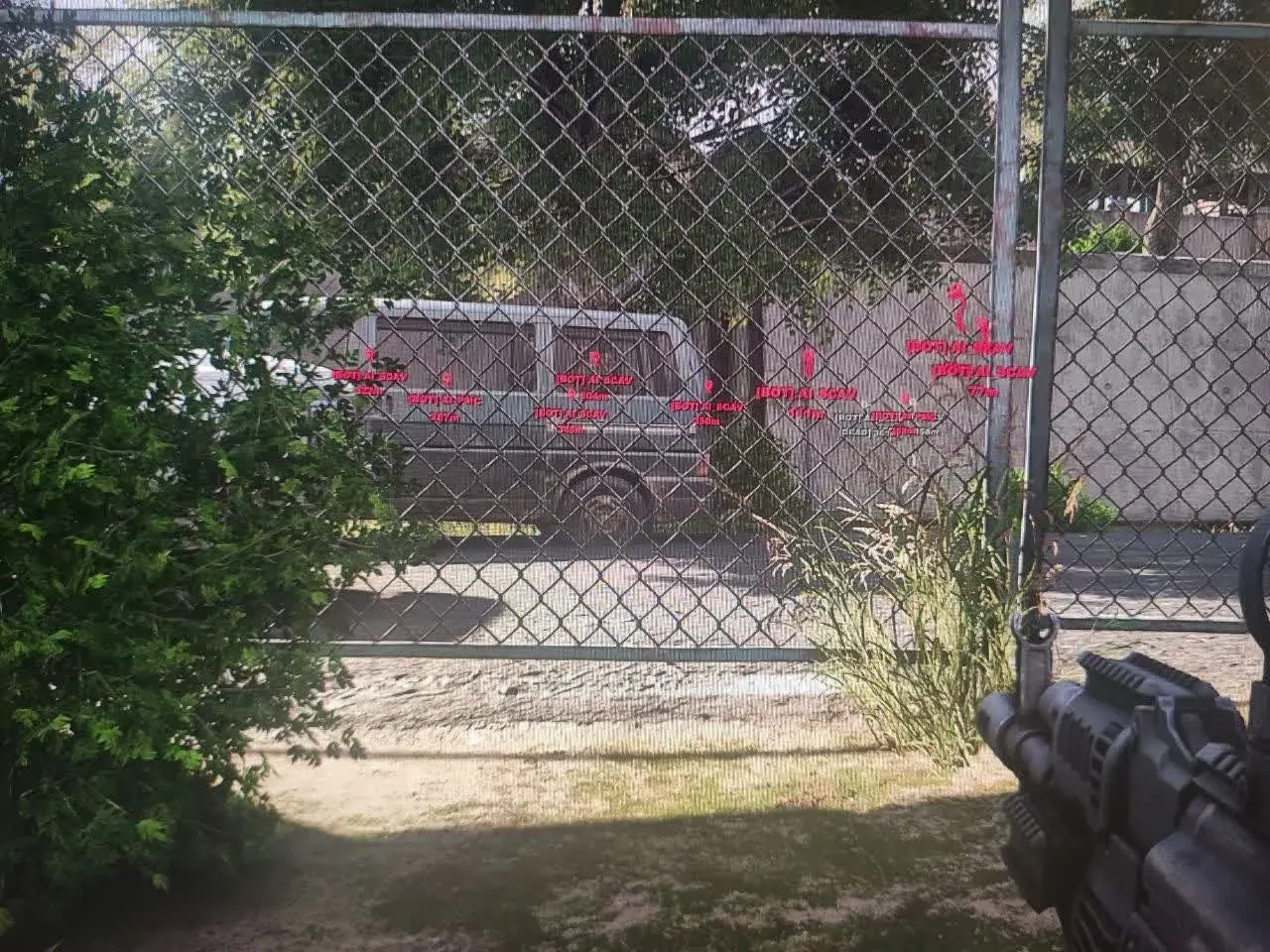
AEGIS ESP is being updated: the developer is releasing a new version. Sales resume as soon as it is out.
Ask about timingAegis ESP for Arena Breakout: Infinite: system requirements
About Aegis ESP for Arena Breakout: Infinite
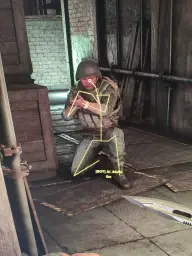
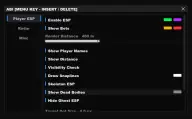
Aegis ESP is an external ESP for Arena Breakout: Infinite with no aimbot: the cheat only shows people and bots on the map, and the aiming stays entirely yours. Raiders are highlighted through walls and crates, bots are marked differently, the name and distance appear above the marks, and the visibility check changes the mark's colour depending on whether the target can be hit or is covered.
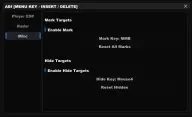
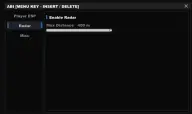
A slider sets the render distance. There are lines to enemies, skeletons that show whether a person is lying down or running, highlighted corpses with loot and hiding of marks left by players who extracted or disconnected. The mini radar keeps enemy dots around you, and its radius is adjustable. Dot and font size fit your resolution, a chosen target can be highlighted, and manual marks and object hiding work on a key.
To run it you need Windows 10 (build 2004 or later) or Windows 11 and the PC version of the game on Steam; the anti-cheat is ACE. The menu is in English. No USB flash drive, spoofer or BIOS changes are needed.
Features of Aegis ESP for Arena Breakout: Infinite
- the main toggle: raiders are visible through walls and crates.
- AI is marked differently from live players, so you will not mix them up.
- the name is shown above every enemy.
- the distance to the target in metres sits next to the mark.
- a target changes colour depending on whether it is in the line of fire or behind cover.
- a slider limits how far the marks are drawn.
- lines from your character to enemies help you spot a threat from the side.
- the skeleton pose shows whether an enemy is lying down, running or crawling.
- bodies you can search are highlighted separately.
- removes the marks of players who extracted or disconnected.
- enemy dots around you, a full 360° view.
- Max Distance narrows the radar to a close circle or stretches it over half the map.
- Target Dot Size and Text Size fit the marks to your resolution.
- the chosen enemy stands out brighter than the rest, so it is easy to follow across the map.
- a mark is placed on a target with a key, and all marks reset at once.
- unneeded objects hide on a key and come back with one press.