Nightvex cheat for Arena Breakout: Infinite on Windows
Undetected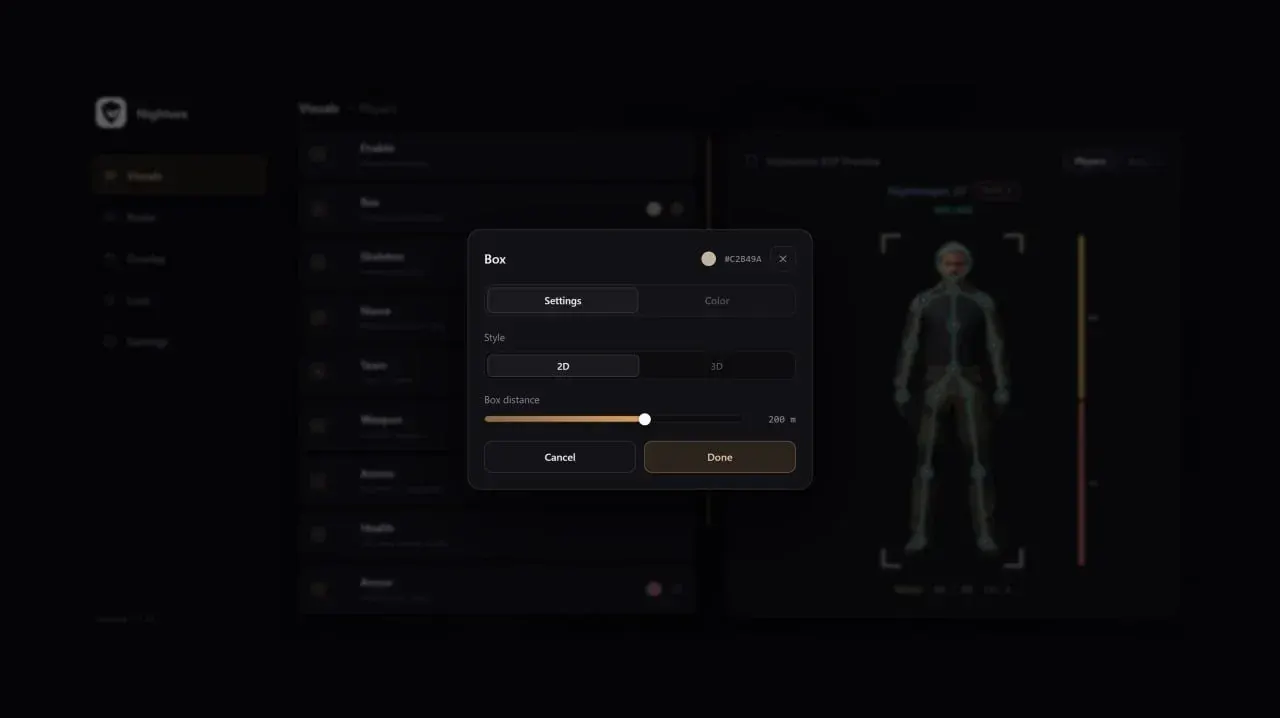
Purchase
Nightvex for Arena Breakout: Infinite: system requirements
About Nightvex for Arena Breakout: Infinite
Nightvex for Arena Breakout: Infinite has no aiming features: it is a visual cheat with ESP, a radar and loot hints. It suits those who want to know what is happening in the raid but prefer to do the shooting themselves.
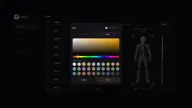
Player ESP displays 2D, 3D or corner boxes, skeleton, health, weapon, ammo, armor as text or a bar, nickname, team ID and distance; teammates, bodies and a nearby players table can be enabled separately. Bots have their own set: boxes, weapon, armor, ammo, skeleton and bodies. The radar marks players and bots, draws distance rings and shows view direction; it has a battle mode that auto-disables by distance, plus its own colors. Loot is filtered by minimum value, and valuable finds are collected in a table.
Supports Steam and the official launcher, windowed mode, Windows 10 and Windows 11 (21H2–25H2), Intel and AMD. No hiding from OBS recording.
Features of Nightvex for Arena Breakout: Infinite
- marks players through walls and cover.
- a separate ESP for bots with its own set of settings.
- for players and bots: no box, 2D or 3D.
- a box drawn only at the corners of player and bot models.
- enables a box around the player.
- shows the player's health.
- the weapon in players' and bots' hands.
- the skeleton of player and bot models.
- how much ammo players and bots have.
- player nickname above the model.
- player and bot armor.
- armor is shown as text, a bar, or hidden.
- the player's team number, to tell squads apart.
- distance to players and bots.
- shows player and bot bodies.
- displays players on your team.
- a list of enemies near you.
- a minimap with player and bot markers.
- the radius the radar covers.
- distance rings on the minimap.
- shows on the radar where the target is looking.
- a separate radar battle mode.
- battle mode turns off automatically at a set distance.
- custom colors for radar markers.
- shows items on the map.
- a list of valuable items nearby.
- hides items below the set threshold.