Hyper cheat for ARC Raiders on Windows
Undetected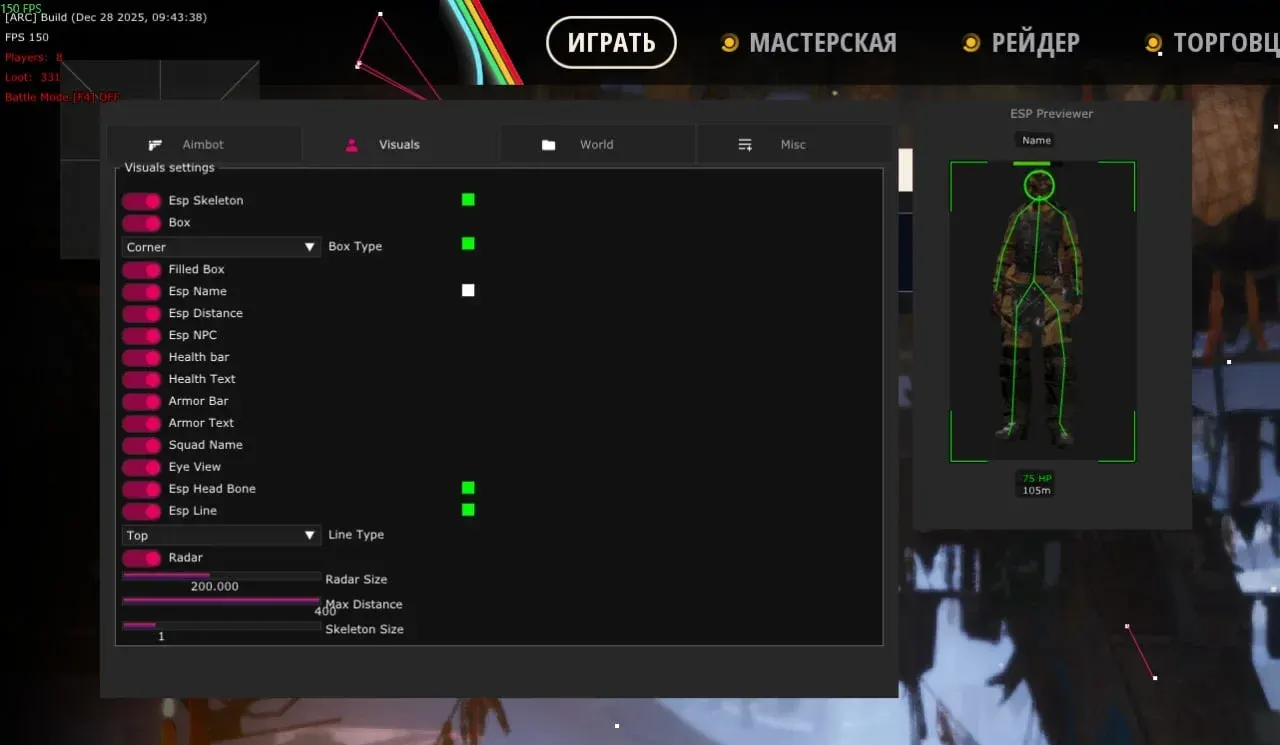
Purchase
Hyper for ARC Raiders: system requirements
About Hyper for ARC Raiders
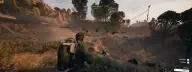
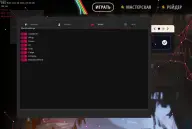
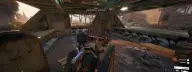
Hyper combines an aimbot, detailed player ESP and a separate loot module in one private cheat for ARC Raiders. The aim is enabled with its own key, can be tuned by smoothing, radius and distance, checks team and visibility, aims at the selected bone and draws a line to the target.
ESP shows nickname, squad name, health and armor as bars or text, corner, 2D and 3D boxes, skeleton, head, view and aim lines, distance, bots and a radar. Loot ESP displays containers, ground items, drones, NPCs, traps, cargo, bodies and extraction points. Also on hand: a panic key, alerts, configs and text settings.
Requires Windows 10 or 11 (Pro and Home), Intel or AMD, BIOS in UEFI mode, a GPT disk and windowed or borderless mode. The anti-cheat is listed as in-game; there is no built-in spoofer.
Features of Hyper for ARC Raiders
- automatic aiming with a separate toggle.
- aim works on the assigned key.
- how fast the aim moves onto the target.
- the area around the crosshair where the aim looks for a target.
- the maximum aimbot range.
- the aimbot and ESP ignore teammates.
- the body part the aim targets.
- aim and ESP take into account whether the target is visible or behind cover.
- a line from the crosshair to the selected target.
- a custom crosshair in the center of the screen.
- nickname above the enemy model.
- the name of the enemy's squad.
- three box styles around the player.
- remaining health as a bar or text.
- armor level as a bar or text.
- distance to each player.
- shows where the enemy's weapon is pointed.
- the enemy's view direction.
- the player's skeleton over the model.
- a marker on the player's head.
- displays bots separately from real players.
- a diagram showing target positions around you.
- highlights loot containers.
- items lying around the map.
- highlights drones.
- displays NPCs and AI-controlled enemies.
- highlights placed traps.
- displays cargo on the map.
- player bodies you can search.
- raid extraction locations.
- battle mode, enabled in the loot and settings sections.
- an option in the cheat settings, but the developer states there is no OBS recording bypass.
- notifications from the cheat during gameplay.
- saving and loading settings.
- label size and fill, with a separate size for loot.
- a key to quickly turn off visuals.