Tiktok cheat for Arena Breakout: Infinite on Windows
Updating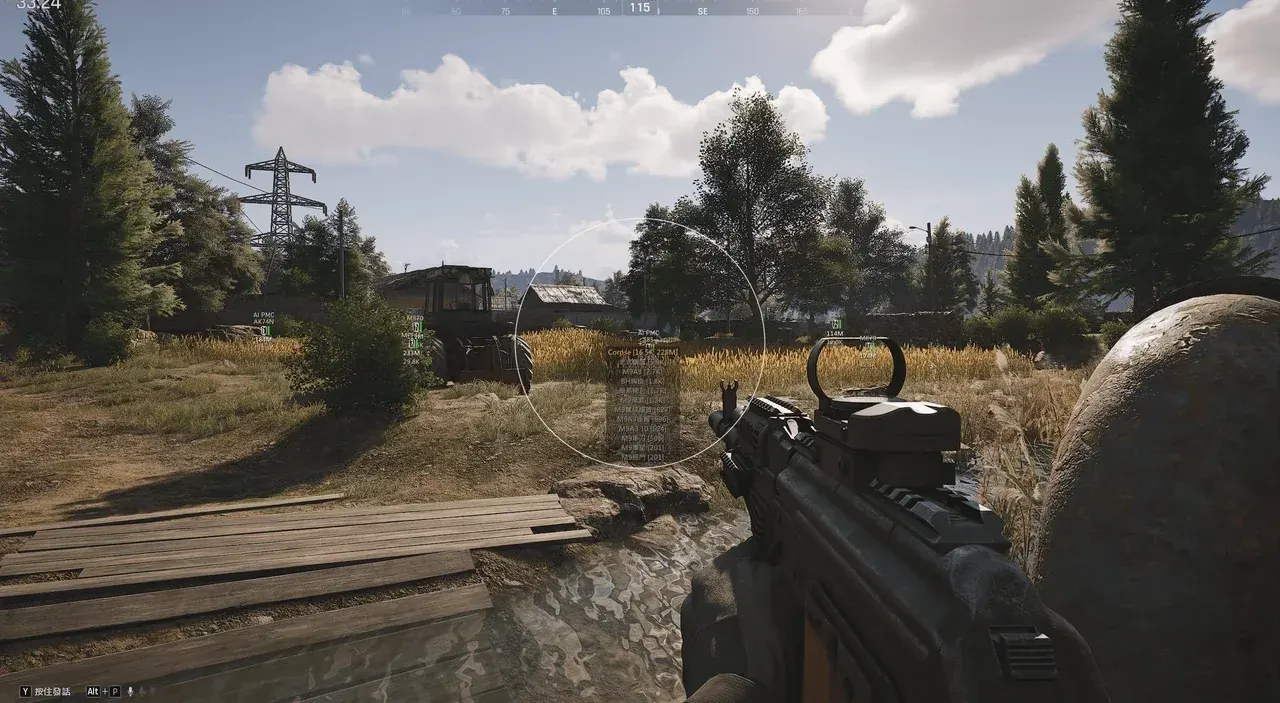
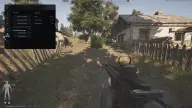
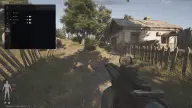
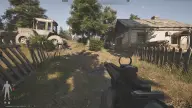
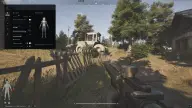
TIKTOK is being updated: the developer is releasing a new version. Sales resume as soon as it is out.
Ask about timingTiktok for Arena Breakout: Infinite: system requirements
About Tiktok for Arena Breakout: Infinite
Tiktok is a cheat for Arena Breakout: Infinite that combines detailed visuals with a configurable aimbot. The aim checks visibility, switches to the next target on its own, hits the head, neck or body, and works within the FOV and a set range; the radius and crosshair are drawn on screen.
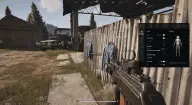
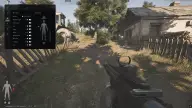
Enemy ESP is set up in a 3D preview: you drag elements with the mouse, and the box can be full or partial, with fill and separate colors for enemies in view and those behind cover. Next to it: name, level, weapon, health, skeleton, value, inventory and distance. Items, containers and bodies are shown as icons with distance; items and bodies also show a price and have a minimum-price filter.
The ESP is hidden from OBS recording and won't show up on stream. Configs are saved, and the cheat unloads with a single button. Borderless or windowed mode, Windows 10 (2004–22H2) and 11 (22H2–23H2), Intel and AMD.
Features of Tiktok for Arena Breakout: Infinite
- turns on aiming at enemies.
- the aim only locks onto targets in direct line of sight.
- after one target, the aim moves on to the next by itself.
- draws the aim radius on screen.
- displays a custom crosshair on screen.
- sets the size of the lock-on zone.
- aims at the head, neck or body.
- the range at which the aimbot works.
- a preview where ESP elements are configured and dragged with the mouse.
- full or partial, with a separate look for visible and hidden targets.
- fills the box with color.
- the enemy's name above the model.
- the weapon in the enemy's hands.
- the model's skeleton; the visible skeleton is configured separately.
- distance to the enemy.
- the value of the enemy's gear.
- the enemy's level.
- the contents of the enemy's inventory.
- distinguishes visible enemies from those hidden behind cover.
- the enemy's remaining health.
- enemy render distance.
- the item's name, icon and price shown next to it.
- the distance to loot.
- hides cheap items.
- a title, icon and distance for each container.
- a title, icon and distance to the body.
- the value of the body's contents under its icon.
- hides bodies with cheap loot.
- collapses the contents of containers and bodies into an icon.
- the distance is shown under the container or body icon.
- custom labels for containers and bodies.
- a backdrop behind item, container and body labels.
- a separate maximum distance for items, containers and bodies.
- save, load and reset settings.
- changes the menu and label font.
- a custom menu key.
- a dedicated button unloads the cheat from the game.