Crooked BO6 cheat for Call of Duty on Windows
Undetected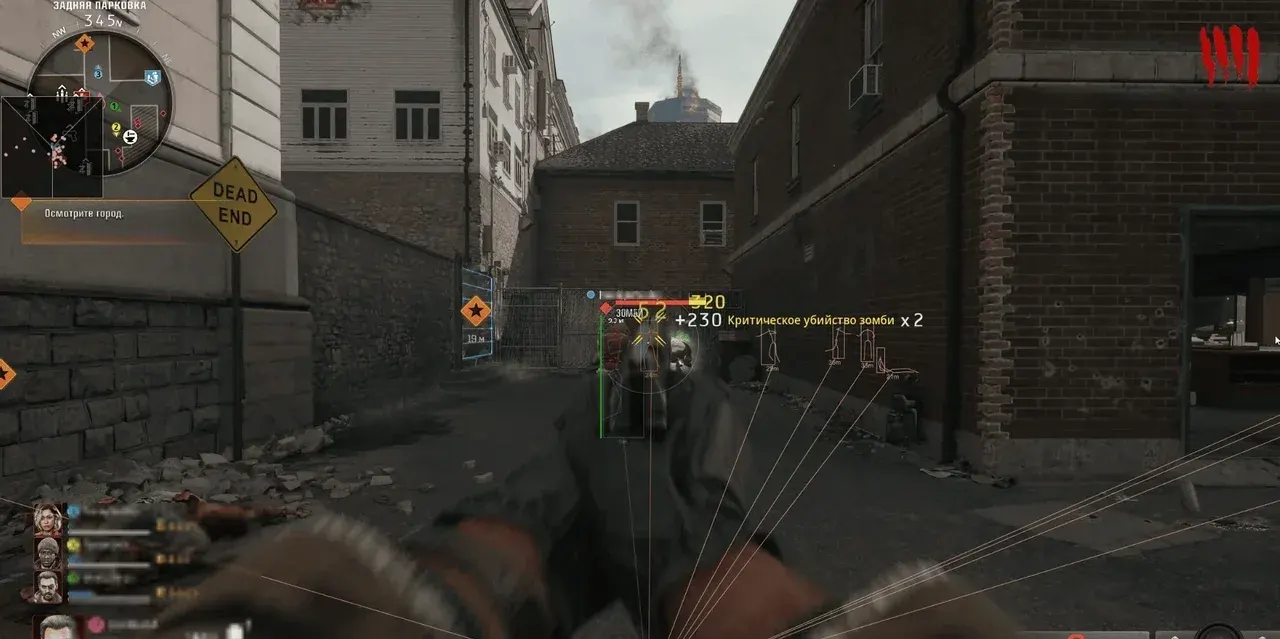
Purchase
Crooked BO6 for Call of Duty: system requirements
About Crooked BO6 for Call of Duty
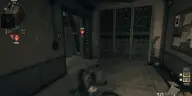
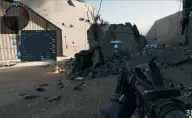
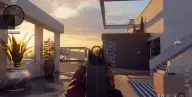
Crooked BO6 is a build with an aimbot, ESP, and a radar for Call of Duty: Black Ops 6. You enable aiming with a ready-made preset from Beginner to Rage, or open Custom mode and set smoothing, jitter, inertia, overshoot chance, and micro-pauses yourself so the movement looks like a regular player's. Target bones can be picked one at a time or as a set, from head to knees.
ESP shows names, health, the weapon in hand, skeleton, and view direction, and loot is highlighted by rarity color: armor, cash, perks, killstreaks, containers. The radar marks players and bots on the full map and the minimap.
Requires windowed mode, Windows 10 or 11, and the Steam or Battle.net client; the cheat overlay does not show up in OBS recordings. Warzone mode has moved to Black Ops 7; the Crooked BO7 version works for it.
Features of Crooked BO6 for Call of Duty
- keeps only players in direct line of sight in ESP.
- enables display of your own team's players.
- the player's nickname and team are shown above the model.
- shows each player's health.
- shows which weapon the enemy is carrying.
- lines run from the edge of the screen to players.
- a flat box around the player model.
- draws the model's bones; line thickness and render distance are adjustable.
- shows where the player is looking.
- primary and secondary player display distance.
- players and bots appear on the full map and the minimap.
- a separate radar with adjustable range, size, X and Y position, and opacity.
- radar markers are colored by team.
- aiming that imitates a real player, active while the aim key is held.
- locks onto bots the same way as players.
- lets you finish off knocked-down enemies.
- the aimbot does not lock onto enemies behind cover.
- locks your aim on the selected target.
- a pause before the aimbot switches to the next enemy.
- ready-made Beginner, Intermediate, Pro, and Rage profiles: from hesitant aiming to fast and precise.
- unlocks all aimbot settings for manual tuning.
- smoothing: the higher the value, the slower and softer the aim adjustment.
- random aim jitter resembling the movements of a real hand.
- sets how sharp the aiming movement is.
- separate values for close and long range.
- chance and amount of the aim overshooting the target.
- probability of a short pause while aiming, like a real player.
- the aimbot's capture radius; the FOV circle can be shown on screen.
- the aimbot does not activate beyond the set distance.
- head, neck, elbows, body, pelvis, or knees: one bone or several at once.
- weapons, ammo, armor, cash, tactical and lethal equipment.
- backpacks, bags, and crates, including ammo and armor crates.
- shows perks, enhancements, and field upgrades.
- marks killstreak items, such as cluster strikes and precision airstrikes.
- shows kiosks, tablets, and other items on the map.
- loot is colored by rarity, with adjustable display range.
- custom colors for allies, enemies, bots, knocked players, the target, and loot categories.
- removes loot ESP from the screen with one button.
- opens and closes the menu, Home by default.
- shows active explosives and field upgrades, with adjustable range.
- shows vehicles within a set distance.