Crooked cheat for Escape from Tarkov on Windows
Updating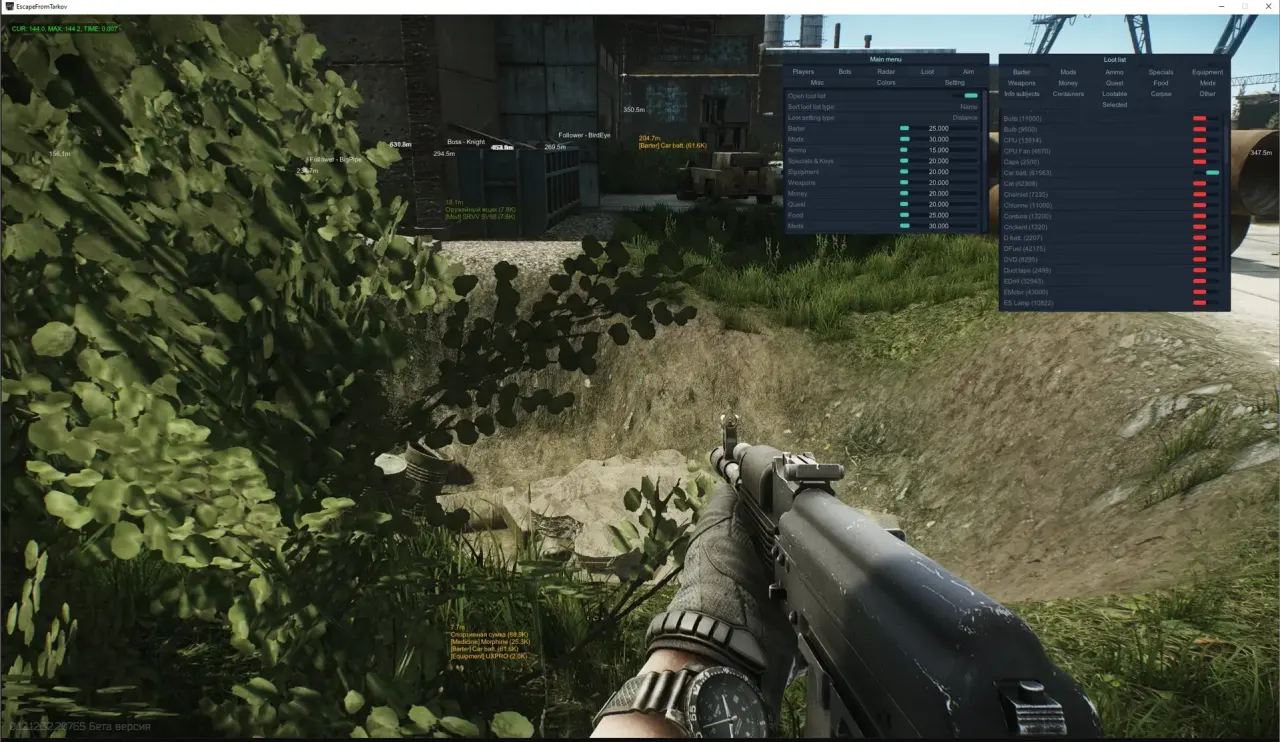
CROOKED is being updated: the developer is releasing a new version. Sales resume as soon as it is out.
Ask about timingCrooked for Escape from Tarkov: system requirements
About Crooked for Escape from Tarkov
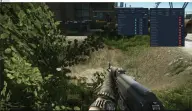
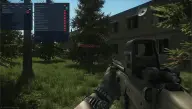
Crooked is a cheat for Escape from Tarkov with a detailed player wallhack: nickname, USEC or BEAR side, level, K/D, item in hand, health, 2D box, lines and distance, with highlighting up to 2000 m. The skeleton can be standard or show limb health, and its thickness and range are adjustable. Your own group is highlighted, and when you aim at a player you can see all their loot and its total value.
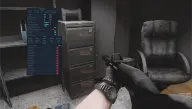
Bots can be filtered by Scav role: all, bosses only, or bosses with their guards. Loot, containers and quest items are displayed, and there is a radar compass with an on-screen position setting. The aimbot works in Mouse, Sight and Silent modes, with prediction and bone selection.
Windows 10 and 11 (1903–25H2), Intel and AMD, and windowed mode are supported. There is no built-in spoofer, you will not need a USB flash drive, and the cheat does not appear in OBS recordings.
Features of Crooked for Escape from Tarkov
- "Players" shows players in the ESP and helps you keep track of their positions around your character.
- The "Name" setting controls the corresponding product option.
- "Side of the player (USEC, BEAR)" shows players in the ESP and helps you keep track of their positions around your character.
- Draws a guide line to the marked target or object.
- The "Health" setting controls the corresponding product option.
- Marks the target with a visual box so you can spot it on screen quickly.
- "Skeleton type:" shows the target's skeleton so you can read its position and movement faster.
- The "Disabled" setting controls the corresponding product option.
- "Normal (based on the player's color)" shows players in the ESP and helps you keep track of their positions around your character.
- The "Health (with a limb health check)" setting controls the corresponding product option.
- "Skeleton line thickness:" shows the target's skeleton so you can read its position and movement faster.
- "Skeleton draw distance (how far skeletons are drawn)" shows the target's skeleton so you can read its position and movement faster.
- "Distance (to the player)" shows the distance to the marked target or object.
- Highlights the selected models with a bright material for better visibility.
- Adds the "Item in hands (what the player is holding)" category to the loot filter so you can find the items you need faster.
- "Level (player level)" shows players in the ESP and helps you keep track of their positions around your character.
- The "Kills| Deaths type (kill/death count and ratio)" setting controls the corresponding product option.
- "Player loot cost (value of all the player's loot)" shows players in the ESP and helps you keep track of their positions around your character.
- "Show all loot on hover (shows all of a player's loot when you hover over them)" helps you track the selected target more precisely based on your aim settings.
- "Backlight distance: from 1 m to 2000 m" shows the distance to the marked target or object.
- The "Bots" setting controls the matching product parameter.
- The "Role of the savage: (Scav role)" setting controls the corresponding product option.
- The "Disabled" setting controls the corresponding product option.
- The "All bots" setting controls the corresponding product option.
- The "Only bosses" setting controls the corresponding product option.
- The "Bosses &followers" setting controls the matching product parameter.
- "Distance (to the bot)" shows the distance to the marked target or object.
- "Show all loot on hover (shows all of a bot's loot when you hover over it)" helps you track the selected target more precisely based on your aim settings.
- "Esp distance:" shows the distance to the marked target or object.
- "Radar" — puts nearby targets on a radar and makes it easier to watch every direction.
- "Enable radar/compass" puts nearby targets on the radar and makes it easier to watch every direction.
- The "Draw bots" setting controls the matching product parameter.
- "Backlight distance:" shows the distance to the marked target or object.
- The "Position by X:" setting controls the matching product parameter.
- The "Position by Y:" setting controls the matching product parameter.