Pussycat cheat for Deadside on Windows
Undetected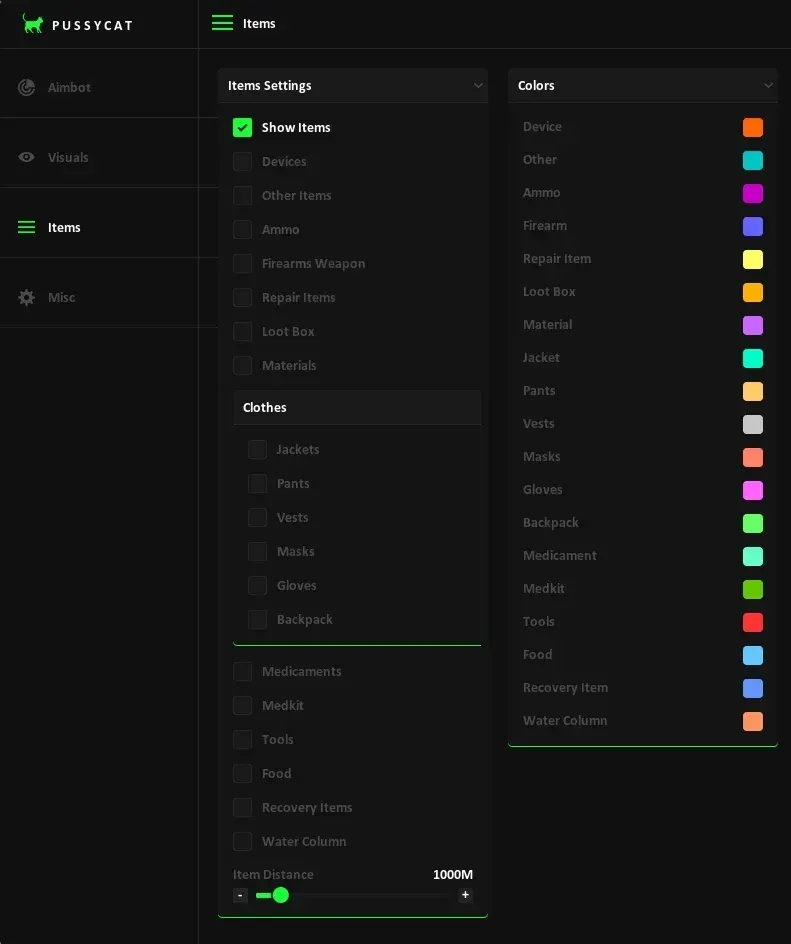
Purchase
Pussycat for Deadside: system requirements
About Pussycat for Deadside
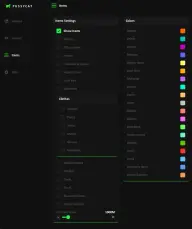
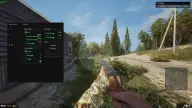
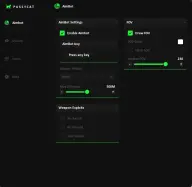
In Deadside, Pussycat combines a vector aimbot with detailed player and item ESP. The menu is convenient, and fonts and the crosshair can be customized.
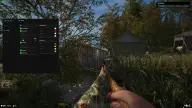
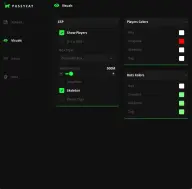
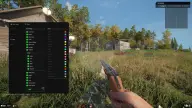
The aimbot moves the crosshair to the selected bone with adjustable smoothing, radius and a visible FOV circle, a distance limit and its own key. Enemy ESP draws several types of boxes, skeletons, tracelines and player labels with a range limit. Items are split into categories: weapons and ammo, jackets, pants, vests, masks, gloves and backpacks, medicine and medkits, food and water pumps, materials, tools, repair kits, devices and loot crates, with the distance shown to every item.
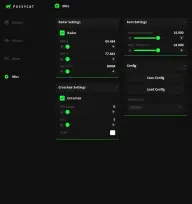
There is a radar and a crosshair with adjustable thickness and size. The cheat is hidden from OBS recording; there is no built-in spoofer. Requires Windows 10 Pro or 11 Pro, an Intel or AMD processor, and the game in windowed mode.
Features of Pussycat for Deadside
- vector aiming of the crosshair at the enemy.
- draws the capture zone circle on screen.
- the size of the area in which the aim looks for a target.
- smoothing of the crosshair's movement toward the target.
- the bone the aim targets.
- the maximum aiming range.
- the aimbot activation key.
- boxes around enemies; the box type is selected in the menu.
- labels with player information.
- enemy skeletons drawn as lines.
- lines to enemies; the line style is adjustable.
- limits the player render distance.
- shows firearms and ammunition.
- jackets, pants, vests, masks and gloves.
- marks backpacks on the map.
- medicine, medkits and recovery items.
- food and water pumps.
- materials, tools and repair items.
- shows devices and other items.
- marks loot boxes.
- the distance to each detected item.
- a minimap with enemy positions.
- a custom crosshair with adjustable thickness and size.
- separately for enemy and item labels.
- the menu key.
- visuals do not appear in OBS recordings.