Pussycat cheat for WARDOGS on Windows
Undetected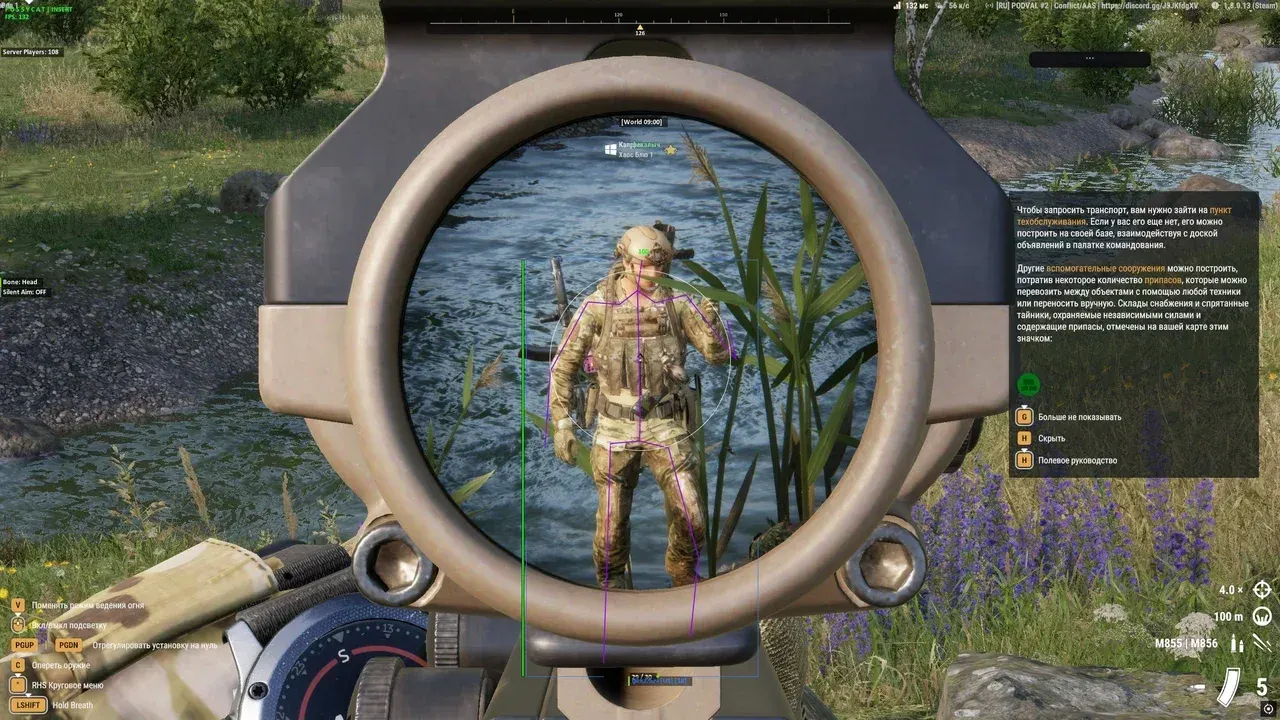
Purchase
Pussycat for WARDOGS: system requirements
About Pussycat for WARDOGS
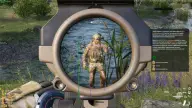
Pussycat gives you an aimbot and three types of ESP in WARDOGS. Aiming is configured by hitbox, smoothing, distance and target visibility; the FOV circle is set by radius, color and fill.
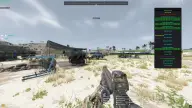
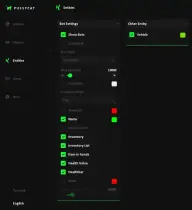
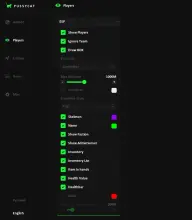
Player ESP draws boxes and snaplines in various styles, skeleton, nicknames, weapon and health; you can show knocked players, hide allies and toggle Battle Mode with a key. Object ESP marks bodies and bags, claymores, anti-tank mines, explosive devices, drills and FOBs with their durability. Vehicles of all types are shown in 3D boxes with health, distance and map coordinates.
There is also a radar, a custom crosshair, Fullbright on F3, font size and configs. Requires the Steam version, Windows 10 or 11 (20H2–25H2), windowed or borderless mode; there is no built-in spoofer.
Features of Pussycat for WARDOGS
- aiming on its own key.
- the body part the aim targets.
- finely adjustable aim adjustment speed.
- the aim ignores targets behind walls.
- aiming range limit.
- capture circle radius, color and fill.
- boxes in several styles.
- lines to players in various styles.
- model bones, name and the weapon in hand.
- as a number and a bar.
- a separate marker and color.
- hides your own team.
- different display for visible targets.
- ESP combat mode on a separate key.
- maximum player render distance.
- custom colors for allies, enemies, knocked players, skeleton, nicknames and weapons.
- bodies and dropped bags.
- shows SPW, Claymore, AT Mine and Explosive Device on the map.
- bases with health and a durability bar; friendly ones can be hidden.
- placed drills.
- distance and map coordinates of objects.
- debug output of items.
- wheeled, tracked, stationary and other vehicles, helicopters and planes.
- 3D box, health bar, vehicle name and distance.
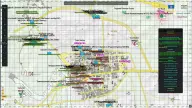
- position on the map; friendly vehicles can be hidden.
- separate color settings by type.
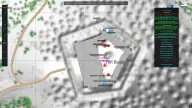
- radar axis position and distance.
- custom crosshair with thickness, size and color.
- brightens the image, toggled with the F3 key.
- separately for enemies and items.
- limits the rendering frame rate.
- saving and loading settings, custom menu key.