Pussycat cheat for Dune: Awakening on Windows
Undetected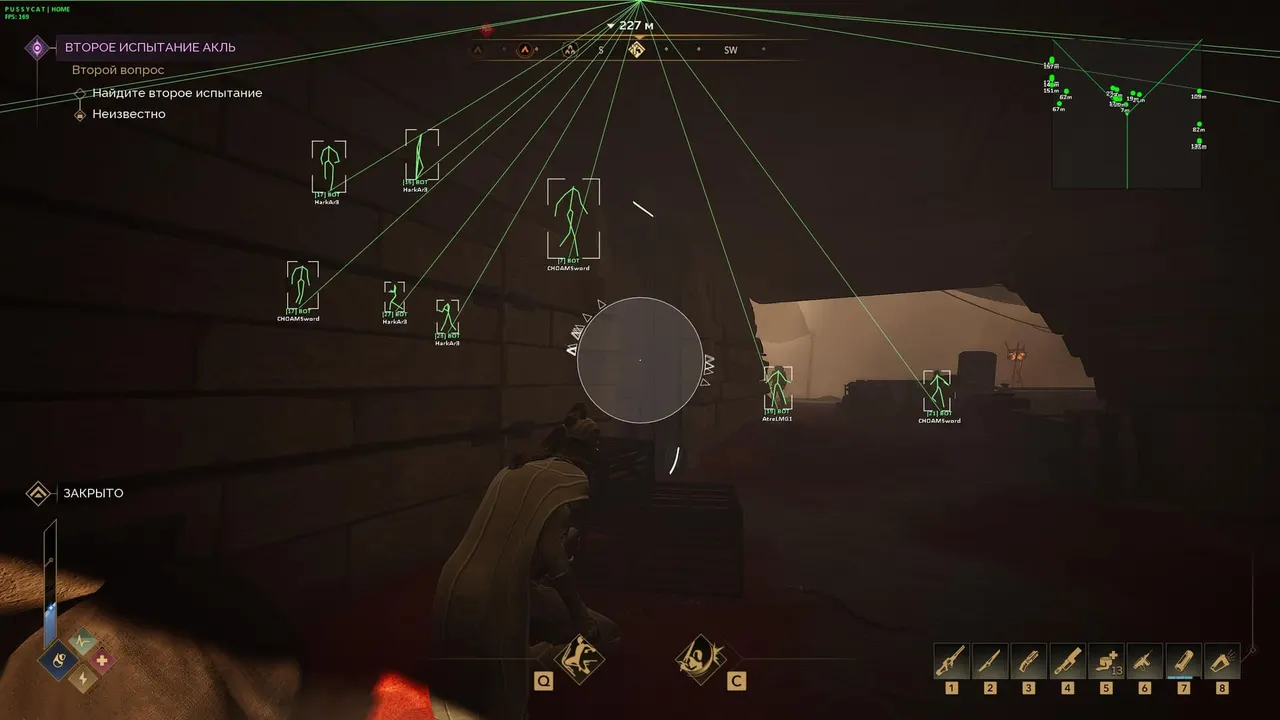
Purchase
Pussycat for Dune: Awakening: system requirements
About Pussycat for Dune: Awakening
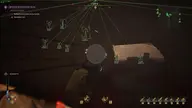
Pussycat is a cheat for Dune: Awakening with an aimbot on its own key. The FOV radius is set manually, the circle can be filled with color and supplemented with arrows, and you also choose the aim bone and the maximum distance.
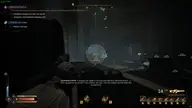
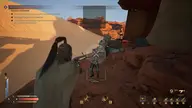
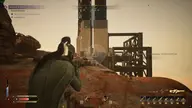
The wallhack displays players and bots with several types of boxes and shows names, the held item, the skeleton and lines with a choice of style; the dead can be hidden, and bots have their own render distance. Other features include Freecam for free look, a radar, a static crosshair, line thickness settings and a separate font size for enemies and items.
Windows 10 Pro or Windows 11 Pro is required; build 24H2 is not supported. The processor can be Intel or AMD, and the mode is windowed. There is no spoofer, no USB flash drive is required, and the menu and wallhack do not show up in OBS recordings.
Features of Pussycat for Dune: Awakening
- Helps you track the selected target more precisely based on your aim settings.
- "Draw FOV" sets the size and maximum range of the selected module's working area.
- The "Draw Arrows" setting controls the matching product parameter.
- "Filled FOV" — sets the size and maximum range of the selected module's working area.
- "Radius FOV" — sets the size and maximum range of the selected module's working area.
- The "Target Bone" setting controls the matching product parameter.
- "Max Distance" — sets the size and maximum range of the selected module's working area.
- Lets you assign a convenient key to turn on aiming during a fight.
- "Player" — shows players in ESP and helps you track their positions around your character.
- "Draw BOX" — marks the target with a visual frame so you can spot it on screen quickly.
- "BOX Type" — marks the target with a visual frame so you can spot it on screen quickly.
- "PlayerName" — shows players in ESP and helps you track their positions around your character.
- The "Item in Hands" setting controls the matching product parameter.
- Shows the target's skeleton so you can read its position and movement faster.
- "Snaplines" — draws a guide line to the marked target or object.
- "Snaplines Type" — draws a guide line to the marked target or object.
- The "Ignore Dead" setting controls the matching product parameter.
- Draw BOX, Name, Item in Hands, Skeleton, Snaplines, Ignore Dead, Max Distance, Misc, Freecam, Radar, Crosshair, Thickness, Size, Enemy Font Size, Item Font Size, Menu Key.