Mason Tundra Internal cheat for War Thunder on Windows
Undetected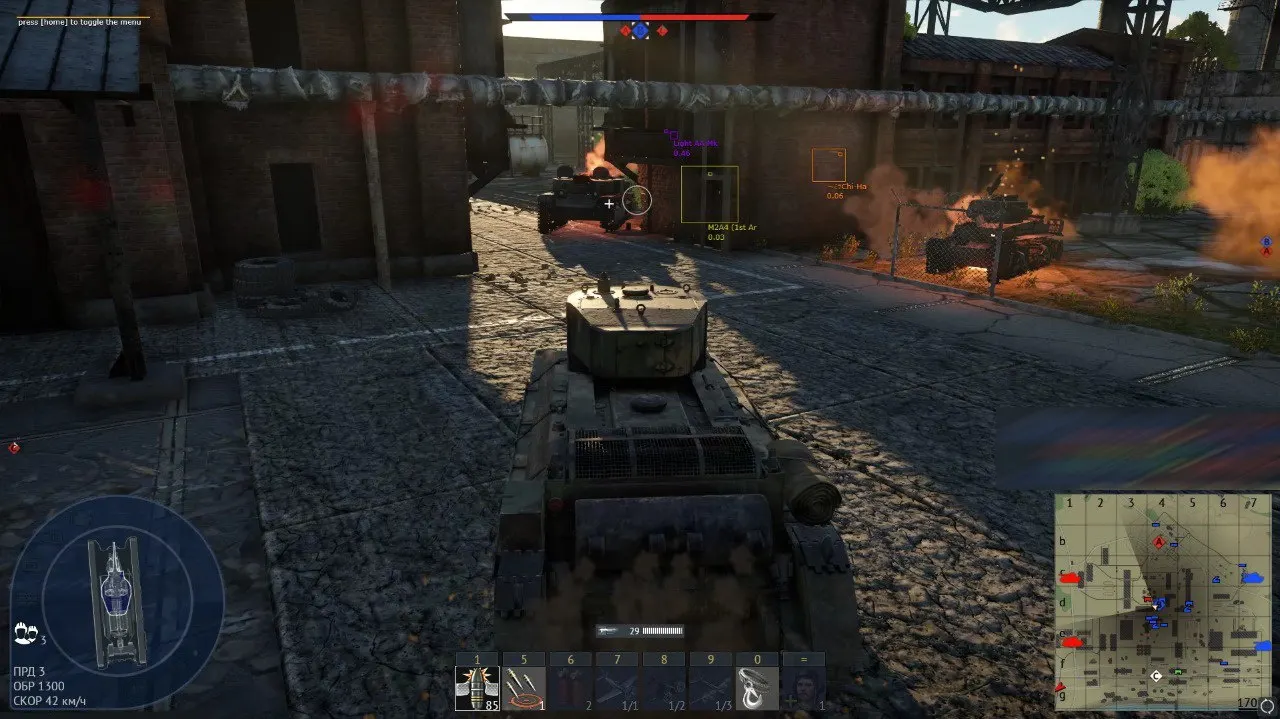
Purchase
Mason Tundra Internal for War Thunder: system requirements
About Mason Tundra Internal for War Thunder
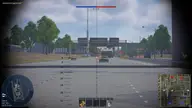
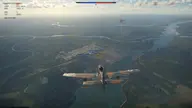
Aimpoint: an aim point with adjustable size, fill and a dynamic FOV; Silent Aim to this point. The aimbot supports tanks only, and for aircraft only a lead point is drawn. Auto-lead with a separate and dynamic FOV, an option to turn it off for aircraft, auto scouting and auto artillery.
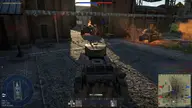
ESP in War Thunder is set up separately for players and bots: a 3D, 2D or corner box, reload and repair timers, the vehicle name, distance, and chams with an outline. The modules ESP shows the ammo rack, the crew, the engine, the transmission and the breech; bullets with their trajectory, rockets, bombs and torpedoes are shown too.
Trees, smoke and decor can be turned off, and the colour of fog, water and the surroundings can be changed. There are HUD presets, a free camera, a player info panel, a warning when an enemy is aiming, a fog of war bypass and a map finder. It runs from Steam or the game's launcher (x64, DirectX 11), on Windows 10/11 x64 releases 2004–26H1, with Intel and AMD CPUs; the window mode does not matter. The developer declares support for Easy Anti-Cheat and BattlEye; the overlay is visible in videos and screenshots.
Features of Mason Tundra Internal for War Thunder
- an aim point with its own colour, size and fill, turned on and off with a key bind.
- hidden aiming without visible crosshair movement.
- the aim's trigger field: its size, an on-screen outline in its own colour and a dynamic mode.
- auto-lead with its own trigger field, which is drawn on screen and can be dynamic; it can be turned off for aircraft.
- automatic scouting; before it runs, the cheat checks whether scouting is possible.
- auto artillery; it can hit only vehicles that are being repaired and pick targets by type: SPAA, light and medium tanks, tank destroyers, heavy tanks.
- ESP is turned on separately for players, bots and other entities, each group with its own settings.
- a 3D, 2D or corner box; the thickness, the corner size and the front-part outline are adjustable.
- boxes in a separate colour on destroyed and on invulnerable vehicles.
- reload and repair timers, and the box can change colour while a vehicle is being repaired.
- the vehicle name (short, full or translated) and the distance to it in metres, kilometres or miles.
- chams: default, solid or outline only, fill and outline colours, outline thickness and separate colours for the target in the crosshair.
- the vehicle modules of players or bots, as you choose; each module has its own colour, plus an optional additional colour.
- highlights the main and the second, additional ammo rack, each in its own colour.
- highlights the commander, gunner, loader, driver, engine, transmission, barrel, breech and the close-combat weapon (Cls gun).
- bullets of the local player, enemies or allies: tank shells, machine-gun and aircraft machine-gun rounds, a bullet circle with adjustable size and fill.
- the bullet trajectory as a tail or as a direction, with its own draw time and update rate.
- rockets of the local player, enemies or allies with their trajectory and distance, plus bombs, torpedoes and other projectiles, each type in its own colour.
- turns off trees, falling trees, smoke and decorations; trees and smoke have their own key binds.
- recolours fog, smoke, water and the surroundings with colour saturation control; smoke, water and the surroundings also have a rainbow mode.
- Arcade, Realistic, Hardcore or custom presets and a choice of HUD elements: the hit point, markers, third person, the bomb sight, radar, the enemy damage log.
- the penetration cursor with no range limit, plus outlines and recolouring of HUD icons and text, rainbow included.
- the initial and extra zoom, the zoom shadow, and a free camera with its own speed and key bind.
- a player table with columns: squad, clan, BR and rank, tier, platform, country, vehicles.
- a warning when an enemy is aiming and a marker of the point they are looking at.
- during matchmaking it filters maps by a green or red list, restarts the search by itself after a delay and can bring the game window to the front once you are in the battle.
- bypasses the fog of war mechanic.
- lifts the third-person restriction in simulator battles, breaks the battle replay for everyone with adjustable strength, and shows the percentage of points toward the nuke drop.
- runs scripts from a folder and unlocks promo vehicles.
- configs can be created, saved, loaded and deleted; the menu language is English, Russian or Chinese, and the box style and font are adjustable.