Pussycat cheat for Gray Zone Warfare on Windows
Undetected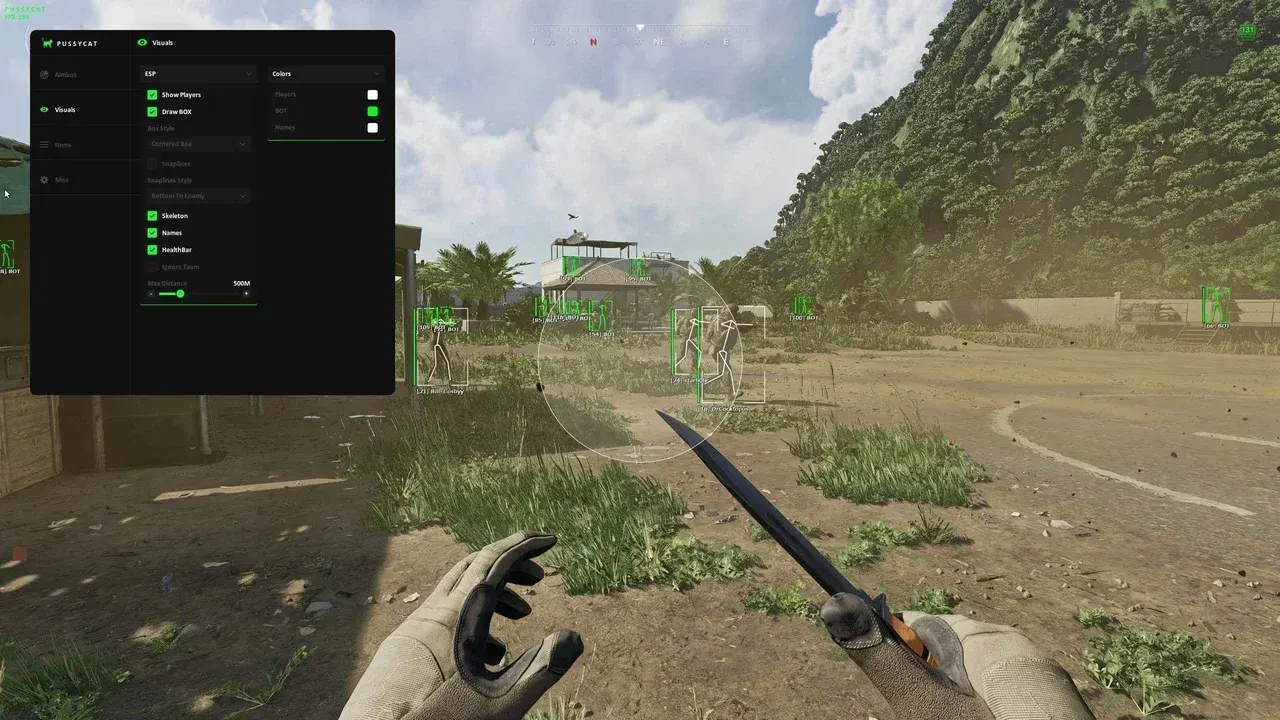
Purchase
Pussycat for Gray Zone Warfare: system requirements
About Pussycat for Gray Zone Warfare
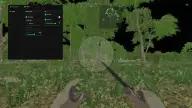
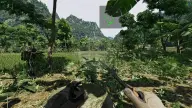
For Gray Zone Warfare, Pussycat combines an aimbot, player visuals, container highlighting and a set of helper features. Aiming at real players and at bots is toggled separately, so it's easy to tune for PvP or for clearing locations.
For the aim, you choose the bone, key, FOV radius and range, and the zone circle can be drawn as an outline or filled. ESP displays boxes in several styles, skeleton, lines to enemies, nicknames and health bars, and can hide teammates. Containers are highlighted with distance. Other features include a radar, custom crosshair, shadow removal, speedhack with adjustable speed, font size, configs and a menu key.
Requirements: Windows 10 Pro or Windows 11 Pro, an Intel or AMD processor, and the game in windowed mode. There is no built-in spoofer, but the menu and visuals do not appear in OBS recordings.
Features of Pussycat for Gray Zone Warfare
- aims at real players.
- a separate toggle for aiming at bots.
- aiming activates on the key you choose.
- the body part the aimbot aims at.
- the size of the area around the crosshair where the aim picks up a target.
- shows the aim zone circle on screen.
- fills the aim zone with a semi-transparent color.
- the distance limit within which aiming works.
- shows enemies on screen.
- a box around the player, with a changeable box style.
- bone lines over the model.
- lines from the edge of the screen to enemies, with several styles to choose from.
- hides allies from ESP.
- a nickname above each player.
- shows how much health an enemy has.
- distance limit for visuals.
- highlights loot containers.
- the distance to each marked container.
- a minimap with enemy positions.
- a custom crosshair in the center of the screen.
- removes shadows on the map.
- speeds up character movement; the speed is set with a slider.
- separately for enemy and item labels.
- saving and loading settings.
- a custom key to open the menu.