Authority cheat for Escape from Tarkov: Arena on Windows
Undetected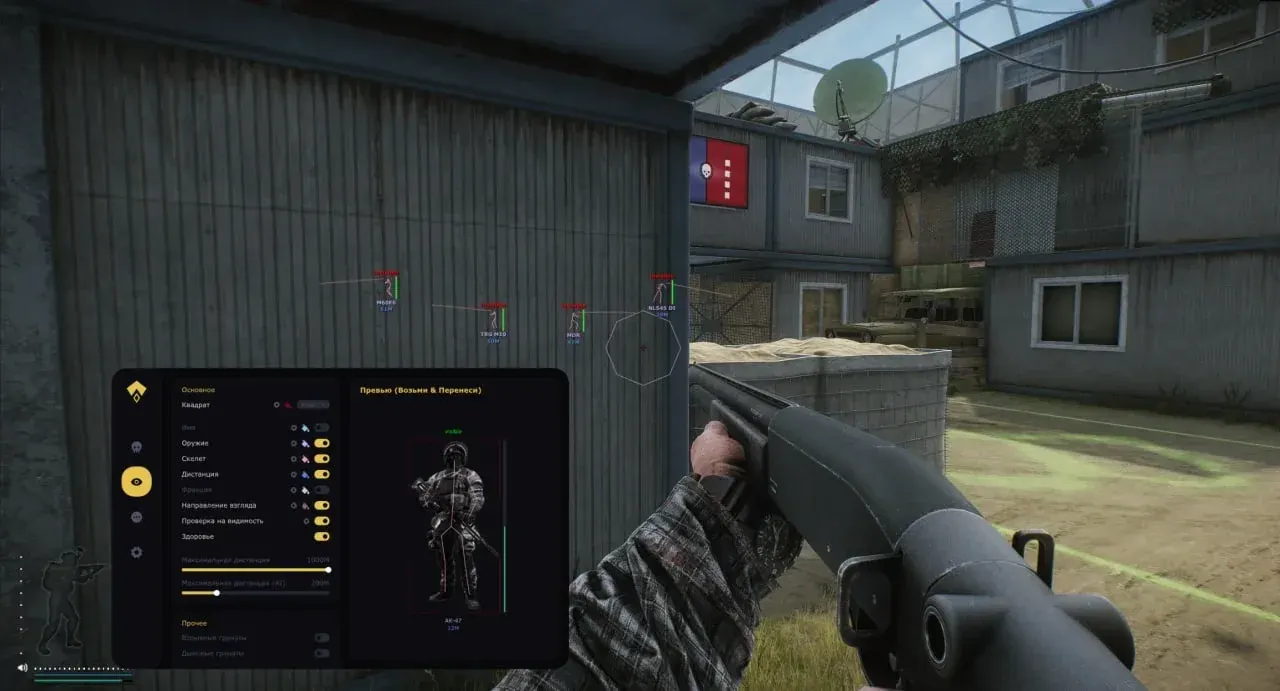
Purchase
Setup instructions
Authority for Escape from Tarkov: Arena: system requirements
About Authority for Escape from Tarkov: Arena
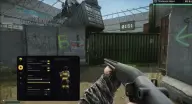
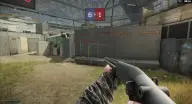
Authority for Escape from Tarkov: Arena combines an aimbot, detailed ESP and weapon and character tweaks: it's a full-fledged private cheat, not just visuals. The aim works in vector or silent mode; you can set FOV, smoothing and visibility check, and the FOV circle, a line to the target and the selected bone are shown on screen.
ESP draws 3D or corner boxes and skeletons and shows the opponent's nickname, distance, weapon and ammo; range and colors are adjustable. Other features include no recoil, no sway and no inertia, instant aiming, fast magazine reloading, infinite stamina and oxygen, high jump, thermal vision and zoom.
Requires Windows 10 (2004–22H2) or 11 (22H2–23H2), an Intel or AMD processor, and windowed or borderless mode. The game is protected by BattlEye, and the built-in HWID spoofer guards against hardware (HWID) bans; there is no OBS/recording bypass.
Features of Authority for Escape from Tarkov: Arena
- moves the camera onto the selected target, taking smoothing and FOV into account.
- silent aim mode: hits on the target without snapping the camera.
- the radius of the area where the aimbot looks for an enemy.
- the speed at which the aim moves onto the target.
- the aim only triggers on enemies not hidden behind cover.
- a circle showing the aim area on screen.
- your own crosshair instead of the default one.
- a separate bullet count setting in the aimbot menu.
- shows the point on the model that the aim is targeting.
- a line from the crosshair to the selected enemy.
- custom colors for all ESP elements.
- preview the ESP look right in the menu.
- a 3D box or corners around the player.
- shows whether the enemy is in direct line of sight.
- the opponent's nickname and distance to them.
- what the enemy is armed with and how much ammo they have.
- bone lines of the player model.
- the maximum ESP render distance.
- the weapon doesn't drift off target when shooting.
- removes weapon sway in your hands.
- your character moves and turns without inertia.
- the weapon fires without misfires.
- aim down sights with no delay.
- magazines reload faster than usual.
- stamina doesn't drain.
- your breath never runs out.
- removes the helmet visor darkening from the screen.
- your character jumps higher than usual.
- thermal imaging view mode.
- zooms the image in.
- the camera's field of view can be made wider or narrower.
- saving and loading settings.
- adjusts the size of ESP labels.
- spoofs hardware identifiers to protect against hardware (HWID) bans.