Ignite cheat for Battlefield 6 on Windows
Undetected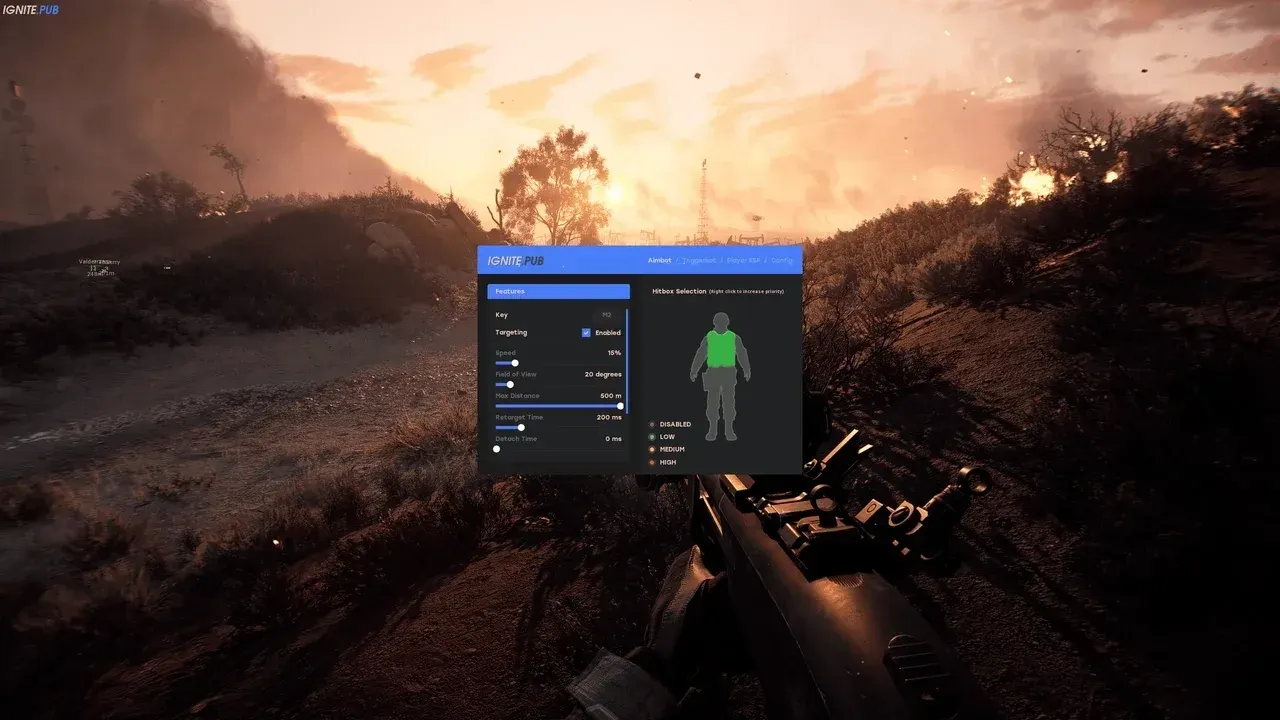
Purchase
Ignite for Battlefield 6: system requirements
About Ignite for Battlefield 6
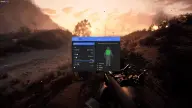
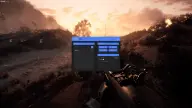
In Ignite for Battlefield 6, almost every aimbot, triggerbot and ESP parameter can be adjusted manually. For the aim you set the speed, a capture angle of up to 180°, a range of up to 500 m, and target switch and release delays, and it can skip teammates and enemies behind cover. The triggerbot pulls the trigger by itself when the crosshair is on the selected body part and can expand the hitbox.
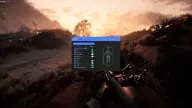
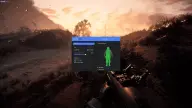
ESP separates enemies, teammates and bots: boxes, a head dot, skeleton, view direction, arrows to off-screen targets, distance, name and a visibility indicator. Any element can be dragged around the screen, and settings are stored in named configs.
Requires the Steam version of the game, Windows 10 x64 or 11, and windowed or windowed fullscreen mode. Intel and AMD are supported, but the cheat may not work on AMD FX and Xeon; there is no spoofer.
Features of Ignite for Battlefield 6
- automatic aiming with a separate toggle in the menu.
- aim adjustment speed, set as a percentage.
- the aimbot's target capture angle, from 0 to 180°.
- aimbot range of up to 500 m.
- delay before switching targets, up to 1000 ms, available for both the aimbot and the triggerbot.
- the time after which the aim releases the target, up to 1000 ms.
- the aimbot and triggerbot ignore teammates.
- skips enemies that are hidden behind cover.
- an on-screen FOV circle with adjustable color.
- choose body parts for the aim and, separately, for the triggerbot to fire on.
- fires automatically when the crosshair is on a target.
- hitbox expansion for the triggerbot, set as a percentage.
- separate ESP for enemies, teammates and bots.
- ESP render distance of up to 500 m.
- boxes around players with color selection.
- a marker on the player's head with color selection.
- a line showing where the player is looking.
- the player's skeleton with color selection.
- arrows pointing to targets that are off-screen.
- distance to the player, with an adjustable label position.
- the player's name, with an adjustable label position.
- a target visibility indicator; works when occlusion is enabled.
- any ESP element can be dragged to the desired spot on the screen.
- create, save, load, delete and reset named configs.
- overlay refresh rate from 30 to 500 FPS.