Mason BF2042 cheat for Battlefield 6 on Windows
Updating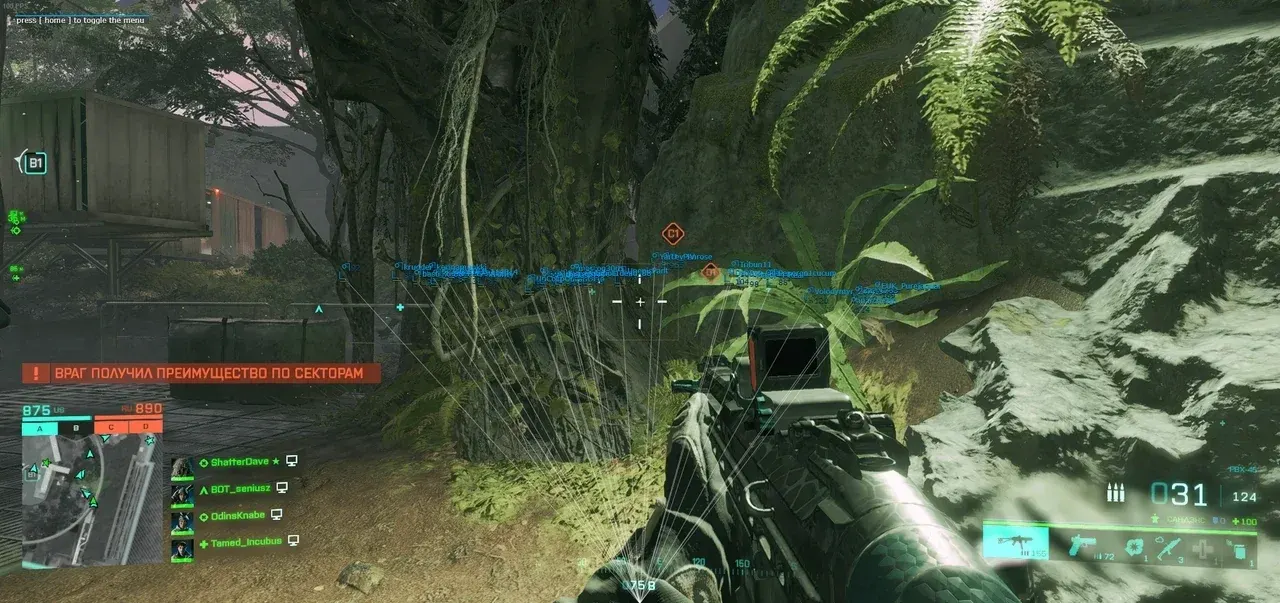
MASON BF2042 is being updated: the developer is releasing a new version. Sales resume as soon as it is out.
Ask about timingMason BF2042 for Battlefield 6: system requirements
About Mason BF2042 for Battlefield 6
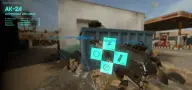
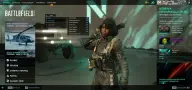
The private cheat Mason BF2042 is made for Battlefield 2042, the previous installment in the series, not for Battlefield 6. The build is designed for the Steam version of the game, and the menu is split into aiming, visuals, configuration and interface.
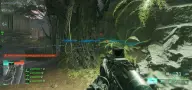
The aimbot works while the chosen key is held: smoothing, radius and accuracy are adjustable, and after a kill the aim moves to the next target on its own. The visuals draw 2D boxes, lines to players, a health bar, nickname and distance, show vehicles separately and can hide your own team. A crosshair and FOV circle are shown on screen, and settings are copied to and loaded from the clipboard.
Supported systems are Windows 10 and 11 in x64 editions, builds 2004 to 23H2; the CPU can be Intel or AMD, and you can pick any window mode. Nothing the cheat draws shows up in OBS recordings or in screenshots; the game's anti-cheat is Easy Anti-Cheat.
Features of Mason BF2042 for Battlefield 6
- turns the aimbot on with a separate toggle.
- the aim works while the assigned key is held.
- aim smoothing so the crosshair does not jerk.
- the radius within which the aimbot picks up a target.
- aimbot aiming accuracy.
- after a kill, the aim switches to the next target on its own.
- a 2D box around players.
- lines from the screen to each player.
- enemy health bars.
- the ESP labels every player with their nickname.
- distance to enemies.
- shows vehicles on the battlefield.
- hides your own team from the visuals.
- a mode that saves CPU resources.
- saves settings to the clipboard and loads them from there.
- draws a crosshair in the middle of the screen.
- the FOV circle within which the aimbot activates.