FAQ
FAQ: installing and launching cheats
1 min read
Contents6 sections
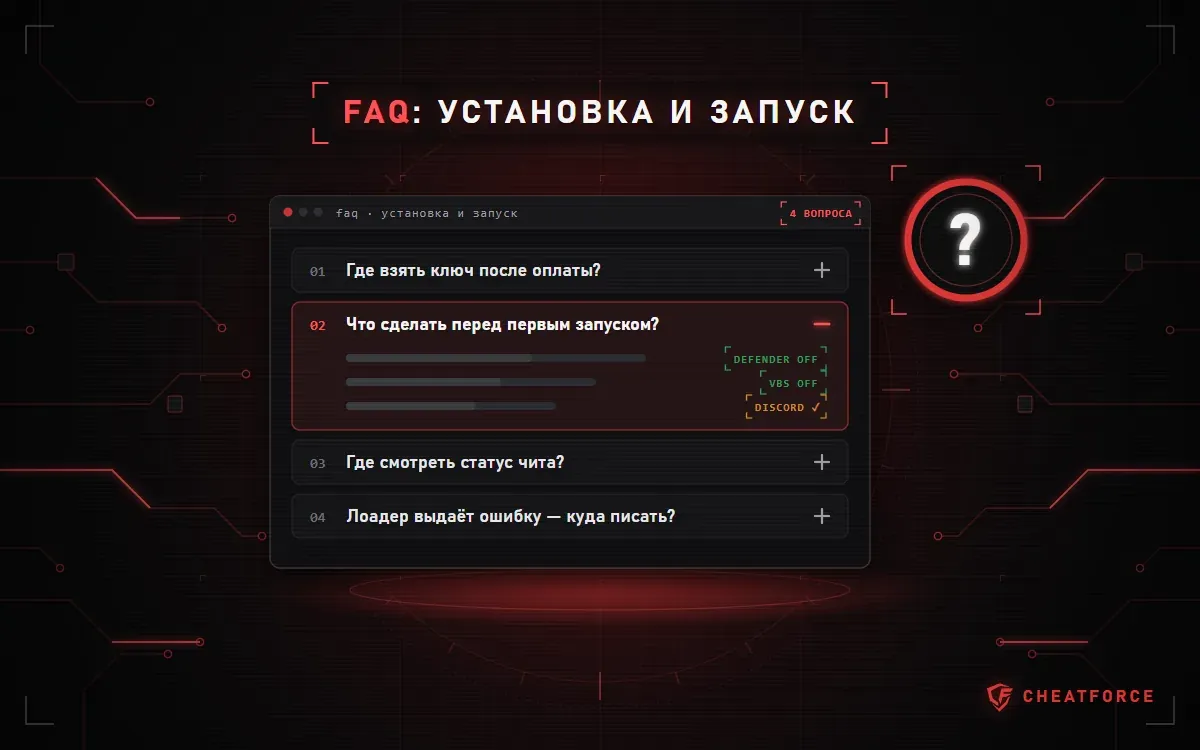
Where do I get my key after payment?
The key is sent to the email you entered at checkout and stays in your account under purchase history. If there is no email, check your "Spam" folder.
What should I do before the first launch?
- Turn off Windows Defender and uninstall any third-party antivirus — they block loaders.
- Install DirectX and all Visual C++ packages: the links are on the "Known issues" page.
- Check the requirements on the product page: Windows version, window mode, and whether virtualization and Secure Boot are needed.
How do I check if a cheat is working?
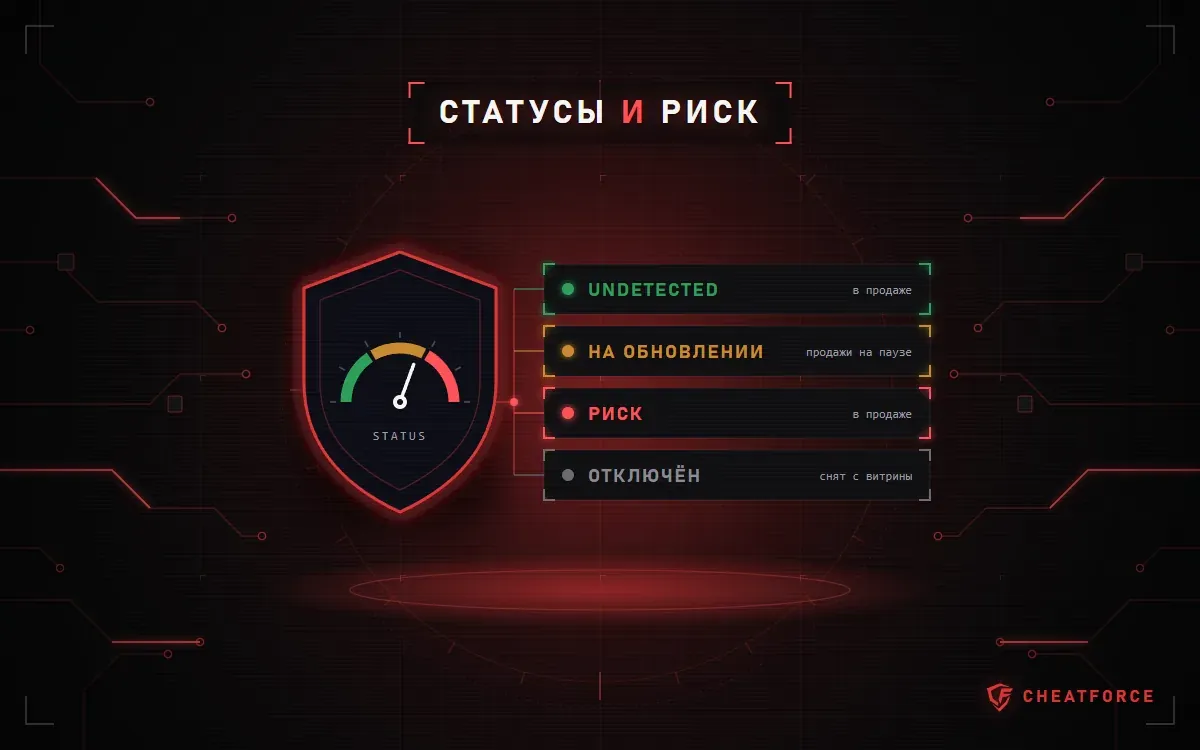
Every product page shows a status: Undetected, "Being updated" or "Risk". We post update news in our Telegram channel and on our Discord server.
Can I avoid getting banned?
No one can completely rule out a ban. Play on an alt account and don't launch a product with the "Being updated" status.
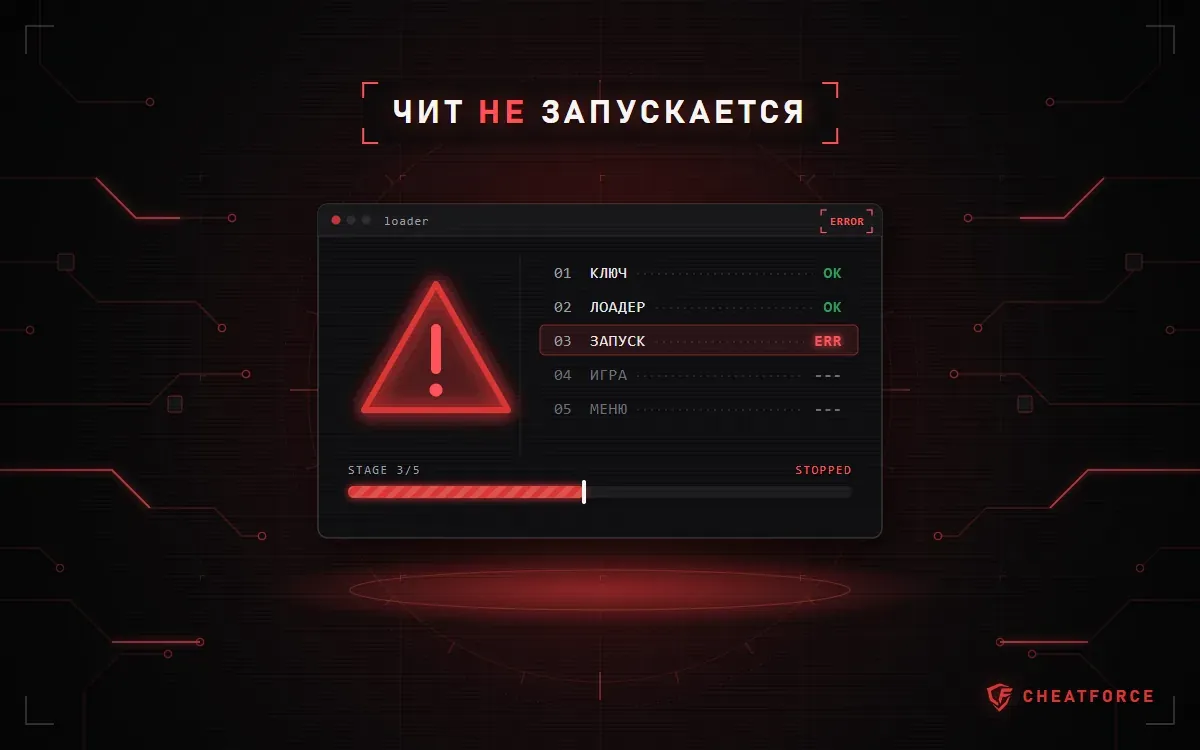
The loader shows an error
Common error codes and how to fix them are on the "Known issues" page. If yours isn't listed, run System Checker and send the report to support along with your order number and a screenshot of the error.
Who do I contact?
Our Telegram support bot. We help with installation and setup for free.