Cheat statuses and ban risk: how to read them
Contents6 sections
The status on a product page is the store's note on the product's current state: whether you can buy it and whether there are any caveats. A status is not protection from a ban: no label, including Undetected, rules out a ban.
Below: the four CheatForce statuses and what the product page looks like with each, the difference between an account ban and an HWID ban, what the store's documents say, and what to do if the game reports a ban.
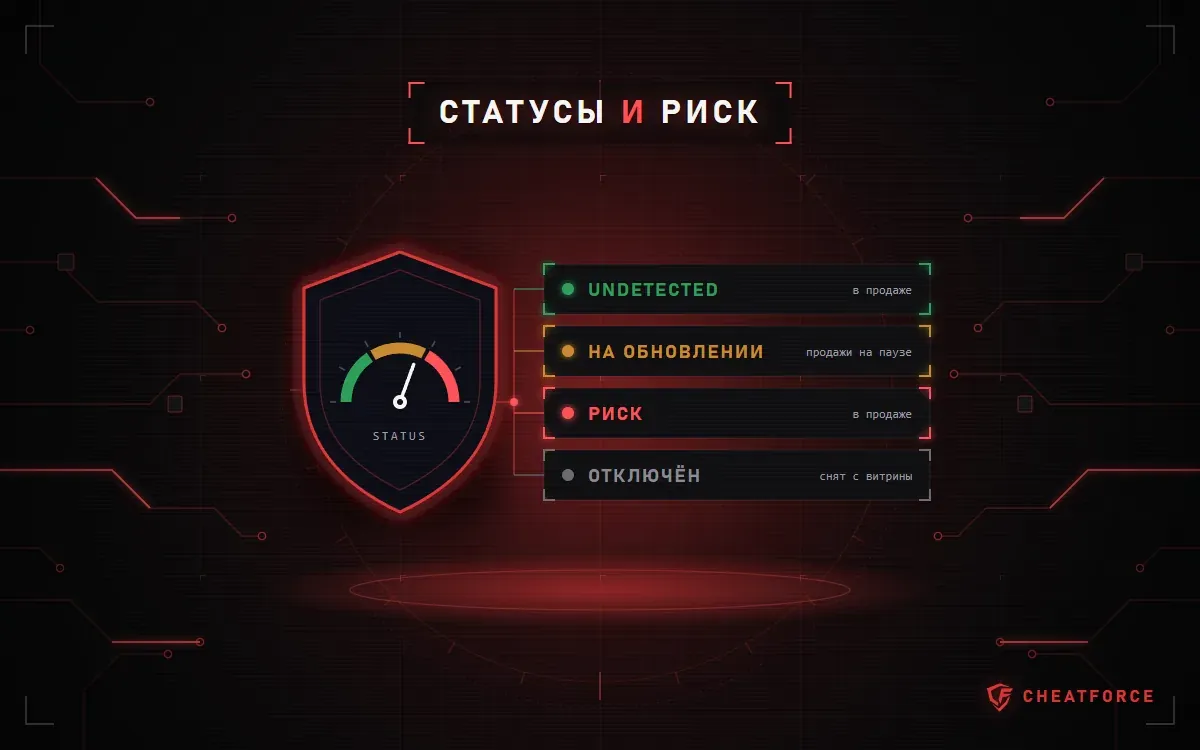
The four statuses at CheatForce
The status label appears on the product page next to the product name and on the product tiles on the game page. Start with the game catalog: open your game and compare the labels before choosing a plan.
| Status | Can you buy it | What it means |
|---|---|---|
| Undetected | Yes | The product works, according to the store |
| "Being updated" | No | Sales are paused until a new version |
| "Risk" | Yes | On sale, but the label is a warning |
| "Disabled" | No | Removed from sale and hidden from the catalog |
Undetected
According to the store's latest information, the product works and is on sale. Example: the Mason Full for Rust product page — the Undetected label next to the name, with the plans and the "Buy" button below.
"Being updated"
A product page with this status has no plans. In their place is a "Sales are paused" block with an explanation: the developer is releasing a new version, and sales will resume once it's out. There's also an "Ask about timing" link that leads to the Telegram support bot.
If you bought a key earlier, don't launch the product until the label changes. The FAQ on installing and launching cheats gives the same advice.
"Risk"
The product is on sale: the plans and the "Buy" button are in place. But the label itself is a warning, and the site doesn't explain what exactly is behind it for a given product. Ask support what the status is about before you pay, not after.
"Disabled"
The product has been removed from sale: it's not in the catalog or on game pages, and its product page doesn't open. If an old link to a cheat no longer works, check with support what's currently available for your game.
What a status doesn't promise
The label shows the latest state of the product the store knows about and predicts nothing. After a game patch, any product can stop working before the label changes.
The practical takeaways:
- Check the status before every launch, not just on the day you buy. The store posts update news in its Telegram channel and on its Discord server.
- The time it takes to adapt a product to a new game version is not guaranteed — that's stated in the support section of the terms of sale.
- If a product stops working because of a game update, under the terms of sale that's not grounds for a refund. When refunds are issued is described on the warranty and refunds page.
A status tells you about the product, not about your computer. If the loader shows an error while the status is Undetected, the problem is in your system. Loader error codes are collected on the "Known issues" page, and a step-by-step check is in the guide for when a cheat won't launch.
Important. No status means protection from a ban. The store's FAQ says it plainly: "No one can completely rule out a ban."
Hardware ban vs account ban: what's the difference?
An account ban restricts the account: the game stops letting that specific account in. A hardware ban (HWID ban) is tied to the computer: the anti-cheat remembers the hardware identifiers, and the restriction applies to the machine, not to a single profile.
From the outside, both cases often look the same: the game closes when you log in or won't let you into a match. The same thing can happen without any ban at all, for example when the loader fails. The difference shows only in the wording of the notice from the game or anti-cheat, so take a screenshot of it right away.
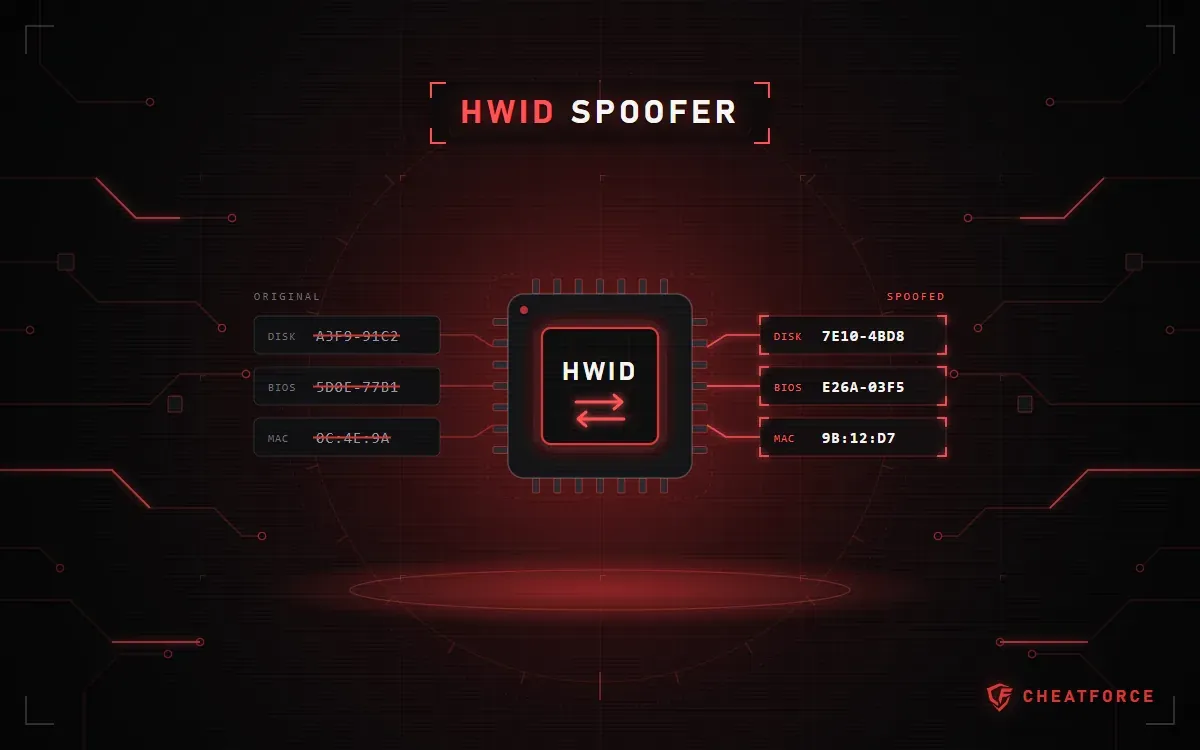
An HWID spoofer deals only with the hardware side. According to the spoofer product pages, it changes the identifiers the anti-cheat uses to recognize the machine. A spoofer won't unban an account that has already been banned. We've covered what an HWID spoofer is and what it doesn't do separately.
Why labels give no guarantee
Words in descriptions that sound like protection don't change the main point: the decision to ban is made by the game and its anti-cheat, not by the seller or the cheat developer.
- "Private" tells you how the cheat is distributed, not whether the anti-cheat can see it. Read more about what a "private" cheat means.
- The cheat type affects how it works and what it requires from your system, but doesn't make the product invisible. See the comparison in the article external, internal and web radar: what's the difference.
- A built-in spoofer is a separate line in the "System requirements" section. For example, Authority Lite for Escape from Tarkov has "Present" there, and the requirements list the BattlEye anti-cheat. That doesn't cancel the ban risk.
- Price and a long plan determine the term of access on your key, not the level of protection.
This is set out in the store's documents. The terms of use state that cheats violate the rules of most online games and can lead to an account ban. Under the terms of sale, by paying, the buyer confirms they understand this risk and accept it, and the seller doesn't guarantee that using the program won't lead to a ban.
What actually depends on you
There are no guarantees, but some decisions are yours. Here's what the store itself advises and what follows from its rules:
- An alt account. That's the store FAQ's advice: don't run a cheat on a main profile you care about.
- A pause during "Being updated". Even if your plan is still active, wait for the label to change.
- Checking the product page. Before launching, check the status and the "System requirements" section. The additional requirements often name the game's anti-cheat — for Mason Full for Rust it's Easy Anti-Cheat. If anything on the page doesn't match your situation, ask support first.
- The right instructions. Launch the product using the "Instructions" button on its own page, not a guide for a different cheat.
- The key is for you only. The terms of use prohibit passing the key to third parties.
Other people's "recipes" from chats and videos guarantee nothing either. Even if a trick worked for someone, that says nothing about how the anti-cheat will treat your account.
If you get a ban notice
- Take a screenshot of the notice and write down the date, time, product name and the label its product page showed.
- Don't launch that product again until the situation is clear.
- Contact the store's support: your order number, the product and the text of the notice. The main channel is the Telegram bot; there's also Discord and email at support1@cheatforce.ru.
- Only the game's own support can lift a ban: the store doesn't restore game accounts.
Note. Under the terms of sale, a ban for using the program is not grounds for a refund, and the value of banned accounts and in-game property is not refunded.