Web radar in games: what it is and how it works
Contents6 sections
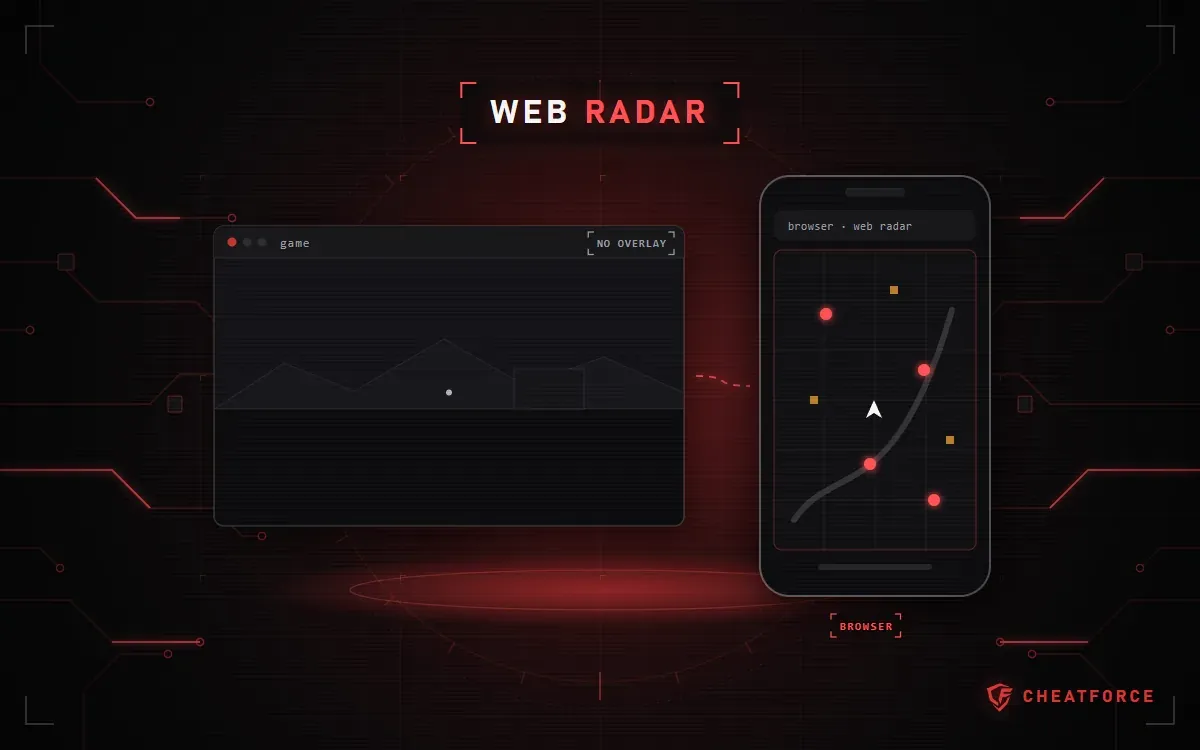
A web radar is a cheat that puts the state of a match or raid onto a map in a browser: on a second monitor, phone or tablet. It draws nothing over the game itself — only the loader or data collector runs on the gaming computer.
Let's look at how a web radar works, what it shows, how it differs from a wallhack, and which radars are in the CheatForce catalog.
How does a web radar work?
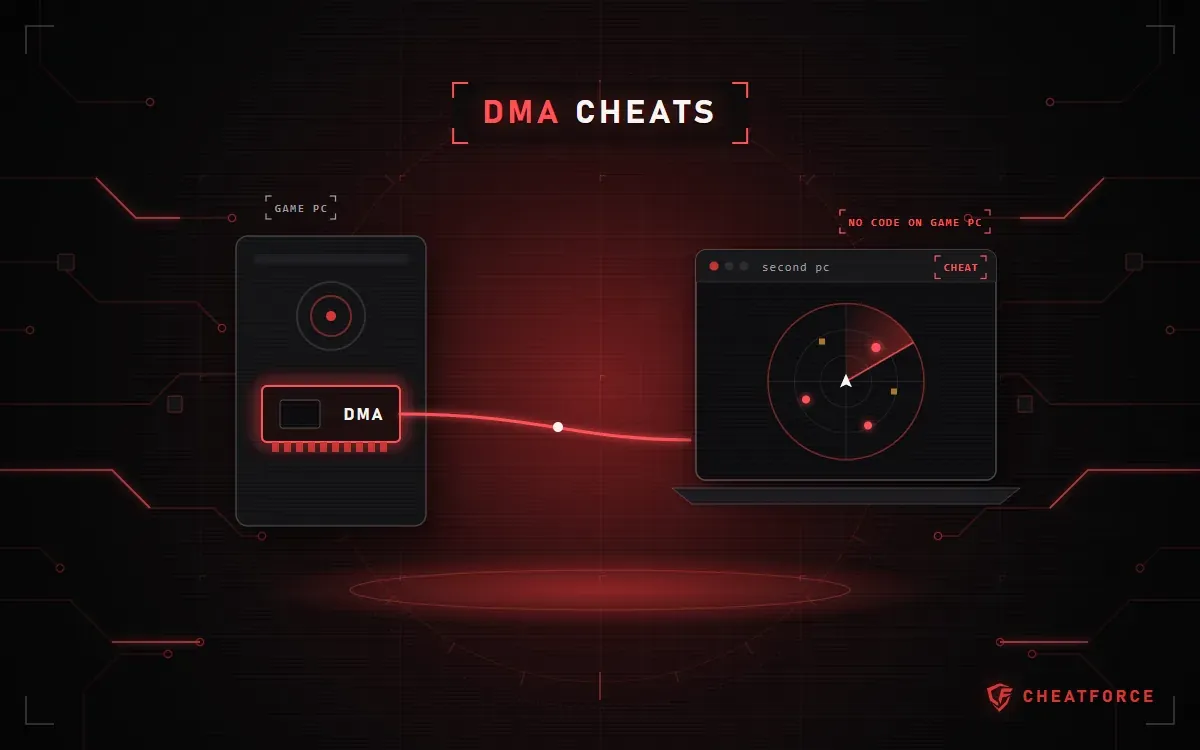
A loader runs on the gaming PC: it collects data on the positions of players, bots and items. You open the map in a browser on any device, and it updates in real time. Clutch Radar DMA for Tarkov works differently: a DMA card reads the data, and the radar runs on a second computer — more in the article on DMA cheats.
What does the radar show?
It depends on the game and the product. For example:
- Lovec Radar for Escape from Tarkov — PMCs, Scavs, bosses and Raiders, loot with a price filter, quest items and extracts; High Alert flags the moment an enemy is looking at you.
- Tundra WEB Radar for Arena Breakout: Infinite — players with their armor and weapons, bots and bosses, loot with prices, grenades, mines and extracts.
- Tundra WEB Radar for PUBG: Battlegrounds — vehicles with durability and fuel level, crates and AirDrops with their contents, players with their gear.
- Tundra WEB Radar for DayZ — loot by category, players and POIs on the Chernarus+, Livonia, Sakhal and Namalsk maps.
- CourierScript Radar for Rust — active and sleeping players with their names and distance.
Web radar vs wallhack: what's the difference?
A wallhack (ESP) draws markers over the game image — on enemies in your field of view, including behind walls. A web radar shows the whole location from above on a separate screen and changes nothing in the game itself. That's why players keep the radar on a phone or second monitor and play without extra markers on screen. Read more about features in the article on ESP, aimbot and triggerbot.
Can you stream with a web radar?
The map opens on another device or monitor, so it doesn't get into the game window capture. Lovec Radar says so directly: on a separate screen, the map won't end up in your stream capture. Just don't put the map on a monitor that's being streamed.
How to share the radar with a teammate
Lovec Radar opens the same map for a teammate via a session link, and access to CourierScript Radar can be shared with a friend without a complicated setup. For other radars, see the description on the product page.
Other common questions about web radars
Do I need a second computer?
Not for most radars: a phone, tablet or second monitor with a browser is enough. Only Clutch Radar DMA needs a second PC, because it works through a DMA card.
Does a web radar work on a phone?
Yes. Lovec Radar, Tundra WEB Radar and CourierScript Radar open in a smartphone or tablet browser, so the map is always in front of you while your game screen stays clean.
How is a web radar different from a radar in a separate window?
A radar window opens on the same computer as the game. A web radar can be moved to any device with a browser. NNCheats Radar for Tarkov can do both: a radar in a separate window and a web radar.
All web radars are collected on the Web radars page.