
Shadow cheat for CounterFlame on Android
Undetected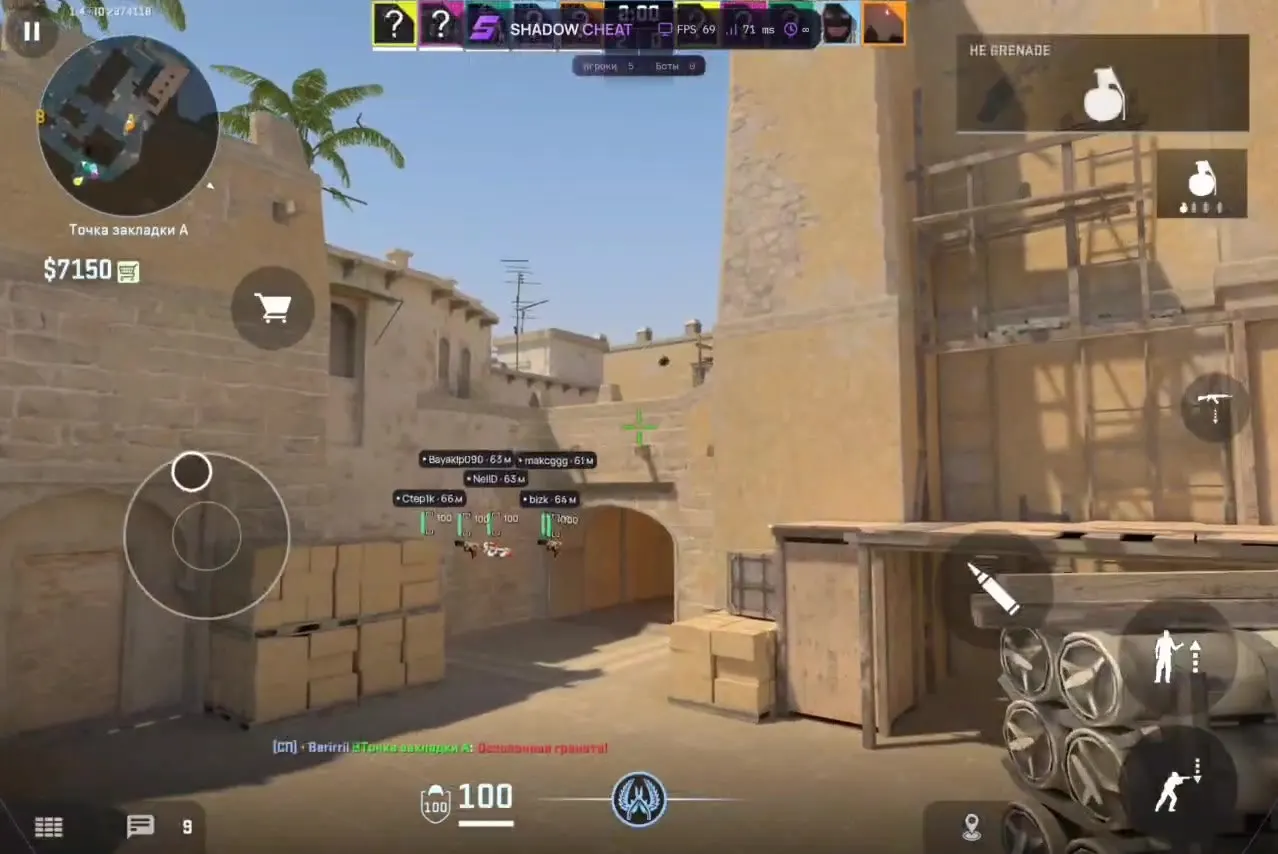
 Video
Get access
Shadow for CounterFlame: system requirements
About Shadow for CounterFlame
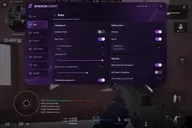
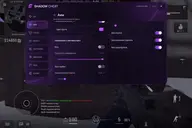
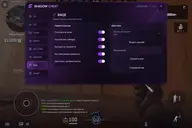
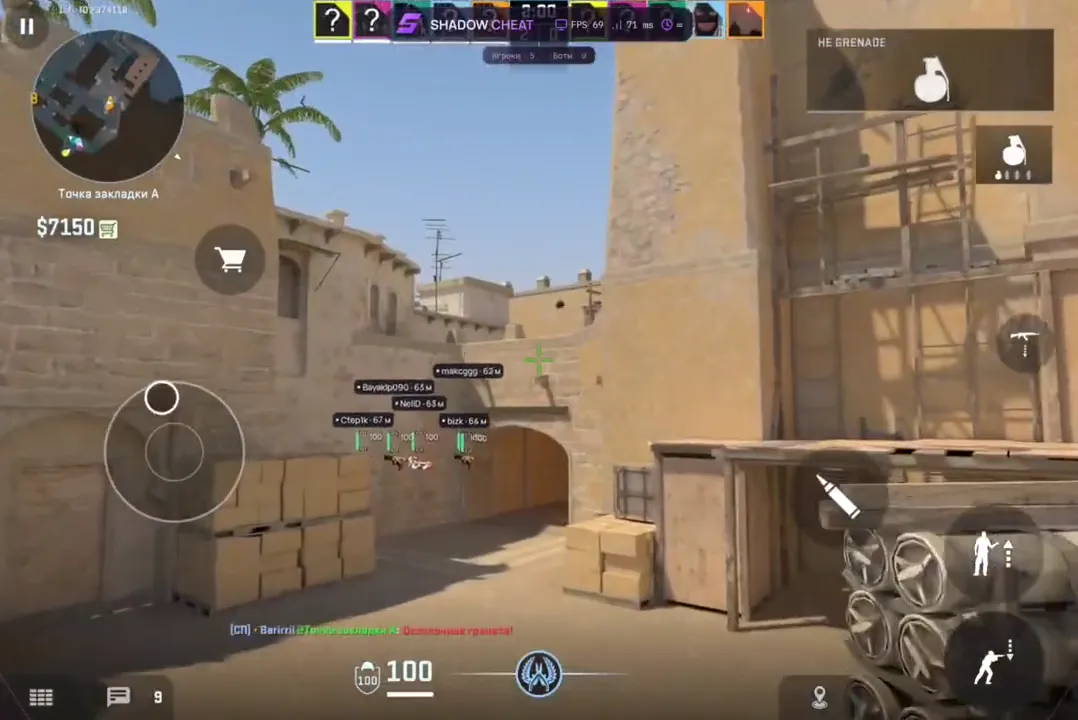
SHADOW is a CounterFlame cheat for Android with a Russian-language menu. The menu has eight sections: ESP, Aim, Skins, Visuals, Settings, Movement, Rage and Config. The wallhack shows players and bots through walls with name, distance, health and weapon, and chams highlight the models.
An aimbot with an FOV circle and a visibility check, Silent Aim and a triggerbot. For weapons there is no recoil, infinite ammo and grenades, fast shots and fast throws. The Rage section has a spinner with auto fire, spawning the chosen weapon, buying outside the zone and with no timer, fast C4 planting and fast defusing.
SHADOW also has a skin changer, bhop and strafing, night mode, anti-flash and anti-smoke, shot tracers, and hit and kill sounds. Settings are saved to a config.
Features of Shadow for CounterFlame
- Players and bots through walls: name, distance up to 300 m, health and weapon icon. Corner boxes, separate colours for players and bots, an enemies-only mode.
- Models are highlighted in the chosen colour, model opacity is adjustable.
- Aiming at players and bots: FOV circle and size, hit point, aim distance and speed, visibility check, nearest-target priority.
- A separate Silent Aim switch in the Aim section.
- Fires when the crosshair is on a target, with an adjustable shot delay.
- Shooting with no recoil.
- The magazine never runs out.
- The interval between shots is set in the menu.
- Grenades never run out, with a fast throw.
- A spinner with auto fire in the Rage section.
- Weapon skins in the Skins section.
- The chosen weapon, for example the AWP, is spawned with the Give weapon button.
- Buying works anywhere on the map.
- Buy time is not limited.
- Fast C4 planting and fast defusing in the Rage section.
- Bhop and strafing in the Movement section.
- Night mode for the map.
- Flashbangs and smoke do not block your view.
- Lines that trace your shots.
- A sound on a hit and on a kill.
- Settings are saved and loaded in the Config section.