Deadlock
Focus cheat for Deadlock on Windows
Undetected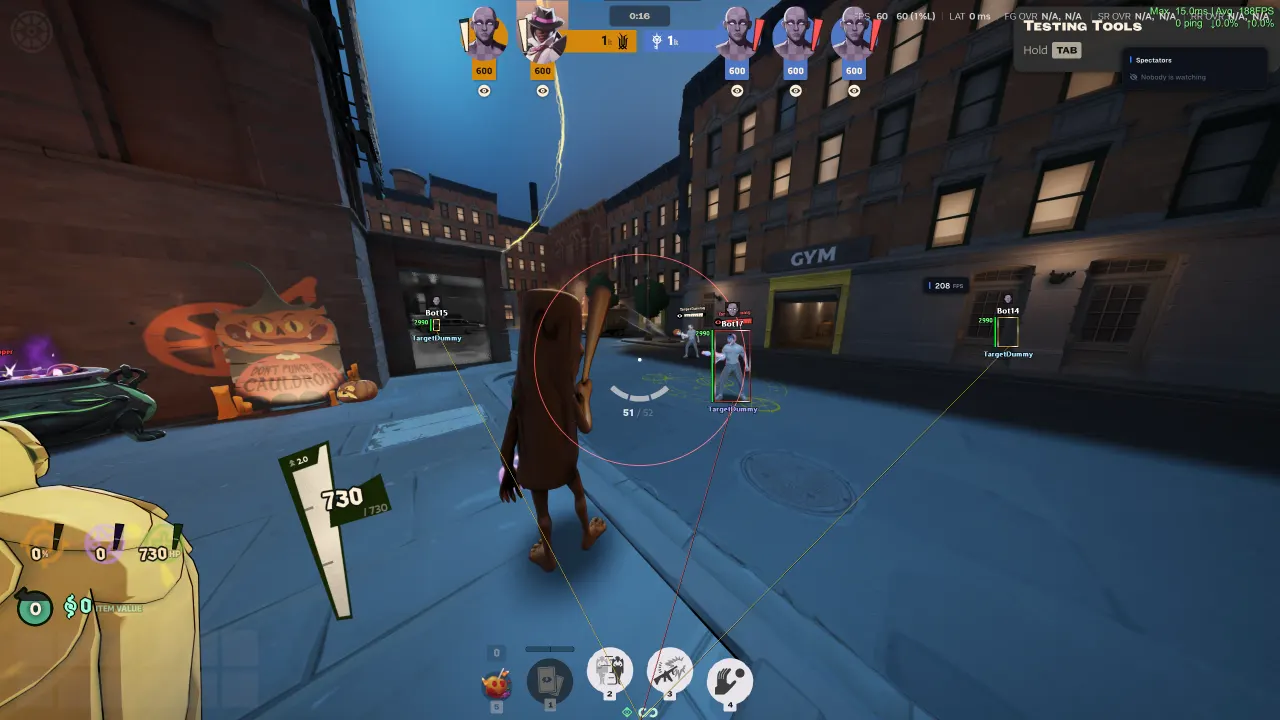
01 / 10
Purchase
Setup instructions
Focus for Deadlock: system requirements
Processors
Intel and AMD
Game client
Deadlock (Steam)
Systems
Windows 10, Windows 11
Additional requirements
Menu key: Home
About Focus for Deadlock
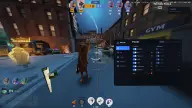
FOCUS for Deadlock: Aimbot and pSilent, player and object ESP, radar and HUD, movement automation and graphics settings.
ESP shows enemies and teammates, lane troopers, neutral camps, bosses and buildings, shops, crates and fridges. There are auto parry, auto dash jump and wall jump, bunny hop and hero model replacement. The menu opens with the Home key.
Works on Windows 10 and 11 (x64).
Features of Focus for Deadlock
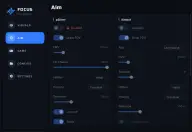
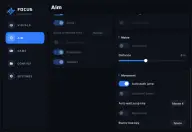
Aimbot
- Activation and key, FOV circle, smoothing, hitbox, target priority, distance, targets behind walls
pSilent
- Enable, FOV circle, hit chance, hitbox, target priority, distance and target lock, souls, targets behind walls, prediction, abilities
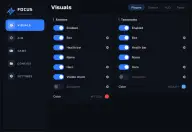
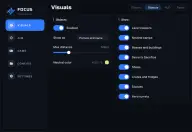
Visuals · Enemies
- Enemy ESP, boxes, box animation, health, player name and hero, visibility check, snaplines, color
Visuals · Teammates
- Teammate ESP, boxes, health, player name and hero, snaplines, color
Visuals · Objects
- Marker style, distance and color, lane troopers, neutral camps, bosses and buildings, Sinner’s Sacrifice, shops, crates and fridges, statues, hero turrets
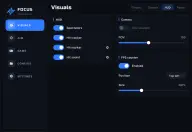
Visuals · HUD
- Spectators, hit tracker, hit marker, hit sounds, camera FOV, FPS counter
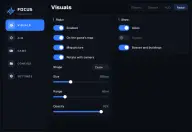
Visuals · Radar
- In-game map, shape and rotation, size and range, opacity, display filters, position
Melee and movement
- Auto parry, auto dash jump, auto wall jump, bunny hop
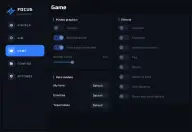
Game · Graphics
- Potato graphics, textures and color, render scale, effects, applying textures
Game · Hero models
- Model replacement, independent selection, applying changes
Menu settings
- Menu key, scale, accent color, reset
Configs
- Config management, quick load, autosave