
Unicore cheat for Genshin Impact on Windows
Undetected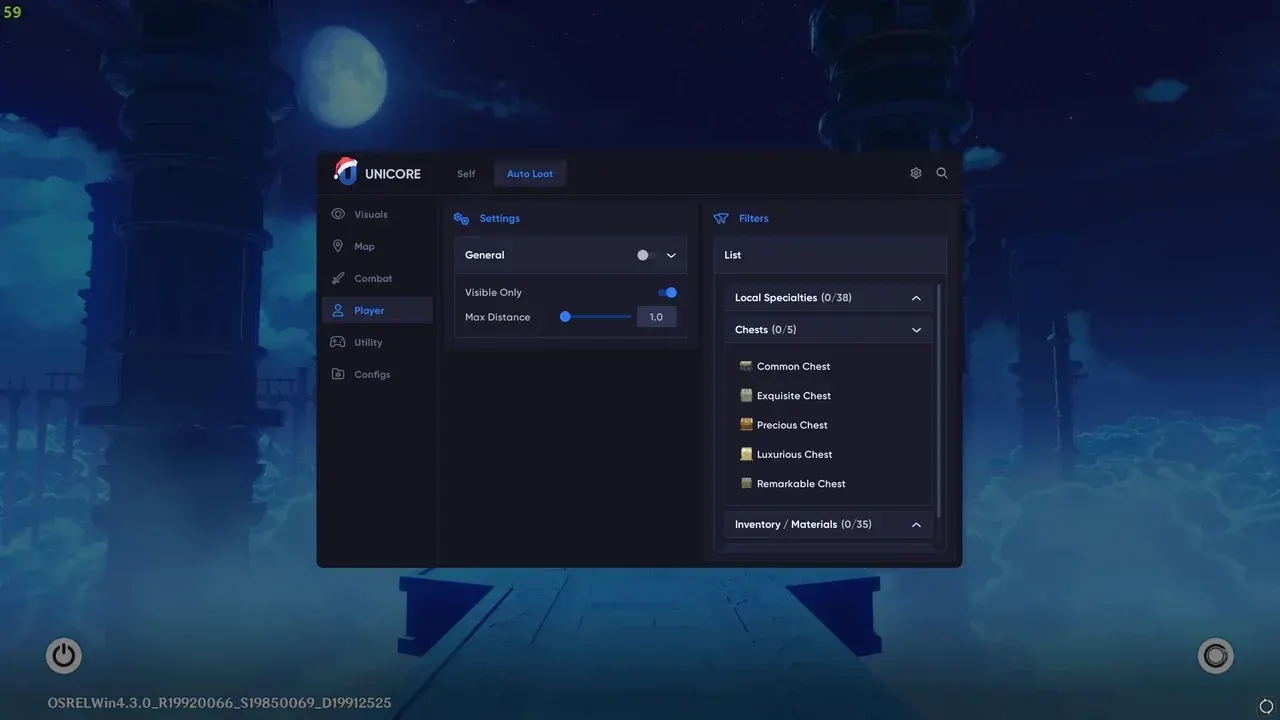
Purchase
Unicore for Genshin Impact: system requirements
About Unicore for Genshin Impact
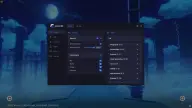
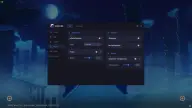
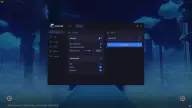
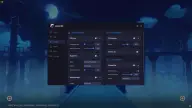
Unicore is a private internal cheat for Genshin Impact on PC: it injects into the client and takes over the routine of leveling and farming. The developer tracks patches and removes features from the build that are risky for your account.
In combat, you get god mode, fast attack and rapid fire with speed and power sliders, an infinite ultimate and no E and Q skill cooldowns. The magnet pulls mobs to your character, and freeze immobilizes them with a single key. For farming, there is loot collection within a 50 m radius, auto chest opening, dialogue and cutscene skipping, NoClip for flying through textures and customizable object highlighting, and the frame limit goes up to 240. Feature sets are saved to configs.
Requires Windows 10 (1809–22H2) or 11, Intel or AMD, any window mode. No built-in spoofer and no hiding from OBS. The developer advises against enabling infinite ultimate in the Spiral Abyss.
Features of Unicore for Genshin Impact
- customizable highlighting helps you find everything on the map that can be collected or opened.
- flying, faster movement and passing through textures.
- speeds up the attack animation; the speed can be changed with a slider at any time.
- increases fire rate and total damage; power is set with a separate slider.
- lets you use your ultimate again and again; the developer advises against enabling it in the Spiral Abyss.
- removes the cooldown of the Elemental Skill and Elemental Burst.
- your character takes no damage.
- picks up all loot within a 50-meter radius, handy for farming.
- nearby chests open automatically, without pressing any keys.
- pulls all monsters to your character with a single key press.
- skips through any dialogue so you can complete quests faster while leveling.
- stops all nearby monsters with a single key; pairs well with rapid fire.
- cutscenes are not shown while the feature is enabled.
- removes the 60 FPS cap and raises it to 240 for monitors of 144 Hz and higher.
- your own feature set is saved and loaded with one click after launch.