Doza Full cheat for Rust on Windows
Updating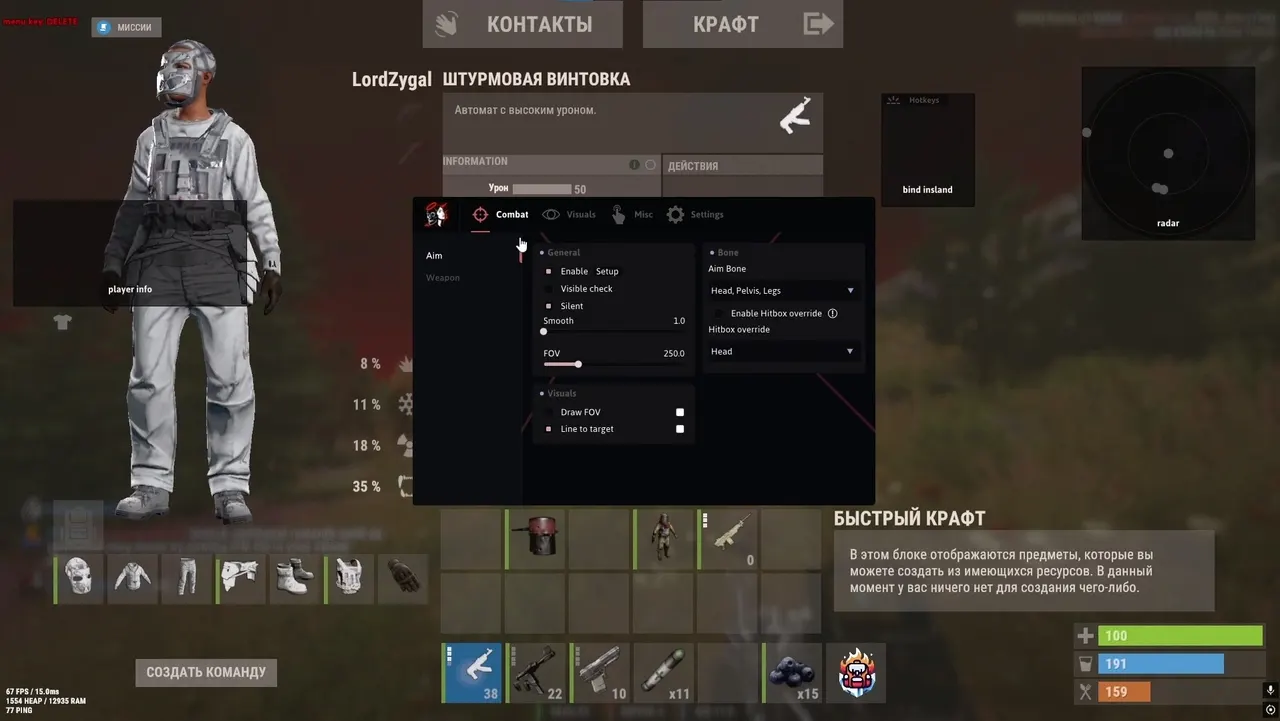
DOZA FULL is being updated: the developer is releasing a new version. Sales resume as soon as it is out.
Ask about timingDoza Full for Rust: system requirements
About Doza Full for Rust
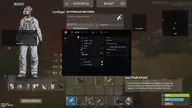
Doza Full is a cheat for Rust with an aimbot and Silent Aim. Aiming works with smoothness, a visibility check, a distance limit, FOV and a line to the target; the bone is selectable and the hit zone can be changed. The weapons section provides no recoil and no spread, fast and fat bullets, Desync, an "Always shoot" mode, and instant Eoka and bows.
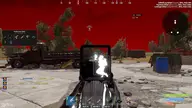
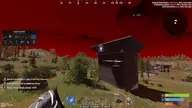
The wallhack, with a preview, shows boxes, skeletons, names, distance, the weapon in hand, team ID and Chams; teammates, sleepers and wounded players can be enabled separately. The build also includes Raid ESP, Loot ESP, a radar and Flyhack.
It requires Windows 10 or 11 x64 (2004–23H2), Intel or AMD, windowed or borderless mode, and Steam with EAC. It launches from a USB flash drive; virtualization is enabled in the BIOS and Hyper-V in Windows, Secure Boot is disabled, and the disk must be GPT only. Doza Full does not include a spoofer.
Features of Doza Full for Rust
- "Aimbot" — helps you track the selected target more precisely based on your aim settings.
- The "Enable" setting controls the matching product option.
- The "Distance limit" setting controls the matching product option.
- Adjusts aim smoothness for more natural crosshair movement.
- "Silent aimbot" — helps you track the selected target more precisely based on your aim settings.
- The "Visibility check" setting controls the matching product parameter.
- Sets the size and maximum range of the selected module's working area.
- The "Line to target" setting controls the matching product parameter.
- The "Bone selection" setting controls the matching product parameter.
- The "Hit zone change" setting controls the matching product option.
- The "Weapon" setting controls the matching product parameter.
- Reduces recoil and helps keep your weapon steadier while firing.
- Reduces shot spread within the product's available settings.
- The "Fast bullet" setting controls the matching product option.
- The "Desync" setting controls the matching product option.
- The "Fat bullet" setting controls the matching product option.
- The "Always shoot" setting controls the matching product option.
- The "Insta-Eoka" setting controls the matching product parameter.
- The "Insta-Bow" setting controls the matching product parameter.
- The "Insta-Compound" setting controls the matching product parameter.
- "Player Visuals" — shows players in ESP and helps you track their positions around your character.
- "Player ESP" — shows players in ESP and helps you track their positions around your character.
- The "Range limit" setting controls the matching product option.
- The "Preview mode" setting controls the matching product option.
- The "Boxes" setting controls the matching product parameter.
- Shows the target's skeleton so you can read its position and movement faster.
- The "Teammates" setting controls the matching product parameter.
- The "Sleepers" setting controls the matching product parameter.
- The "Wounded" setting controls the matching product option.
- Adds the "Weapon in hand" category to the loot filter, so the items you need are found faster.
- "Player names" — shows players in ESP and helps you track their positions around your character.
- The "Distance" setting controls the matching product parameter.
- The "Team ID" setting controls the matching product parameter.
- Highlights the selected models with a bright material for better visibility.
- "Players" shows players in the ESP and helps you keep track of their positions around your character.