Bleak cheat for Rust on Windows
Undetected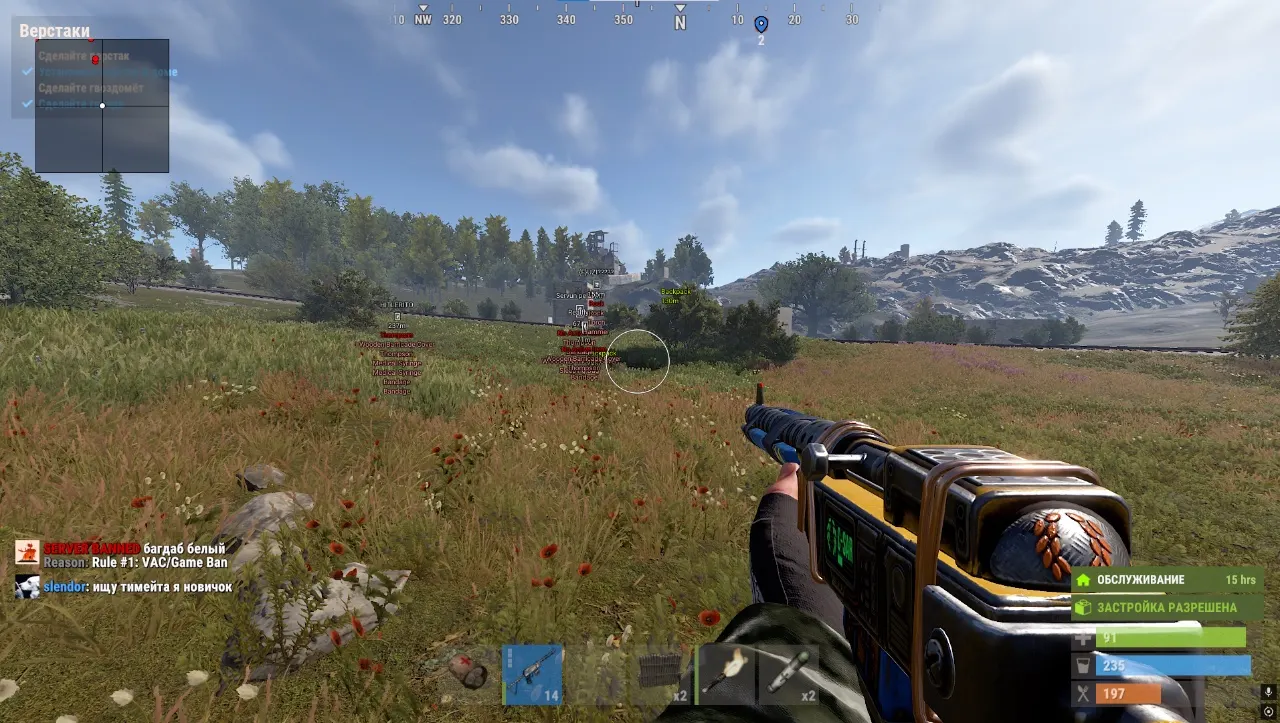
Purchase
Setup instructions
Bleak for Rust: system requirements
About Bleak for Rust
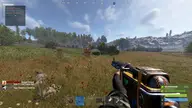
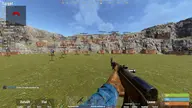
Bleak is an external cheat for Rust with an aimbot, wallhack and loot highlighting. The aim works on two keys in Vector, Mixed or Silent modes, with distance or FOV priority. The bone can be neck, body, pelvis, random or the one closest to the crosshair. There is target lock, a prediction point and three types of smoothing.
No recoil and no spread are toggled separately, recoil is adjustable on the X and Y axes, and the Eoka and bows fire instantly. The wallhack shows boxes, skeletons, nicknames, Team ID, the held item and the hotbar, and Chams fills models with one of 16 materials. Loot ESP marks resources, crates, event loot and vehicles; there is also a radar, Rapid Fire, Bullet TP and Debug Camera.
All versions of Windows 10 and 11 are supported, along with Intel and AMD, any graphics card, windowed or borderless mode, and Steam. No HWID spoofer is included, and there is no need to plug in a USB flash drive.
Features of Bleak for Rust
- turns the aimbot on or off.
- main aimbot activation key.
- secondary aimbot activation key.
- choose the target priority method (Distance or FOV).
- choose the aim type (Vector, Mixed, Silent).
- draws a line to the current target's bone.
- enable the aimbot on players.
- the aimbot targets sleeping players.
- the aimbot works on NPCs.
- forces aiming at NPC heads.
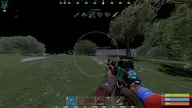
- shows the aimbot FOV circle.
- choose the body part to aim at (Neck, body, pelvis, random, closest to the crosshair).
- levels the aim horizontally.
- keeps the aimbot locked on a target until it's killed.
- shows the prediction point for the active target.
- aim activation range for bots.
- enables aim smoothing.
- aim smoothness level.
- smoothing type (Lerp, Linear, Exponential).
- reduces recoil using safe values.
- reduces spread using safe values.
- enables an aim distance limit.
- maximum aimbot range.
- remove recoil while shooting.
- vertical recoil control.
- horizontal recoil control.
- disables bullet spread.
- spread control level.
- instant Eoka shot.
- instant compound bow shot.
- instant regular bow shot.
- makes any weapon full-auto.
- speeds up weapon switching.
- increases bullet velocity.
- enable the wallhack on other players.
- enable the wallhack on NPCs (scientists, patrols, military).
- enable the wallhack on sleepers.
- applies materials to models (different highlight styles).
- box display (Solid or Corners) with color settings.
- shows the team ID.
- shows a skeleton wallhack on models.
- shows nicknames.
- shows the distance to targets with adjustable position.
- draws lines to targets.
- shows the active item in hand.
- shows the target's item list.
- shows hotbar slots (the 6 bottom slots, adjustable).
- arrows for off-screen targets with adjustable radius and color.
- pulsing arrow animation.
- arrow size and radius.
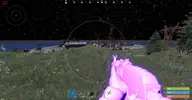
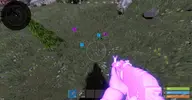
- shows players and NPCs through walls + fills models with the chosen material.
- "16 different materials are available for the model-fill wallhack" — a display setting in the "Chams Wallhack" section.
- "Pink" — a display setting in the "Chams Wallhack" section.
- "Blue" — a display setting in the "Chams Wallhack" section.
- "Glass" — a display setting in the "Chams Wallhack" section.
- "Fire 1" — a display setting in the "Chams Wallhack" section.
- "Fire 2" — a display setting in the "Chams Wallhack" section.
- "Muzzle" — a display setting in the "Chams Wallhack" section.
- "Electric" — a display setting in the "Chams Wallhack" section.
- "2 Flame" — a display setting in the "Chams Wallhack" section.
- "Red Glow" — a display setting in the "Chams Wallhack" section.
- "Yellow Glow" — a display setting in the "Chams Wallhack" section.
- "Green Glow" — a display setting in the "Chams Wallhack" section.
- "Orange Glow" — a display setting in the "Chams Wallhack" section.
- "Blue Shine" — a display setting in the "Chams Wallhack" section.
- "White Shine" — a display setting in the "Chams Wallhack" section.
- "White Textured" — a display setting in the "Chams Wallhack" section.
- "White XYZ" — a display setting in the "Chams Wallhack" section.
- turns loot display on or off.
- distant objects become more transparent in ESP.
- shows item icons for loot and weapons on the ground (adjustable).
- shows resources (Stone, Metal ore, Sulfur, Wood deposits).
- shows collectible resources (Hemp, Mushroom, Stone, Metal, Sulfur, Wood Pickup, Diesel Barrel).
- shows food (Corn, Pumpkins, Potatoes, Berries of different types).
- shows barrels (Oil, Blue, Red Barrel).
- shows crates (Wooden, Basic, Normal, Food, Tool, Medical, Fuel, Ammo, Tech, Vehicle parts, Minecart, Mine Crate).
- shows military and event objects (Military, Elite, Bradley, Heli, Locked Crate, Supply Drop, Underwater Crate).
- shows deployables (Tool Cupboard, Sleeping Bag, Bed, Vending Machine, Workbench T1-T3).
- shows vehicles (Minicopter, Scrap Helicopter, Attack Helicopter, Patrol Helicopter, Rowboat, RHIB, Tugboat, Submarines, Hot Air Balloon, DPV).
- increases the weapon's rate of fire.
- moves the bullet hit to the chosen target.
- a free camera for scouting the area and buildings.