Arcane SCUM cheat for Windows
Undetected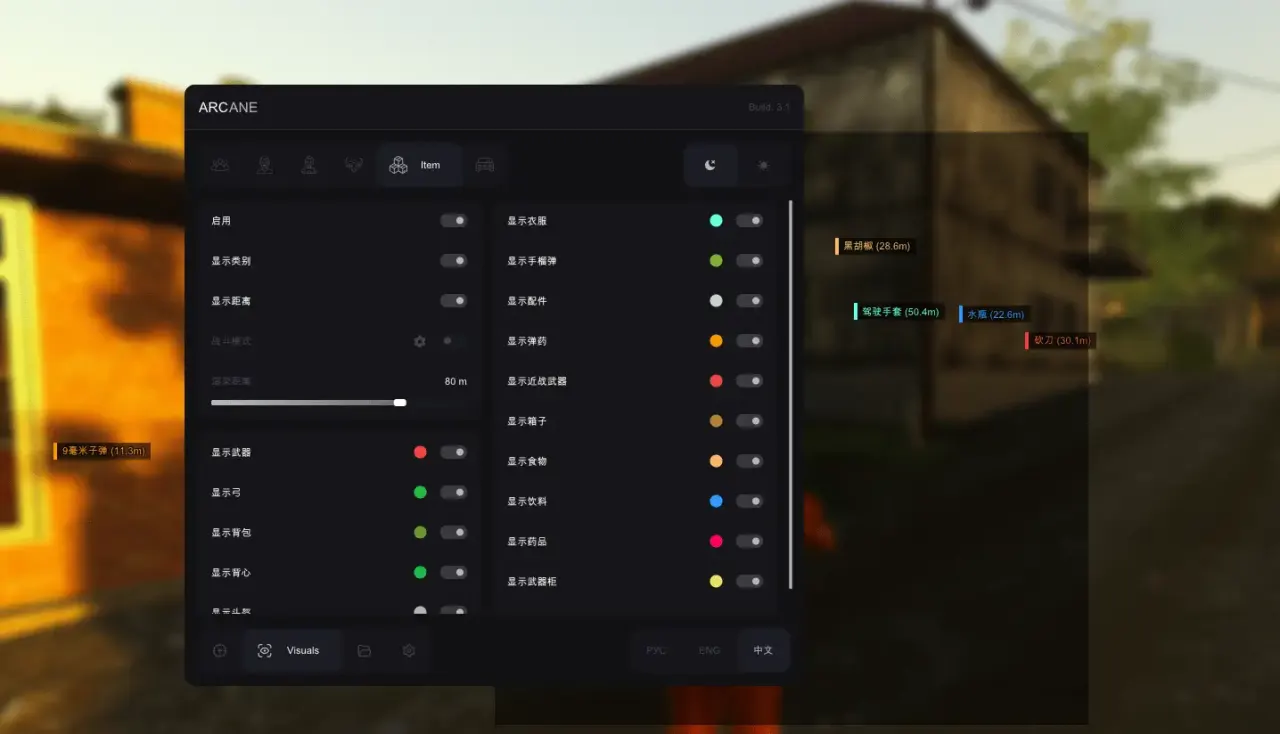
Purchase
Arcane SCUM: system requirements
About Arcane SCUM
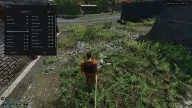
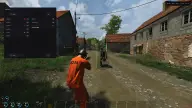
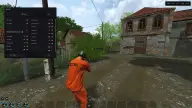
Arcane is a cheat for SCUM with a vector aimbot for players and NPCs: bots, animals and sentry mechs. The aim works while a key is held, targets the head, neck or body, checks visibility and compensates for weapon sway; adaptive FOV adjusts the capture zone on its own, and smoothing and range are adjustable.
The wallhack draws boxes or corners filled with a color or gradient, the skeleton, lines, view direction, health, nicknames, the held item and distance; NPC skill level is shown, and the dropship is marked. Item ESP covers medicine, food, water, chests, weapon lockers, cargo drops, weapons, bows, grenades, ammo, armor, backpacks and keycards. Vehicles include boats, rafts, a SUP board, Wolfswagen, Laika, Rager, motorcycles and bicycles.
Requirements: Windows 10 or 11, Intel or AMD, Nvidia or AMD, borderless or windowed mode, Steam. The build has no spoofer, and it launches without a USB flash drive.
Features of Arcane SCUM
- turns the aimbot on/off.
- the aim will hit bots (NPCs, bots, animals, sentries).
- choose the bones the aimbot works on (head, neck, body).
- aimbot activation button (hold).
- aim only at targets in line of sight (not behind cover).
- shows the aimbot area.
- automatically changes the aimbot area depending on the situation.
- the aimbot working area.
- aimbot movement smoothing level (vector).
- the maximum aimbot range.
- compensates weapon shake/sway while shooting.
- wallhack as boxes.
- box style (box, corners).
- box fill for better visibility.
- box fill look (solid color, gradient).
- wallhack drawn as skeletons.
- skeleton line thickness.
- wallhack lines to targets.
- shows where targets are looking.
- shows the HP of players and creatures.
- shows NPC skill level.
- shows player nicknames.
- shows the dropship location.
- shows the item currently in the target's hands.
- shows the distance to targets in meters.
- "Players" — display setting in the "Wallhack target list" section.
- "NPC" — display setting in the "Wallhack target list" section.
- "Zombies (puppets)" — display setting in the "Wallhack target list" section.
- "Sentry mechs (Sentry)" — display setting in the "Wallhack target list" section.
- "Razor" — display setting in the "Wallhack target list" section.
- "Crow" — display setting in the "Wallhack target list" section.
- "Seagull" — display setting in the "Wallhack target list" section.
- "Chicken" — display setting in the "Wallhack target list" section.
- "Wolf" — display setting in the "Wallhack target list" section.
- "Bear" — display setting in the "Wallhack target list" section.
- "Boar" — display setting in the "Wallhack target list" section.
- "Deer" — display setting in the "Wallhack target list" section.
- "Donkey" — display setting in the "Wallhack target list" section.
- "Horse" — display setting in the "Wallhack target list" section.
- "Goat" — display setting in the "Wallhack target list" section.
- "Rabbit" — display setting in the "Wallhack target list" section.
- "Other" — display setting in the "Wallhack target list" section.
- shows the item class.
- "Medicine" — display setting in the "Items ESP" section.
- "Food" — display setting in the "Items ESP" section.
- "Water" — display setting in the "Items ESP" section.
- "Chests" — display setting in the "Items ESP" section.
- "Weapon locker" — display setting in the "Items ESP" section.
- "Cargo drop" — display setting in the "Items ESP" section.
- "Weapons" — display setting in the "Items ESP" section.
- "Bows" — display setting in the "Items ESP" section.
- "Grenades" — display setting in the "Items ESP" section.
- "Attachments" — display setting in the "Items ESP" section.
- "Ammo" — display setting in the "Items ESP" section.
- "Melee" — display setting in the "Items ESP" section.
- "Helmet" — display setting in the "Items ESP" section.
- "Armor" — display setting in the "Items ESP" section.
- "Backpack" — display setting in the "Items ESP" section.
- "Clothing" — display setting in the "Items ESP" section.
- "Keycards" — display setting in the "Items ESP" section.
- shows the vehicle type.
- "Water vehicles (configurable)" — display setting in the "Vehicles ESP" section.
- "Ground vehicles (configurable)" — display setting in the "Vehicles ESP" section.
- "Air vehicles (configurable)" — display setting in the "Vehicles ESP" section.
- "Barba" — display setting in the "Vehicles ESP" section.
- "Wooden motorboat" — display setting in the "Vehicles ESP" section.
- "Small raft" — display setting in the "Vehicles ESP" section.
- "Big raft" — display setting in the "Vehicles ESP" section.
- "SUP board" — display setting in the "Vehicles ESP" section.
- "Wolfswagen" — display setting in the "Vehicles ESP" section.
- "Laika" — display setting in the "Vehicles ESP" section.
- "Rager" — display setting in the "Vehicles ESP" section.
- "Dirt bike" — display setting in the "Vehicles ESP" section.
- "Mountain bike" — display setting in the "Vehicles ESP" section.