Mason cheat for SCUM on Windows
Undetected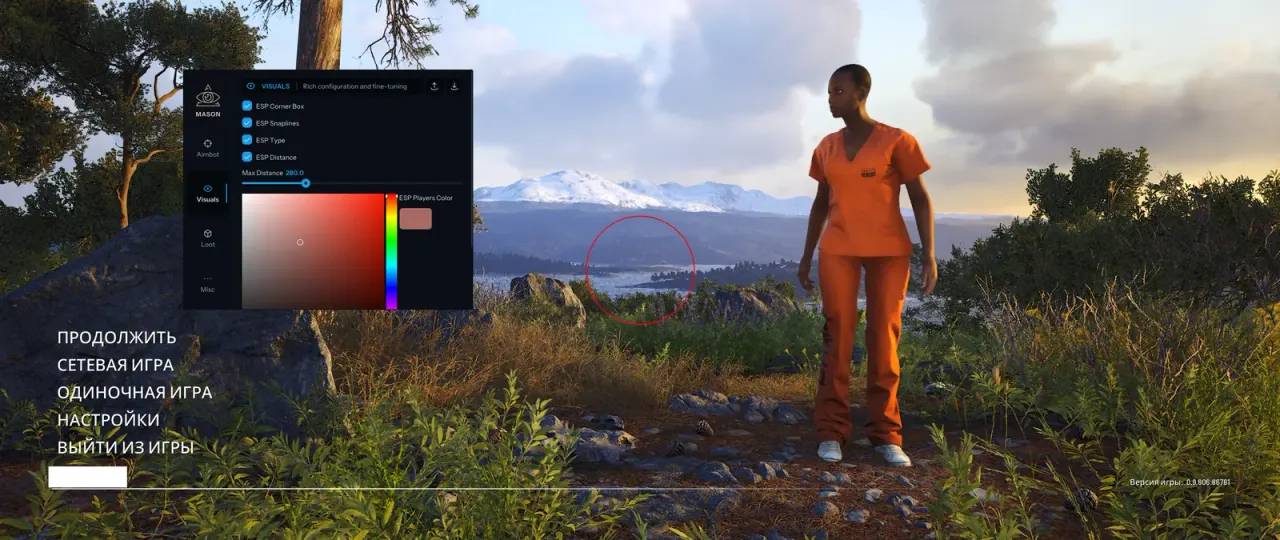

Purchase
Mason for SCUM: system requirements
About Mason for SCUM
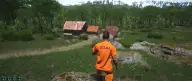
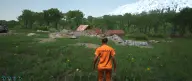
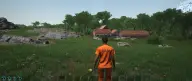
Mason for SCUM is a cheat with a small feature set: an aimbot, player ESP and loot ESP. The aim has its own on/off toggle and works while the assigned key is held down. The capture radius is set by hand and can be drawn on screen as an FOV circle, the Smooth setting controls how gently the aim pulls in, and aiming has a separate calibration option.
In the visuals, players get corner 2D boxes, snaplines run to them and the distance is shown next to them. In the settings you can switch the ESP type, set the maximum draw range and pick your own colour for players. Loot ESP labels items by name, shows the distance to them and paints them in a separate colour.
The aimbot's target is highlighted and locked. You need Windows 10/11 x64 builds 2004–23H2, a PC with Intel or AMD and the Steam version of SCUM running in windowed mode. The developer lists Easy Anti-Cheat as supported. The visuals are not hidden from recordings and screenshots: the ESP will show up in both streams and videos.
Features of Mason for SCUM
- aims at the enemy and has its own toggle in the menu.
- the aimbot works only while the assigned key is held down.
- sets the area around the crosshair where the aimbot looks for a target.
- draws a circle on screen showing the aimbot's radius.
- sets how smoothly the aimbot moves the crosshair to the target.
- a separate menu item for calibrating the aimbot.
- corner-style 2D boxes around players.
- lines drawn to every player.
- switches the way the visuals are displayed.
- shows the distance to every enemy in the ESP.
- sets the maximum range at which the ESP is drawn.
- a custom colour for highlighting players.
- labels items lying around with their names and the distance to them.
- a separate colour for highlighted items.
- highlights the aimbot's target and keeps the lock on it.