Arcane cheat for Dead by Daylight on Windows
Undetected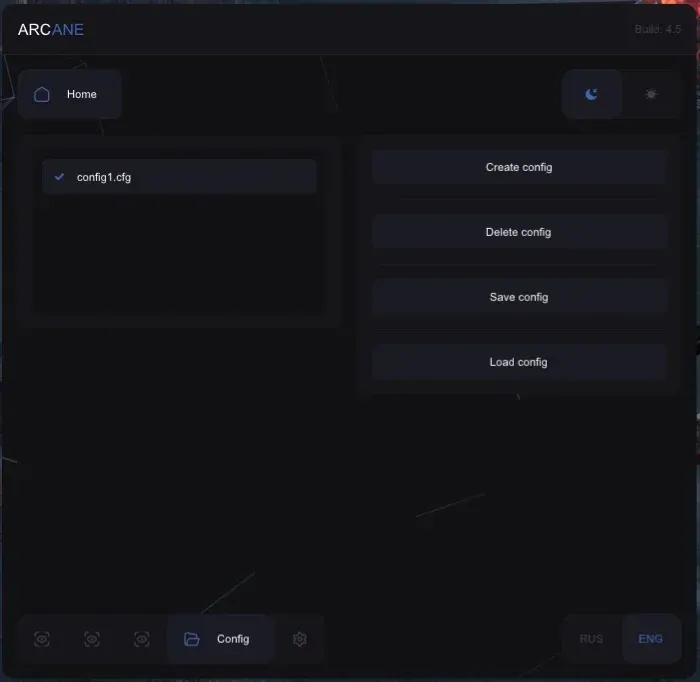
Purchase
Arcane for Dead by Daylight: system requirements
About Arcane for Dead by Daylight
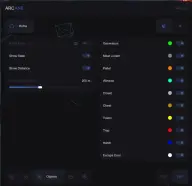
ESP in Arcane for Dead by Daylight is split into survivors and killer, and the aimbot is designed for playing as the killer. For both sides you can configure a 2D box with background, snapline, nickname, skeleton, distance and character info; for survivors, health state is shown as well.
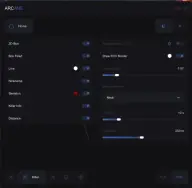
The killer aim works on a key, with FOV circle and radius, bone selection, smoothing and a distance limit. The skill check assistant hits the great or good zone with a set probability, and your character wiggles free from the killer's shoulder automatically. Object ESP marks generators, hooks, pallets, windows, lockers, chests, totems, traps, the hatch and exit gates along with their state.
Other features: crosshair, arrows to off-screen players, FOV changer, configs, themes and menu language. Requires the Steam version, borderless or windowed mode, Windows 10 or 11, and an Intel or AMD processor; the overlay is hidden from OBS recording.
Features of Arcane for Dead by Daylight
- shows survivors through walls with separate settings.
- a separate set of visuals for the killer.
- a frame around the player with a semi-transparent fill.
- connects you to every player on the map.
- displays the player's nickname above the model.
- draws the character's bones over the model.
- shows whether a survivor is injured or downed.
- displays info about the survivor or killer.
- shows the distance to players and objects.
- hits skill checks automatically at the right moment.
- sets the probability of hitting the great or good zone so the result looks natural.
- wiggles free automatically when the killer is carrying you on their shoulder.
- aims at survivors when playing as the killer.
- sets the key that activates aiming.
- shows the aim capture zone and sets its size.
- choose the point the aim targets.
- smooths out aim movement.
- limits the distance at which aiming works.
- marks map objects with their state and distance.
- switches object ESP to a separate combat mode.
- limits how far away objects are shown.
- shows generators and escape gates.
- marks hooks, pallets and windows on the map.
- shows lockers for hiding and item chests.
- highlights totems, traps and the hatch.
- a static crosshair in the center of the screen.
- point toward players who are not visible on screen.
- changes the camera field of view.
- interface animation, color, theme and DPI scale.
- menu language selection and overlay vertical sync.
- displays a clock and a frame counter on screen.
- lets you choose where on screen the watermark and notifications appear.
- create, select, save, load and delete settings profiles.