What is an NFA account and how to use it
Contents6 sections
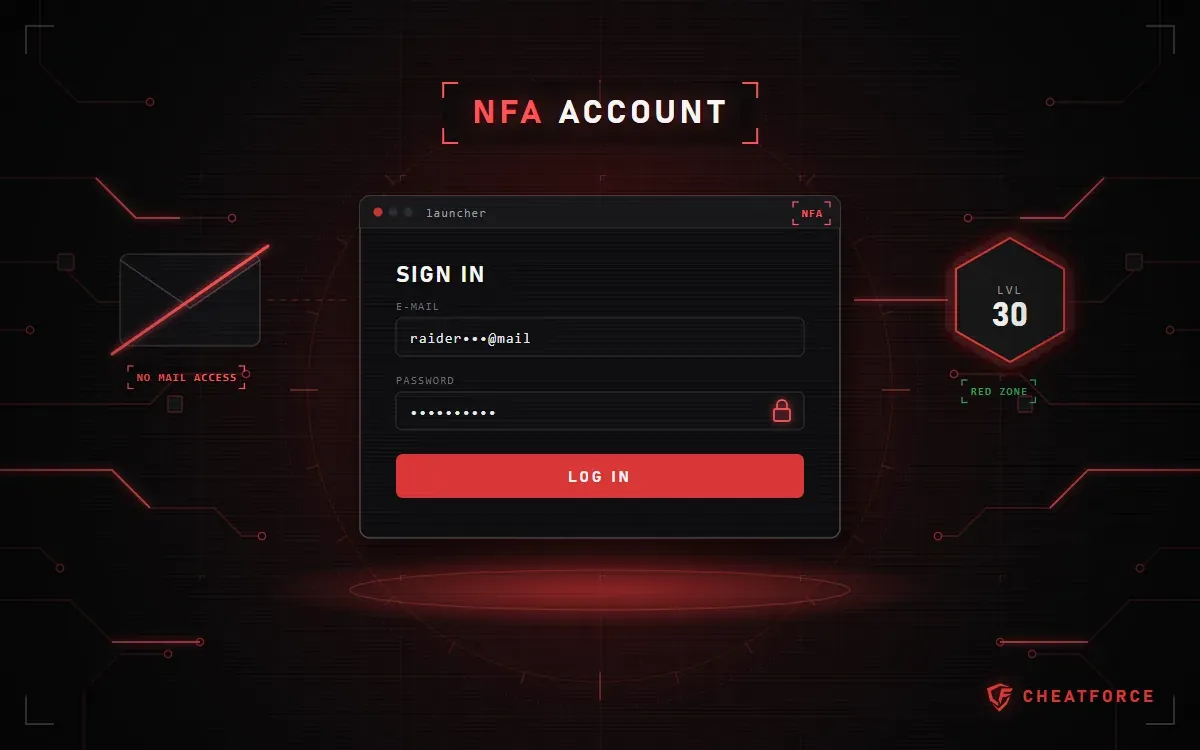
An NFA account (short for Not Full Access) is a game account where the buyer gets only the login email and password to sign in to the launcher. The mailbox itself isn't handed over, so the new owner can't change the password or recover the account.
Below: how NFA differs from a full-access account, the one rule you must not break, what the warranty covers, and which Arena Breakout: Infinite NFA accounts are in the CheatForce catalog.
NFA vs full access: what's the difference?
With a full-access account, you also get the email it's linked to along with the login: the owner can change the password, link their own mailbox and recover access through the publisher's support. With NFA, you only get access to the game.
| Option | NFA | Full access |
|---|---|---|
| Log in to the game with email and password | Yes | Yes |
| Access to the mailbox | No | Yes |
| Change the password | No | Yes |
| Link your own email | No | Yes |
| Recovery through the publisher | No | Yes |
Because of these limits, NFA accounts are cheaper: you get a leveled-up profile, but not full control over it.
The main rule: don't change the password
The confirmation code for a password change goes to the linked email, and the buyer has no access to it. Just trying to change the password logs the account out of all sessions — after that, it no longer lets you into the game. So leave the password exactly as you received it, and don't link your own email to the account.
Log in through the game's launcher with the email and password you were given. In Arena Breakout: Infinite, that's the game's own launcher, not Steam.
What the warranty covers
An NFA account has one main risk: the previous owner can take it back through the email. That's why the warranty period depends on how recently they last played:
- 7 days — the previous owner abandoned the account long ago;
- 24 hours — the owner logged in this month; these accounts are cheaper;
- first login only — the owner still plays and can take the account back at any time; this is the cheapest option.
If, within the warranty period, the login details don't work, the previous owner takes the account back, or the contents don't match the option — level, skins, stash — the account is replaced with another one from the same subgroup. To make a claim, record a video of the payment and the first login: without a recording, it can't be verified.
Arena Breakout: Infinite NFA account types
| Type | Level | Key details | Warranty |
|---|---|---|---|
| Level 30 | 30 | Red zone and all modes, cash depending on the chosen option | 7 days |
| Level 30 with skins | 30 | Skins in the inventory, the set is visible on first login | 7 days |
| Level 20+ | 20 and up | Most of the modes; there are options with a 10M+ stash and with skins | 7 days |
| Starter, to level up | below 20, usually 10–19 | A profile with history; you level it up yourself from there | 7 days |
| Under level 10 | 1 or 2–9 | A second profile or starting from scratch | 7 days |
| 24-hour warranty | under 20, 20+, 28–30 | The owner logged in this month | 24 hours |
| First-login warranty | under 20 or 30 | The owner still plays; there's an option with a 100M+ stash | First login |
All types are collected in the NFA accounts for Arena Breakout: Infinite section.
How to get the login details after payment
The email and password are issued automatically right after payment: they appear on the order page and are sent to your email. No need to wait for a manager.
Checklist before the first login
- Start screen recording before you pay.
- Log in through the game's launcher with the email and password you were given.
- Check the level and contents against your option: cash, skins, stash.
- Don't change the password and don't link your own email.