Tundra WEB Radar cheat for DayZ on Windows
Undetected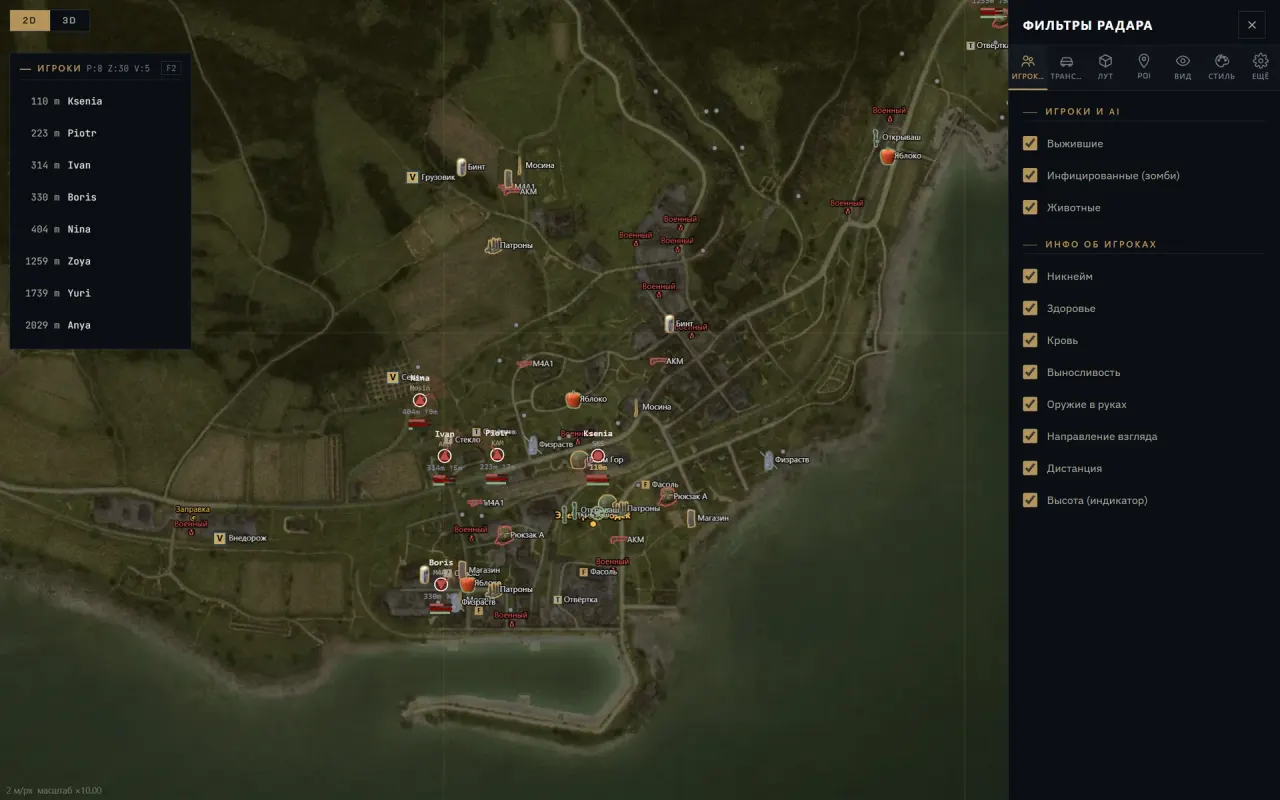
Purchase
Tundra WEB Radar for DayZ: system requirements
About Tundra WEB Radar for DayZ
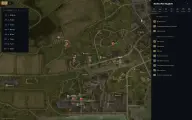
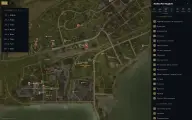
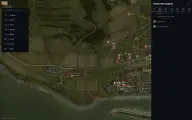
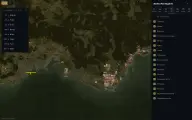
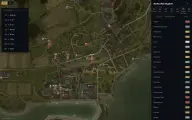
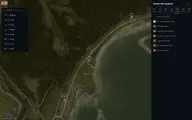
Tundra WEB Radar for DayZ moves the server situation onto an interactive map in the browser of a second monitor, phone or tablet; only the loader stays on the gaming PC. Chernarus+, Livonia, Sakhal or Namalsk is picked by server automatically, and POIs (towns, military sites, hospitals, police, fire stations, churches and wells) are filtered by category.
Loot is split into groups, from weapons, attachments, scopes and explosives to food, medicine, backpacks and spare parts, with base buildings, tents and barrels listed separately. Items are filtered by condition from pristine to ruined, rare ones are highlighted, and a container's contents and a vehicle's trunk with fitted parts show on hover. Players are labelled with nickname, weapon, distance and height difference, and the dead and unconscious are marked separately.
You need administrator rights, DayZ from Steam and Windows 10 or 11, except builds 26H1 and 26H2; the instructions require changing Windows protection settings. If you capture the screen with the radar tab, it will end up in the recording.
Features of Tundra WEB Radar for DayZ
- all three groups are marked on the server map.
- the label shows the player's name and what is in their hands.
- distance, height difference and view direction.
- such players get their own mark on the map.
- a player's clothing and items show under the cursor.
- your friends are marked and highlighted and come first in the list.
- the map follows a chosen player, with a view from a teammate.
- vehicles on the map, trunk and parts on hover.
- filters items from pristine to ruined.
- are picked out with their own highlight.
- weapons and ammo, scopes and attachments, explosives, food and medicine, clothing, backpacks, spare parts and tools.
- player buildings and storage on the map.
- what is inside shows on hover.
- Chernarus+, Livonia, Sakhal and Namalsk, chosen by server.
- towns, military sites, hospitals, police, fire stations, churches and wells with a filter.
- zoom, panning, centring on yourself, grid and compass.
- show where players have moved.
- a 3D view of the map, still in beta.
- search by nickname, sorting by distance and a count of players, zombies and vehicles.
- your own icons, labels, colours and sizes of marks and distance digits.
- export, import and reset to defaults.
- switches the interface between Russian and English.
- an adaptive interface with gesture control.
- the radar map expands to the whole display.