Tundra WEB Radar cheat for PUBG: Battlegrounds on Windows
Undetected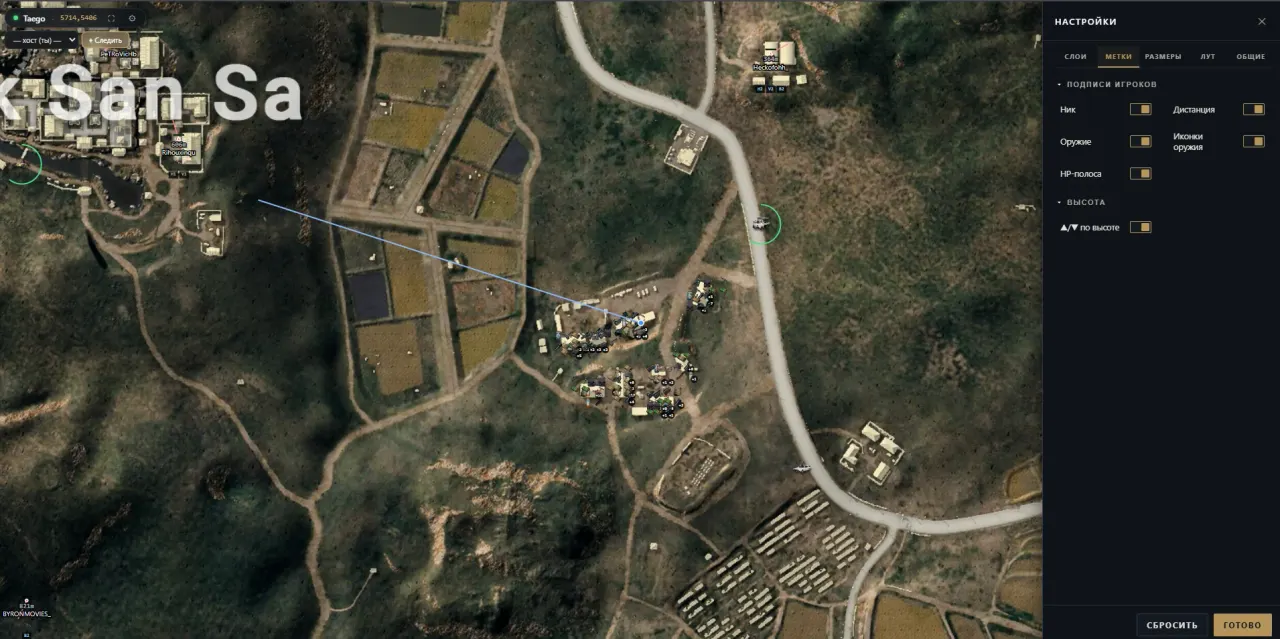
Purchase
Tundra WEB Radar for PUBG: Battlegrounds: system requirements
About Tundra WEB Radar for PUBG: Battlegrounds
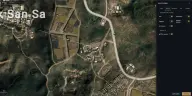
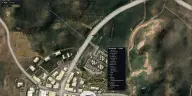
Tundra WEB Radar is a web map for PUBG: Battlegrounds on Steam. The loader runs on the gaming PC, and the map is opened by a personal link in a browser on a second screen or a phone. Erangel, Miramar, Sanhok, Vikendi, Taego, Deston, Rondo and other maps are available, and the view can follow a chosen teammate.
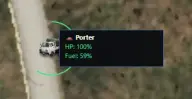
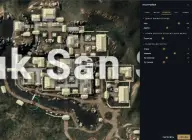
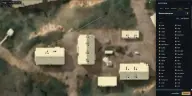
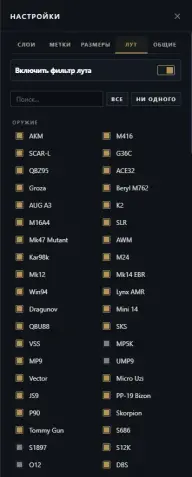
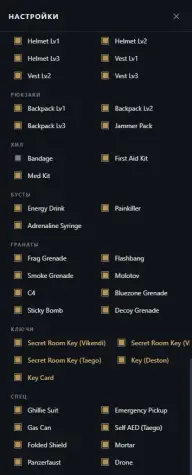
The focus is on vehicles and supplies. Every vehicle shows its durability and fuel in percent, and containers, crates and AirDrops are marked together with their contents. Up close loot is drawn as icons and from afar as dots, a stack groups up to four icons with a counter for the rest, and unwanted item categories can be switched off.
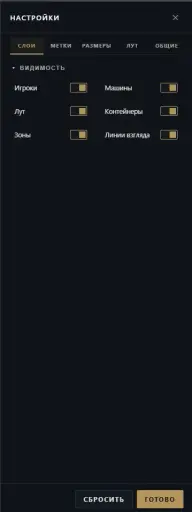
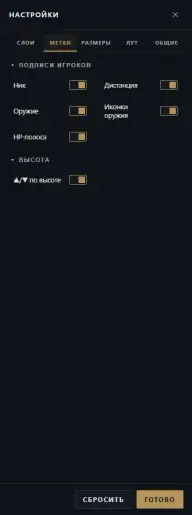
Players are labelled with team colour, nickname, weapon, health bar and distance, helmet, armour and backpack levels are visible at once, and the above/below arrows trigger at a threshold you set in metres. The layers for players, vehicles, loot, containers, the zone and sight lines are switched off one by one. The system is Windows 10/11 x64, except versions 26H1 and 26H2; no flash drive is needed to launch.
Features of Tundra WEB Radar for PUBG: Battlegrounds
- enemies move across the map in real time.
- each squad has its own colour.
- the player's name and HP bar next to the dot.
- name and icon of what the player is holding.
- a view direction line and the distance to the player.
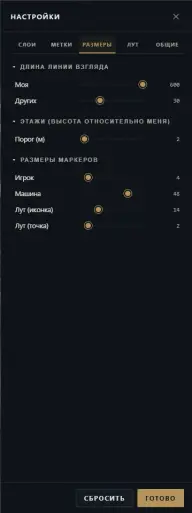
- above/below arrows with a threshold in metres.
- helmet, armour and backpack of level 1, 2 or 3.
- vehicle positions with durability and fuel in percent.
- up close items are shown as icons, from afar as dots.
- up to four icons per group and a counter for the remaining items.
- unneeded loot groups can be switched off.
- crates and drops on the map together with their contents.
- players, vehicles, loot, containers, the zone and sight lines are toggled separately.
- nickname, distance, weapon, HP and height are toggled one by one.
- player dots, vehicle markers and loot icons can be resized.
- your own line and other players' lines are set separately.
- the map follows a chosen player of your team.
- Erangel, Miramar, Sanhok, Vikendi, Taego, Deston, Rondo and others.
- the map in full screen and settings back to defaults.