Mason cheat for Unturned on Windows
Undetected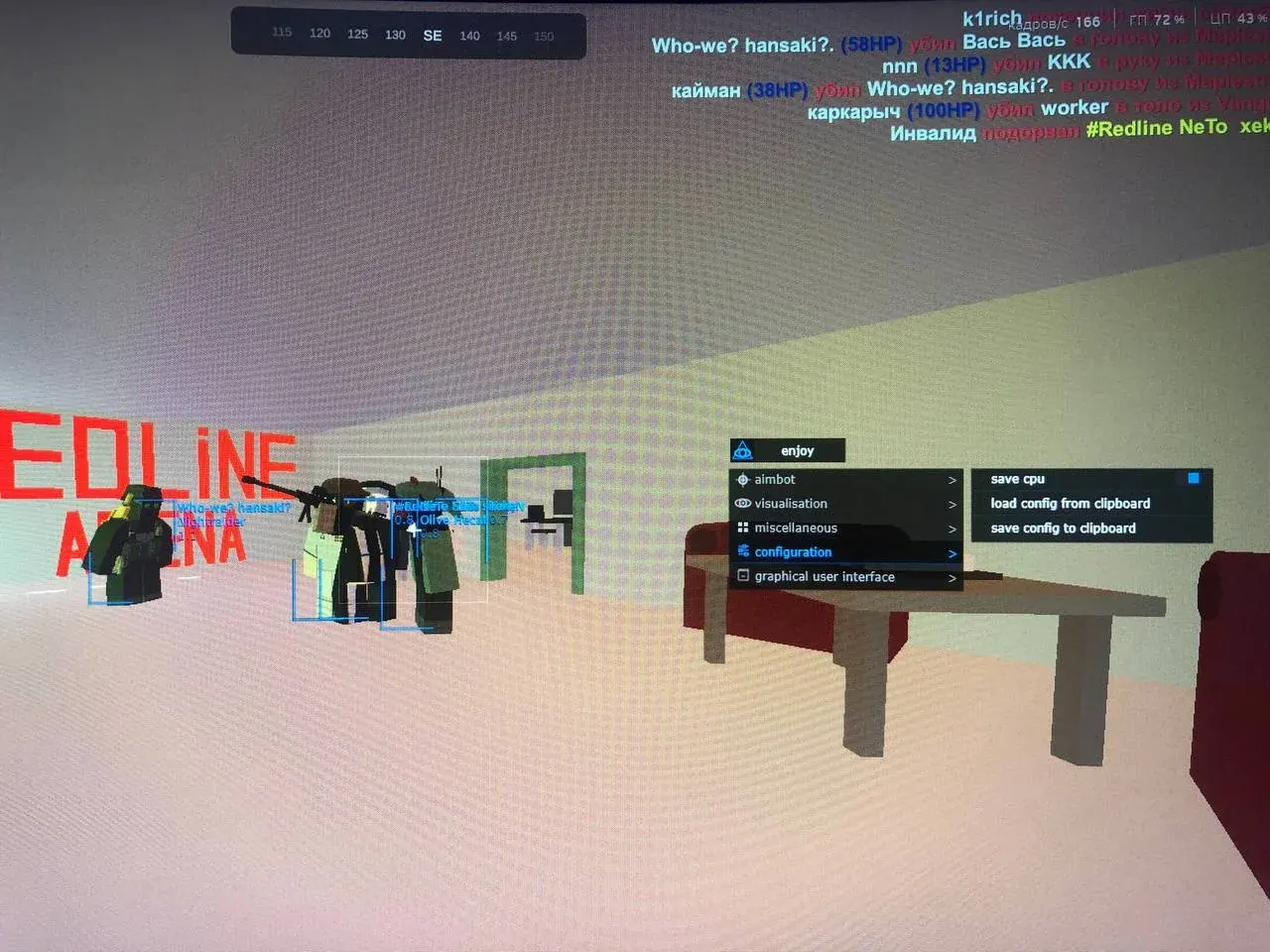

Purchase
Mason for Unturned: system requirements
About Mason for Unturned
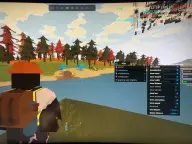
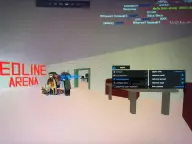
Mason for Unturned combines an aim assist, detailed ESP for players and items, and a Misc block. The aim help works only in first-person view; you set its key, how smoothly it pulls onto the target and its capture zone, and the zone's circle is visible over the game.
Enemies get a box with their nickname, the weapon in their hands, health and distance. Animals, vehicles and loot have their own toggles: ammunition from guns and rounds to attachments and armour, food, and keys, generators, filters and similar finds. Loot and player draw ranges are set separately, Battle Mode removes secondary visuals and Minimize Labels shortens the labels.
The Apply Misc key removes recoil, bullet spread and hand sway, and turns on the free camera and instant reload; Save CPU eases the processor load. The cheat is not visible in videos or screenshots. You need the Steam version in windowed fullscreen mode, 64-bit Windows 10/11 from 2004 to 26H1, Intel or AMD, UEFI with GPT. Secure Boot has to be turned off, and VT-x/VT-d together with Hyper-V turned on. The anti-cheat is BattlEye.
Features of Mason for Unturned
- helps you aim, but works only in first-person view.
- sets the button that triggers the aim.
- adjusts how smoothly the aim moves the crosshair to the target.
- the size of the zone around the crosshair where the aim looks for an enemy.
- draws the circle of the aim zone over the game.
- a square box around every enemy.
- the player's name, the gun in their hands and their remaining health.
- shows how far away a player is.
- animals on the map show up in the ESP.
- vehicles appear in the ESP under a toggle of their own.
- turns on loot display in the ESP.
- guns, rounds, magazines, attachments and armour in the ESP.
- keys, generators, filters and similar finds.
- food is highlighted as a separate option.
- the distance limit up to which items are drawn.
- sets the distance at which the ESP stops drawing players.
- turns off secondary visuals so only the essentials stay on screen.
- shortens the ESP labels so text does not clutter the screen.
- a key that turns on the functions of the Misc block.
- shooting without gun recoil.
- bullets land without spread.
- the character's hands stop shaking.
- the camera detaches from the character and moves freely.
- reloading a weapon happens without waiting.
- slows the cheat down to reduce the load on the processor.