Coffee cheat for Escape from Tarkov on Windows
Undetected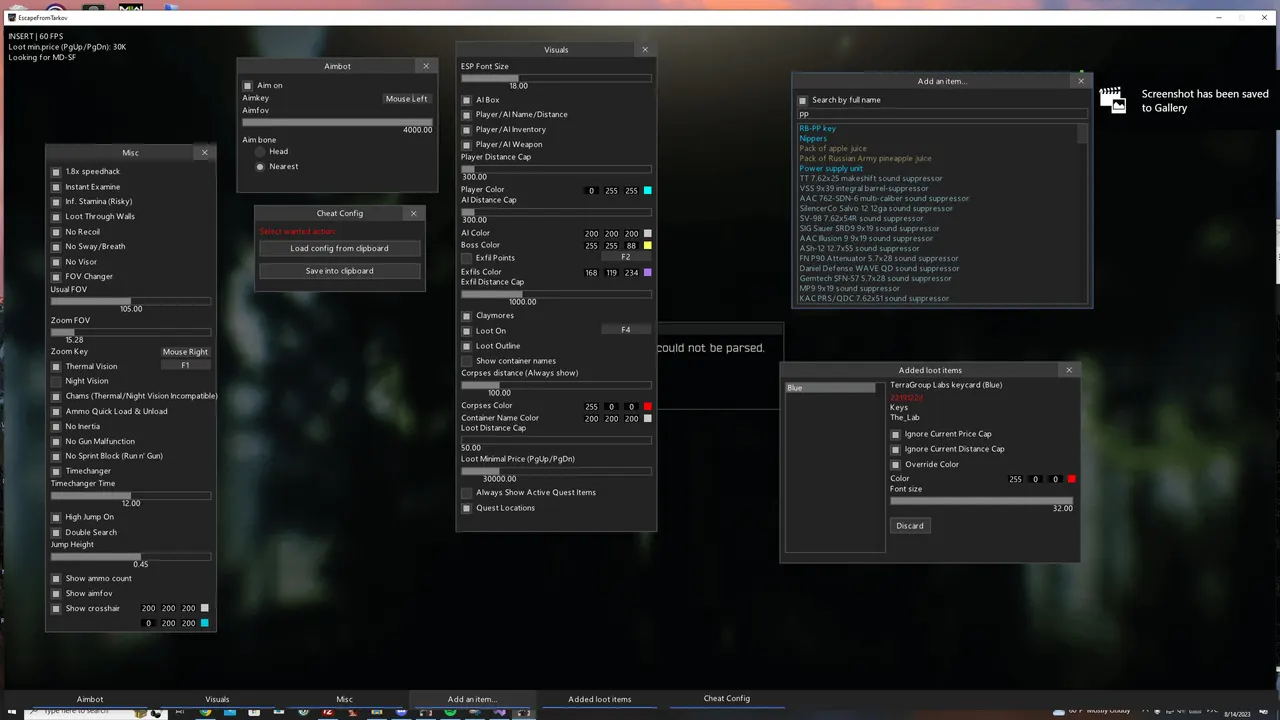
Purchase
Coffee for Escape from Tarkov: system requirements
About Coffee for Escape from Tarkov
Coffee is an external cheat for Escape from Tarkov with Silent Aim. The aim key can be set freely, the FOV is adjustable, and you can aim at the head or the nearest bone.
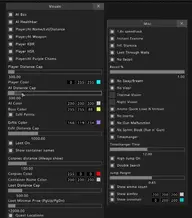
The wallhack draws boxes and health bars for players and bots, and shows nickname, distance, inventory and weapon; players, AI and bosses each have their own colors and range limits. Extraction points and claymores are marked. Loot ESP with outlines shows container names and corpses, the minimum price is changed with the PgUp and PgDn keys, and items for active quests are always visible. There is also looting through walls, a speedhack, infinite stamina and weapon control.
It requires Windows 10 (2004–22H2) or 11, Intel or AMD, and borderless or windowed mode. The BIOS must be UEFI only with Secure Boot disabled, and the disk must be GPT. There is no built-in spoofer, no USB flash drive is needed, and there is no OBS recording bypass.
Features of Coffee for Escape from Tarkov
- The "External" setting controls the matching product parameter.
- The "Features:" setting controls the matching product parameter.
- Helps you track the selected target more precisely based on your aim settings.
- Corrects hits on the selected target without visible crosshair or camera movement.
- Lets you assign a convenient key to turn on aiming during a fight.
- Sets the size and maximum range of the selected module's working area.
- Adds a separate head marker to the target so you can read its position more precisely.
- The "Visuals:" setting controls the matching product parameter.
- The "ESP Font Size" setting controls the matching product parameter.
- "AI Box" marks the target with a box so you can spot it on screen quickly.
- "Player Box" marks the target with a box so you can spot it on screen quickly.
- The "AI Healthbar" setting controls the matching product parameter.
- "Player Healthbar" shows players in the ESP and helps you keep track of their positions around your character.
- "Player&AI Name/Distance" shows the distance to the marked target or object.
- "Player&AI Inventory" shows players in the ESP and helps you keep track of their positions around your character.
- "Player&AI Weapon" shows players in the ESP and helps you keep track of their positions around your character.
- "Player Color" shows players in the ESP and helps you keep track of their positions around your character.
- "Player Distance Cap" shows the distance to the marked target or object.
- The "AI Color" setting controls the matching product parameter.
- "AI Distance Cap" shows the distance to the marked target or object.
- The "Boss Color" setting controls the matching product parameter.
- The "Exfil Points" setting controls the matching product parameter.
- The "Exfils Color" setting controls the matching product parameter.
- "Exfil Distance Cap" shows the distance to the marked target or object.
- The "Claymores" setting controls the matching product parameter.
- Adds the "Loot On/Off" category to the loot filter, so the items you need are found faster.
- Draws a guide line to the marked target or object.
- The "Show container names" setting controls the matching product parameter.
- "Corpses distance cap" shows the distance to the marked target or object.
- The "Corpses Color" setting controls the matching product parameter.
- The "Container Name Color" setting controls the matching product parameter.
- "Loot Distance Cap" shows the distance to the marked target or object.
- Adds the "Loot Minimal Price (PgUp/PgDn)" category to the loot filter, so the items you need are found faster.
- The "Always Show Active Quest Items" setting controls the matching product parameter.