Arcane cheat for Mistfall Hunter on Windows
Undetected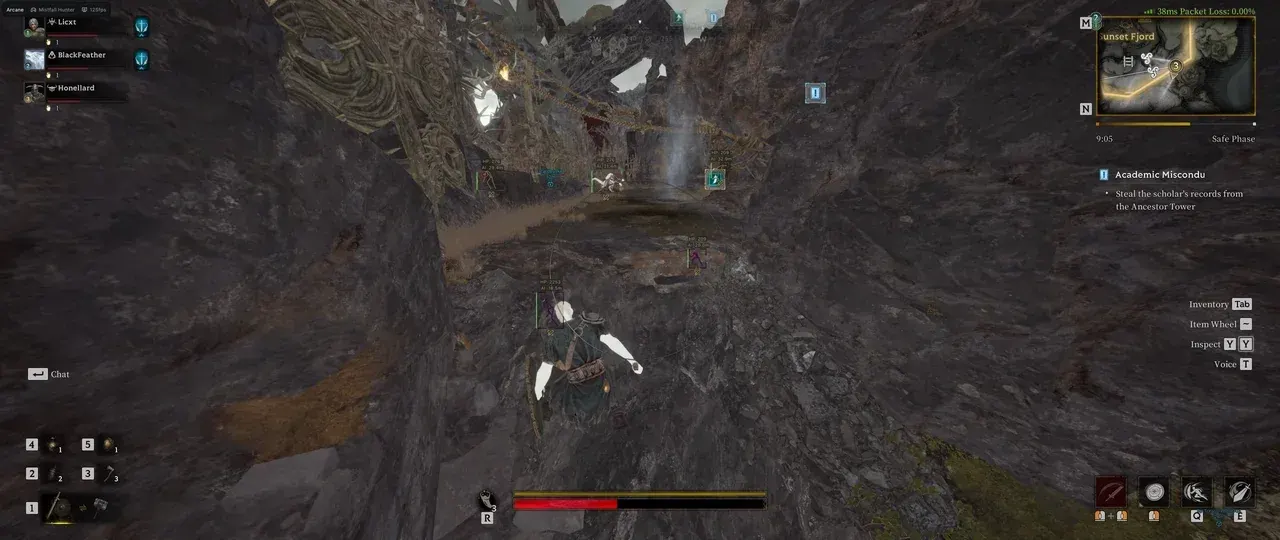
Purchase
Arcane for Mistfall Hunter: system requirements
About Arcane for Mistfall Hunter
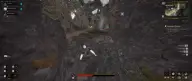
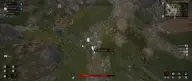
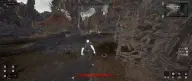
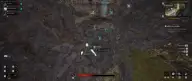
An aimbot, detailed ESP and a couple of in-game exploits: that's what Arcane for Mistfall Hunter is made of. The aim works on players or NPCs: you can choose a bone from head to pelvis, "always" mode or hold-to-aim on a key, smoothing, range and an adaptive FOV with a visibility check.
The visuals draw players and NPCs with filled boxes, skeleton, health bar, nickname and team. Item ESP sorts dropped items by rarity and finds vessels, statues, bodies and containers. Fullbright brightens dark locations, and Battle Mode clears everything unnecessary from the screen at the press of a key.
You need Windows 10 or 11, the Steam version of the game and windowed or borderless mode. Before launching, enable VT-x/VT-d and Hyper-V and disable Secure Boot. The menu and visuals are hidden from OBS recording.
Features of Arcane for Mistfall Hunter
- aims at players or NPCs in "always" mode or while the activation key is held.
- head, neck, body or pelvis.
- aim smoothing and maximum target acquisition distance.
- aim and ESP take into account whether the target is in direct line of sight.
- the capture zone adjusts automatically; the FOV circle's size, border and background are customizable.
- removes darkness and brightens locations.
- widens the camera's field of view.
- regular or corner boxes, solid or gradient fill, ESP style selection.
- skeleton with adjustable thickness and a head marker.
- the target's line of sight and a line from you to the enemy.
- health bar and the exact value as text.
- the player's name, team, icon and distance to them.
- the same set of visuals for NPCs: boxes, skeleton, health, name and distance.
- separate maximum render distance for players, NPCs and items.
- items on the ground with distance and adjustable opacity.
- dropped items: common, uncommon, rare, excellent and epic.
- containers, portable containers, vessels, bodies and statues.
- natural spots, large objects, furniture, characters and other categories.
- hides players, NPCs or items at the press of a key so they don't get in the way in combat.
- a permanent crosshair dot in the center of the screen.
- separate keys for opening the menu and unloading the cheat.
- DPI scaling, vertical sync and FPS limit.