Arcane cheat for ARC Raiders on Windows
Updating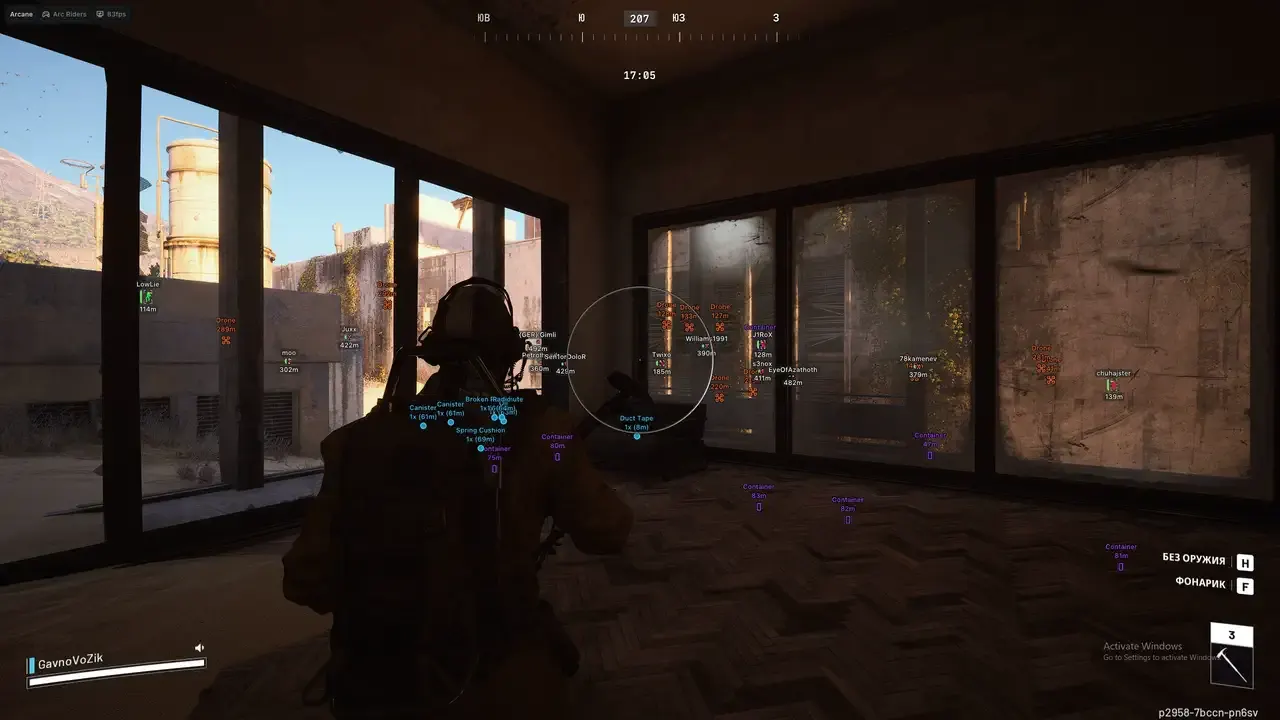
ARCANE is being updated: the developer is releasing a new version. Sales resume as soon as it is out.
Ask about timingArcane for ARC Raiders: system requirements
About Arcane for ARC Raiders
Arcane is a cheat for ARC Raiders with an aimbot and ESP. The aim works constantly or on one of two keys, targets players and bots, and takes visibility and an adaptive FOV into account. The hitbox is chosen manually, by proximity to the crosshair or at random; there is RCS, No Spread, humanization and markers for ARC critical points.
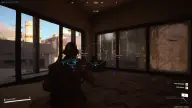
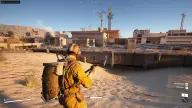
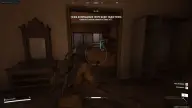
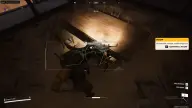
The player wallhack draws boxes, skeletons, nicknames, distance, health and armor. World ESP marks mines, grenades, drones, containers, supply stations and extraction points. There is a radar in a separate window, Battle Mode, Super Zoom, a bright flashlight and Fullbright.
The menu and wallhack are not visible when the game window is captured (StreamProof). Windows 10 and 11, Intel and AMD processors, borderless and windowed modes, and Steam, Epic Games and Xbox are supported; no USB flash drive is needed, and a spoofer is not included in the build.
Features of Arcane for ARC Raiders
- turns the aimbot on/off.
- aimbot mode (always on, on key press).
- aimbot activation keys (two to choose from).
- aim works only on visible targets within the field of view.
- shows the aimbot area as a circle.
- visual settings of the aimbot circle.
- the aim area changes based on how close the target is to the crosshair.
- aimbot area setting.
- aimbot movement smoothing.
- all bullets hit one point with no spread.
- choose which targets the aim works on (players, bots, team).
- choose the hitbox the aimbot hits (head, neck, body, pelvis).
- aim point priority (selected hitbox, bone closest to the crosshair, random).
- shows ARC critical damage points.
- aimbot range in meters.
- recoil control system while shooting.
- delay before the aimbot switches to the next target.
- an aimbot mode that mimics human behavior.
- dynamically changes aim smoothing on targets (adjustable).
- box wallhack.
- box type, color and other settings.
- shows player nicknames.
- distance to targets in meters.
- shows HP as a bar.
- shows armor level as a bar.
- wallhack drawn as skeletons.
- shows view direction.
- wallhack lines to enemies.
- shows bots (ARC, bosses).
- shows teammates.
- shows the number of items in a stack.
- marks whether an item has been used.
- lets you pick your own color for items.
- "Mines" — display setting in the "World ESP (Loot and Objects)" section.
- "Grenades" — display setting in the "World ESP (Loot and Objects)" section.
- "Dead bodies" — display setting in the "World ESP (Loot and Objects)" section.
- "Drones" — display setting in the "World ESP (Loot and Objects)" section.
- "Containers" — display setting in the "World ESP (Loot and Objects)" section.
- "Dropped items" — display setting in the "World ESP (Loot and Objects)" section.
- "Pickup items" — display setting in the "World ESP (Loot and Objects)" section.
- "Supply stations" — display setting in the "World ESP (Loot and Objects)" section.
- "Extraction points" — display setting in the "World ESP (Loot and Objects)" section.
- "Ammo boxes" — display setting in the "World ESP (Loot and Objects)" section.
- "Medical boxes" — display setting in the "World ESP (Loot and Objects)" section.
- "Power stations" — display setting in the "World ESP (Loot and Objects)" section.
- "Portable batteries" — display setting in the "World ESP (Loot and Objects)" section.
- turns off all ESP, leaving only the player wallhack.
- greatly widens the field of view.
- a very bright and sharp flashlight.
- zoom level setting (zoom hack).
- key to open the menu.
- button to fully disable the cheat.
- a custom crosshair in the center of the screen, with settings.
- the radar shows all players in a separate window (flexible settings).
- settings system (save, load, reset, share).
- the cheat menu and wallhack are not visible when the game window is captured.
- supports 3 languages (Russian, Chinese, English).
- makes the picture very bright (3 modes).
- removes shadows and dark areas.
- removes grass and vegetation.
- turn off clouds.
- removes some texture layers on buildings.