Shack Private cheat for ARC Raiders on Windows
Undetected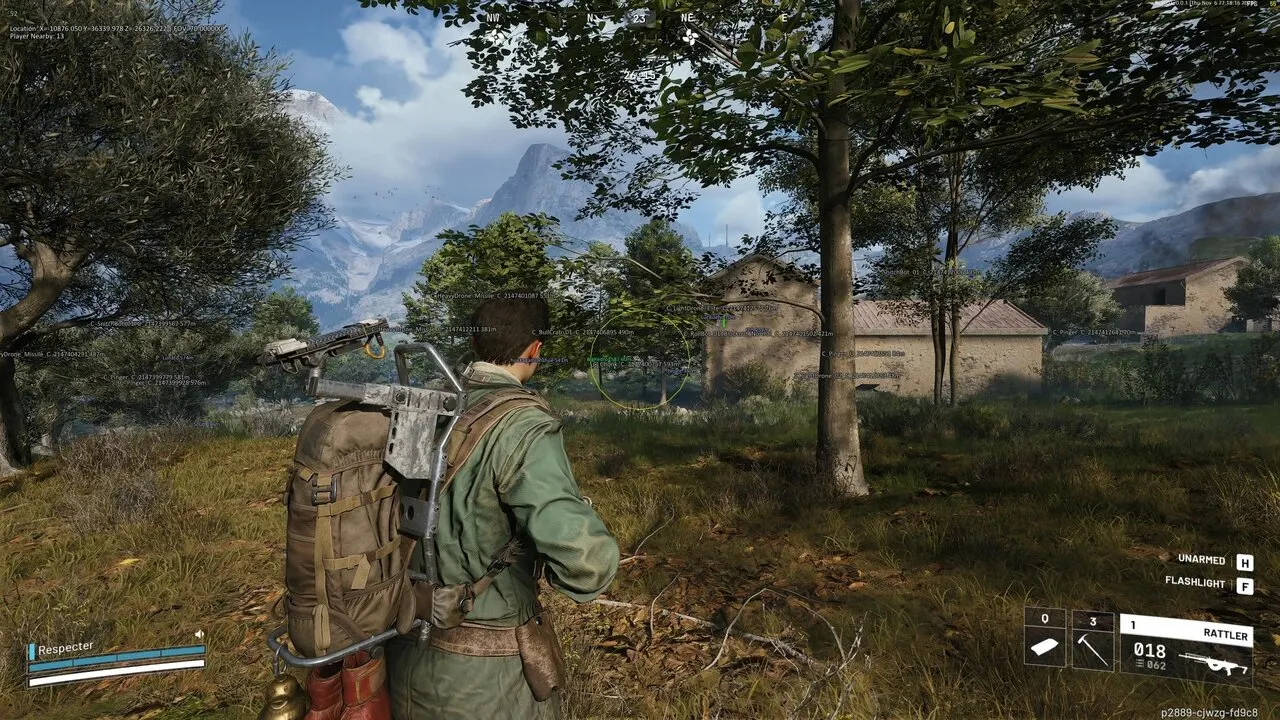

Purchase
Shack Private for ARC Raiders: system requirements
About Shack Private for ARC Raiders
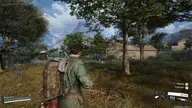
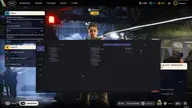
Shack Private is a cheat for ARC Raiders that aims at both players and ARC. The FOV is adjustable from 1 to 180°, distance up to 1000 m, and smoothness in percent. The bone is chosen manually or automatically among visible ones, and the visibility check has several modes. Priority goes to players or to the target with the lowest HP.
The wallhack on players and ARC shows 2D and 3D boxes, skeletons, lines, nicknames, distance, health and colors for visible and hidden targets. Item ESP shows names, stacks and containers, including Resupply Drop and ARC Cargo Drop. There is an interactive radar and Xbox controller support.
The cheat's visuals do not show up in OBS recordings. It works on Windows 10 and 11 (22H2, 23H2, 24H2) with Intel and AMD processors in windowed and borderless modes. No USB flash drive is required, and there is no built-in spoofer.
Features of Shack Private for ARC Raiders
- The "Core Settings" setting controls the matching product parameter.
- "Adjustable FOV (1–180°)" — sets the size and maximum range of the selected module's working area.
- "Max distance control (0–1000 m)" — shows the distance to the marked target or object.
- Adds a separate head marker to the target so you can read its position more precisely.
- The "Visibility check (several modes)" option controls the corresponding product parameter.
- "FOV circle display" — sets the size and maximum range of the selected module's working area.
- Highlights the selected models with a bright material for better visibility.
- The "Targeting Options" setting controls the matching product parameter.
- "Aim at players" — helps you track the selected target more precisely based on your aim settings.
- "Aim at ARCs" — helps you track the selected target more precisely based on your aim settings.
- "Smooth aim (0–100%)" — helps you track the selected target more precisely based on your aim settings.
- "Target priority (players / lowest HP)" — shows players in ESP and helps you keep track of their positions around your character.
- The "Target switch delay (0–1000 ms)" option controls the corresponding product parameter.
- The "Automatic visible bone selection" option controls the corresponding product parameter.
- The "Max target speed" option controls the corresponding product parameter.
- The "Control Settings" setting controls the matching product parameter.
- "Xbox controller support" — marks the target with a visual box so you can spot it on screen quickly.
- "Key bindings (PC / Xbox)" — marks the target with a visual box so you can spot it on screen quickly.
- The "Mouse, keyboard and controller support" option controls the corresponding product parameter.
- "Player ESP" — shows players in ESP and helps you keep track of their positions around your character.
- The "Main settings" option controls the corresponding product parameter.
- "Player name display" — shows players in ESP and helps you keep track of their positions around your character.
- "Distance display" — shows the distance to the marked target or object.
- The "Boxes (2D / 3D)" option controls the corresponding product parameter.
- Draws a guide line to the marked target or object.
- Shows the target's skeleton so you can read its position and movement faster.
- The "Visibility check" setting controls the matching product parameter.
- The "Health bar" setting controls the matching product parameter.
- The "Custom colors (visible / hidden)" option controls the corresponding product parameter.
- Lets you filter the displayed objects by the chosen quality or condition.
- The "Teammate ESP toggle" option controls the corresponding product parameter.
- The "Show / hide bodies" option controls the corresponding product parameter.
- "Distance filter (0–1000 m)" — shows the distance to the marked target or object.
- The "Font size adjustment (8–30)" option controls the corresponding product parameter.
- Main settings, ARC name display, Distance display, Boxes (2D / 3D), Lines (Snaplines), Skeleton, Visibility check, Health bar, Custom colors (visible / hidden), Configuration, Distance filter (0–1000 m), Font size adjustment (8–30), Items & Containers ESP, Display settings, Item names, Distance to items, Count and stacks, Show picked-up objects, Container display, Container types, Resupply Drop, Salvage Container, Spacer Tech, ARC Cargo Drop, Other contai….