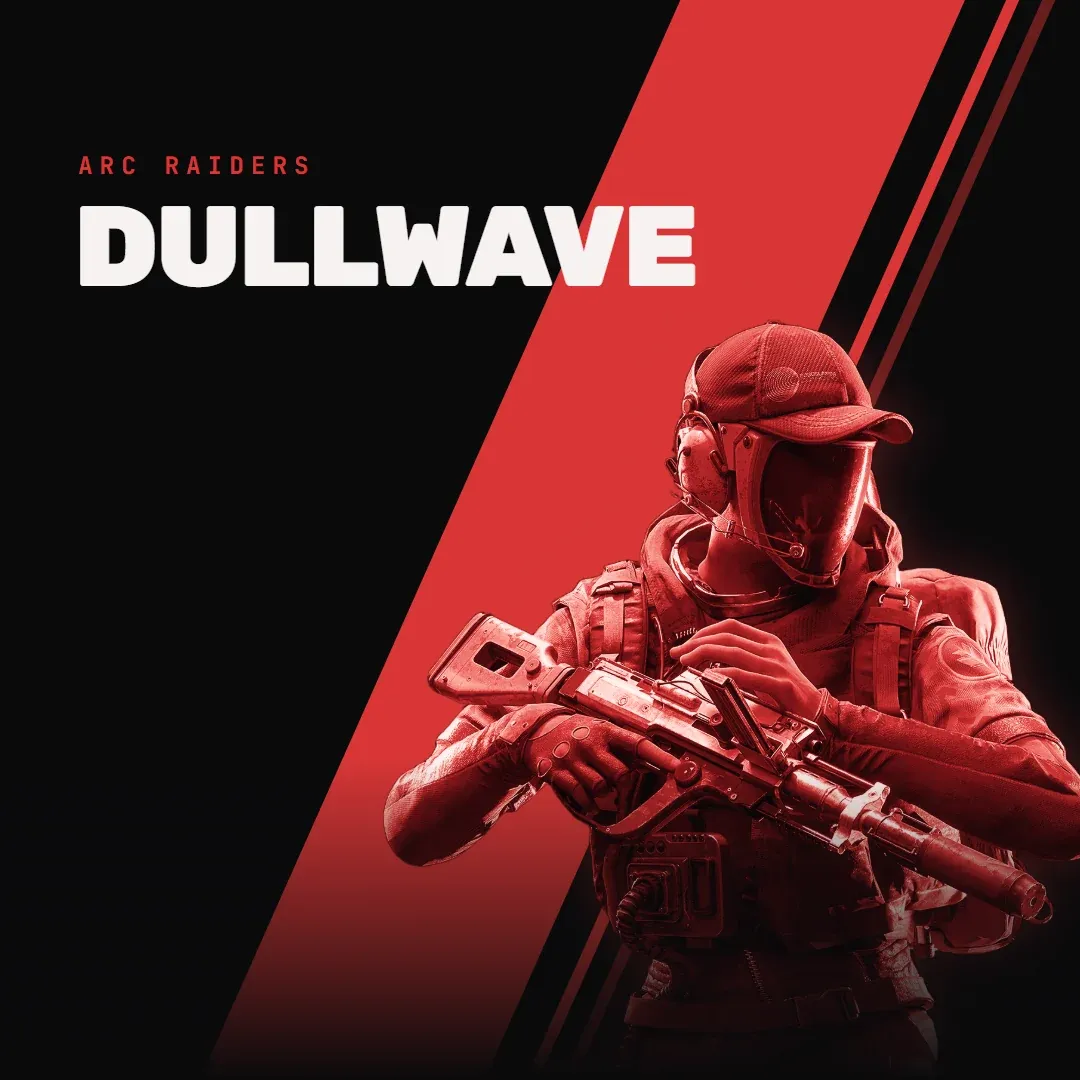
Bleak cheat for ARC Raiders on Windows
Undetected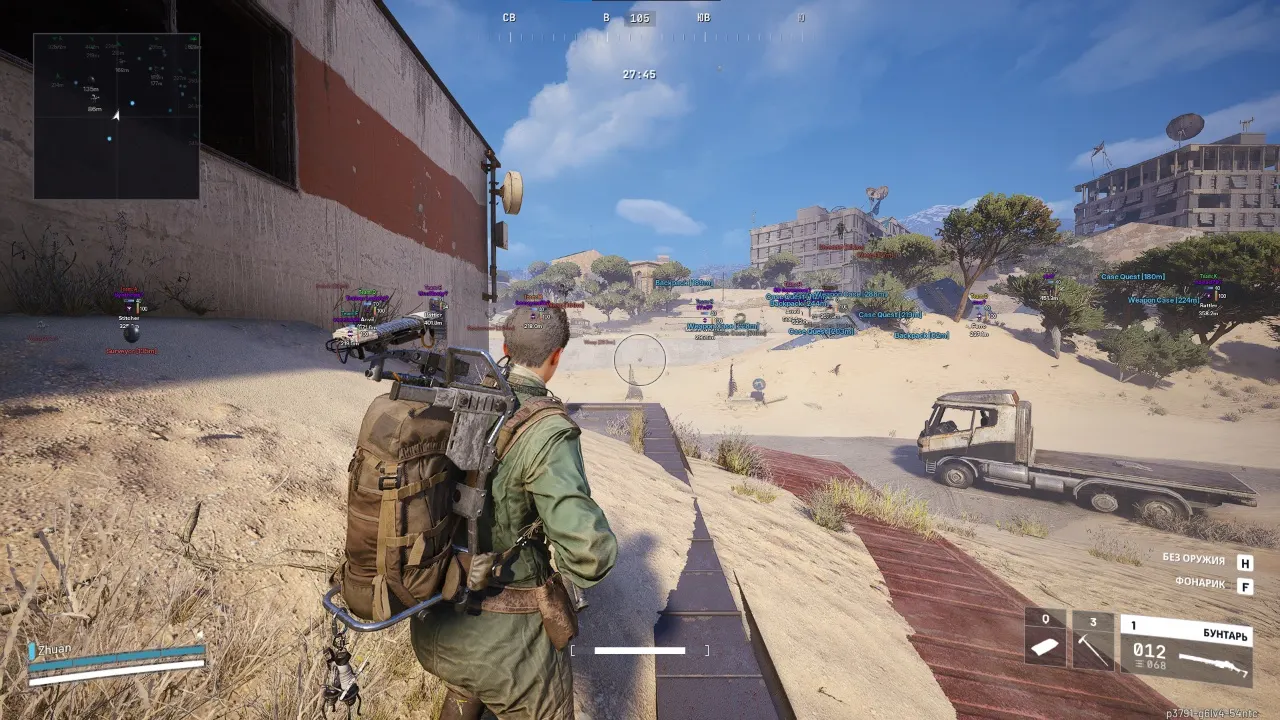
Purchase
Bleak for ARC Raiders: system requirements
About Bleak for ARC Raiders
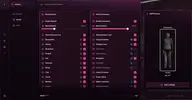
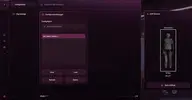
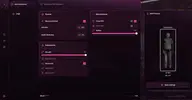
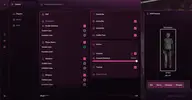
Bleak is an external cheat for ARC Raiders that reads the game's memory. The memory aimbot aims only at visible targets, FOV and smoothing are adjustable, and the bone is chosen by proximity to the crosshair or set by priority: head, neck or chest.
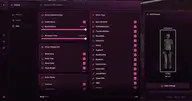
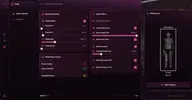
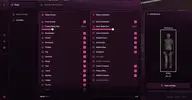
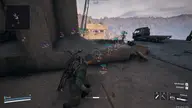
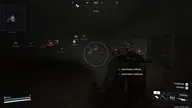
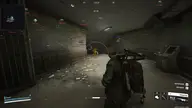
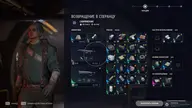
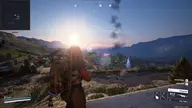
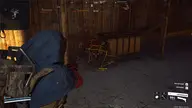
The player wallhack shows boxes, skeletons, nicknames, distance, health and ammo bars, items and weapons from quick slots, and the team number; wounded players are highlighted in a different color. ARC drone ESP works by type, from Tick and Wasp to Queen and Matriarch. Loot is filtered by rarity, type and value range, and weight and value are shown. There is a radar and a Battle Mode that removes unnecessary markers during combat.
You need the Steam client and Windows 10 or 11 (2004–26H1), an Intel or AMD processor, and windowed or borderless mode; any graphics card will do. It launches without a USB flash drive, and no HWID spoofer is included.
Features of Bleak for ARC Raiders
- an aimbot based on reading game memory that aims at enemies automatically.
- aims only at visible targets with no obstacles in the way.
- choose the aimbot activation key.
- combat mode toggle key (turns off extra ESP).
- hides drone ESP during combat mode.
- hides drones on the radar during combat mode.
- shows the aimbot activation radius.
- shows an extra crosshair in the center of the screen.
- sets the aimbot target capture radius.
- sets how smoothly the aim moves to the target.
- automatically picks the enemy bone closest to the crosshair.
- prioritizes aiming at the head.
- prioritizes aiming at the neck.
- prioritizes aiming at the chest.
- shows a box around players.
- choose the style of the box around the target.
- shows the character skeleton.
- shows the player name (nickname).
- shows the distance to the player.
- shows the enemy's ammo count.
- shows a health bar.
- shows items and weapons from the quick-access bar.
- maximum player display distance.
- shows player bodies.
- shows which team a player belongs to.
- wounded players are shown in a different color.
- turns on display of drones and robotic enemies.
- sets the maximum display distance for the selected drone type.
- overall display distance for all drones.
- shows drone icons on screen.
- shows the Queen boss.
- shows the Matriarch boss.
- shows the Bombardier drone.
- shows the Hornet drone.
- shows the Rocketeer drone.
- shows the Fireball drone.
- shows the Kamikaze drone.
- shows the Spotter drone.
- shows the Wasp drone.
- shows the Tick drone.
- shows the automatic turret.
- shows the Scout drone.
- shows the Snitch drone.
- shows the Shredder drone.
- shows the Sentinel drone.
- turns on item display on the map.
- shows only items within the set value range.
- shows item icons.
- shows the item class.
- shows the item value.
- shows the item weight.
- shows the distance to the item.
- shows common items.
- shows uncommon items.
- shows rare items.
- shows epic items.
- shows legendary items.
- shows basic materials.
- shows refined materials.
- shows topside materials.
- shows recyclables.
- shows quick-use items.
- shows defensive items.
- shows augments.
- shows mods.
- shows blueprints.
- shows heavy weapons (Anvil and the like).
- shows battle rifles.
- shows assault rifles.
- shows sniper rifles.
- shows submachine guns.
- shows shotguns.
- shows pistols.
- shows light machine guns.
- shows special weapons.