Mason cheat for ARC Raiders on Windows
Undetected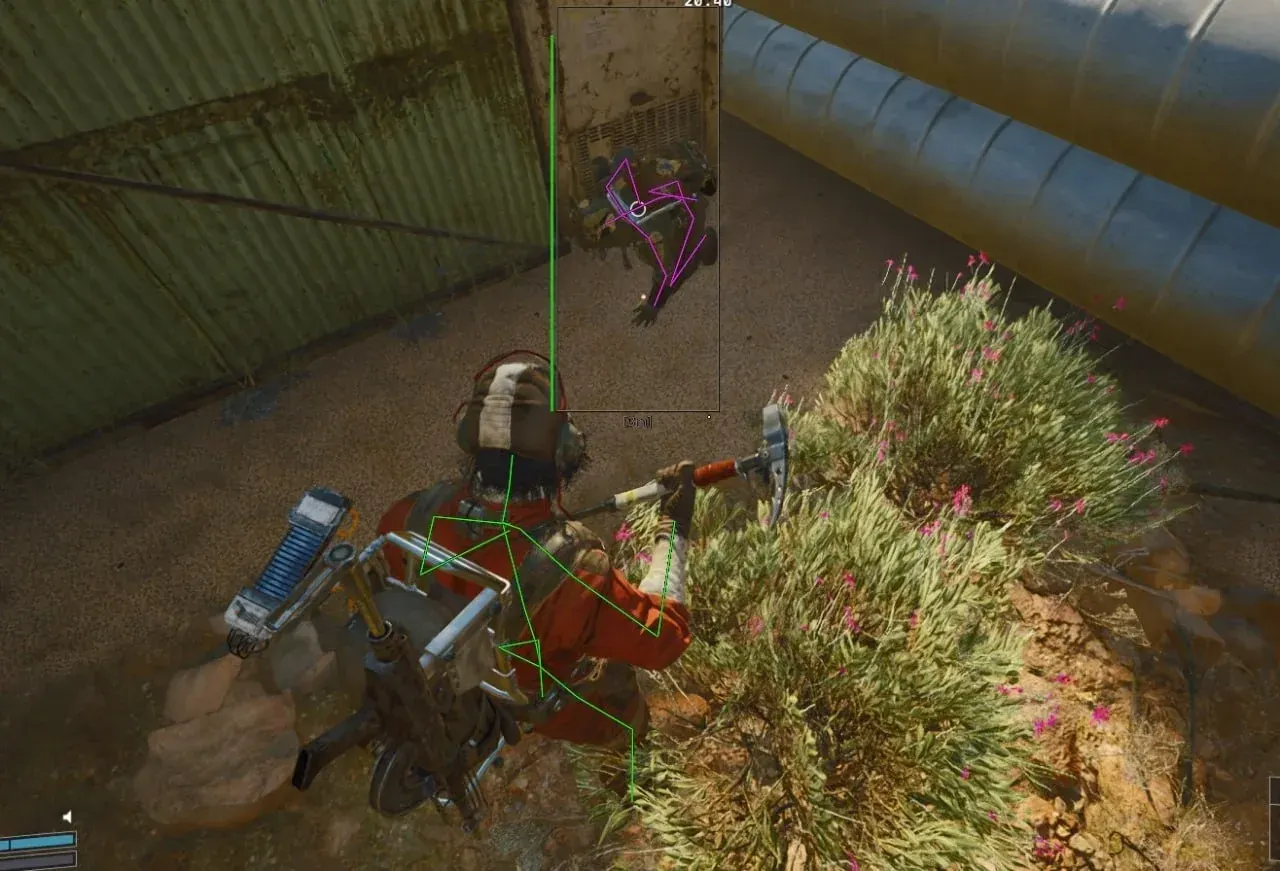
Purchase
Mason for ARC Raiders: system requirements
About Mason for ARC Raiders
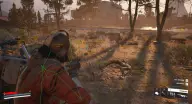
Mason is a private cheat for ARC Raiders that brings ESP, an aimbot and world-object highlighting together in one menu. The visuals show enemies' boxes, skeletons, health and armor, the name of their weapon and the rounds in its magazine, mark knocked enemies and check visibility; your own skeleton can be shown on screen too.
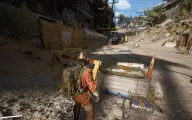
The aimbot fires on a key, draws the FOV circle, lets you pick the hitbox and smoothing, accounts for target movement and dampens recoil through RCS; Humanizer makes the aiming more human-like, and moderate aim settings are switched on with one ready-made preset. In the "World" section items and drones are highlighted, and battle mode, on its own key, hides them for the duration of a firefight.
There is also a radar, a choice of loot categories, an FOV Changer, a Zoom Hack, a free camera and enlarged enemy models that are easier to hit. It works with the Steam version on Windows 10/11 x64 with Intel or AMD, a GPT disk and UEFI. Secure Boot is turned off, while Hyper-V and hardware virtualization support (VT-x/VT-d) are enabled. Window modes: windowed and borderless.
Features of Mason for ARC Raiders
- displays your own skeleton.
- a box around each enemy.
- each enemy's armor level.
- each enemy's remaining health.
- a skeleton over the enemy model.
- shows knocked-down enemies.
- shows whether the enemy is visible or behind cover.
- the name of the weapon in the enemy's hands.
- the number of rounds in the enemy's weapon magazine.
- turned on and off with its own toggle.
- aim activates on the assigned key.
- target acquisition radius; the circle can be shown on screen.
- how smoothly the crosshair is brought onto the enemy.
- choose the body part the crosshair is brought to.
- a ready-made set of moderate aimbot settings.
- leads the target based on its movement.
- adjustable strength of weapon recoil compensation.
- highlights items on the map.
- highlights drones and other hostile creatures.
- hides items and drones during combat on a separate key.
- makes aiming look like a real player's movements.
- displays a radar on screen.
- choose which loot categories are shown.
- sets a custom field of view instead of the game's own.
- extra zoom on the image.
- look around the map with a camera detached from the character.
- enemy models become larger and easier to hit.