Mason cheat for Bodycam on Windows
Undetected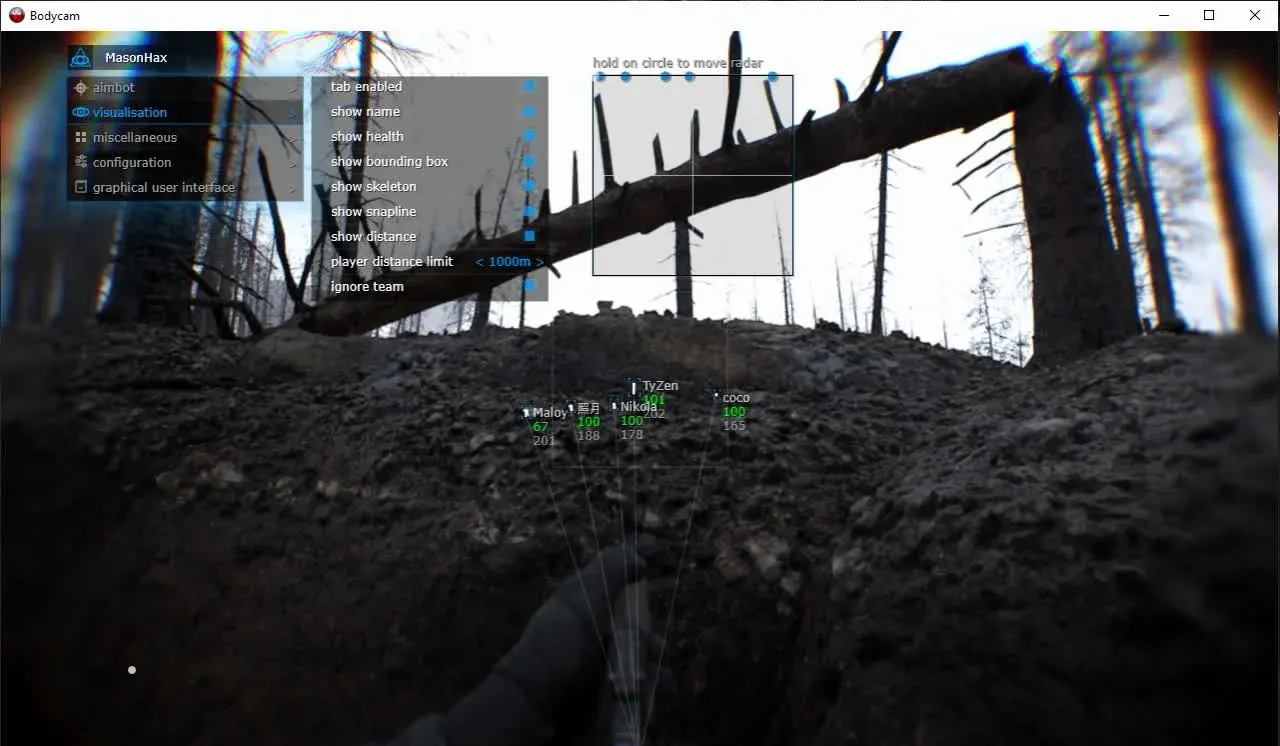
Purchase
Mason for Bodycam: system requirements
About Mason for Bodycam
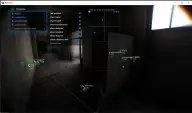
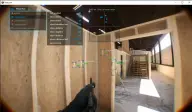
Mason for Bodycam combines an aimbot, player ESP and a radar in one menu. The aimbot activates on the key you assign, the capture radius is adjustable, and you pick the aim spot on the model yourself. The radius circle and an extra crosshair are drawn over the game.
ESP outlines players with a box, labels their nickname and health, and draws the skeleton, a line to the target and the distance, while a set range limit cuts off distant players. The radar is shown in a separate window with adjustable size and coverage radius.
Save CPU takes load off the processor, the Panic Key shuts the program down in an emergency, and the config is moved through the clipboard. The visuals do not show up in screen recordings or screenshots. You need the Steam version of the game in windowed or windowed fullscreen mode, Windows 10/11 x64 build 2004 to 26H1 and an Intel or AMD processor. BIOS boots in UEFI mode, the system disk uses GPT, Hyper-V and VT-x/VT-d virtualization are enabled and Secure Boot is disabled. Compatibility with BattlEye is stated.
Features of Mason for Bodycam
- automatically pulls the crosshair onto an enemy within the radius.
- aiming starts on the button you have assigned.
- size of the zone around the crosshair where a target is searched for.
- choice of the area on the enemy model the aimbot goes for.
- marks players on screen; you choose which labels are shown.
- outlines every player with a rectangle.
- shows the nickname next to every marked target.
- shows how much health a player has left.
- draws the bones of the player model as lines.
- draws a line from the screen to every player.
- distance to the player next to their marker.
- players beyond the set distance are not drawn.
- shows the target capture zone on screen.
- a custom crosshair over the game interface.
- a map of player positions around you.
- the radar window size and coverage range can be changed.
- reduces the processor load while the cheat is running.
- the menu opens on a button of your choice.
- shuts the cheat down in an emergency with one press.
- the config is saved to the clipboard and picked up from there.
- the visuals do not appear in videos or screenshots.