
Mason cheat for Lost Light on Windows
Undetected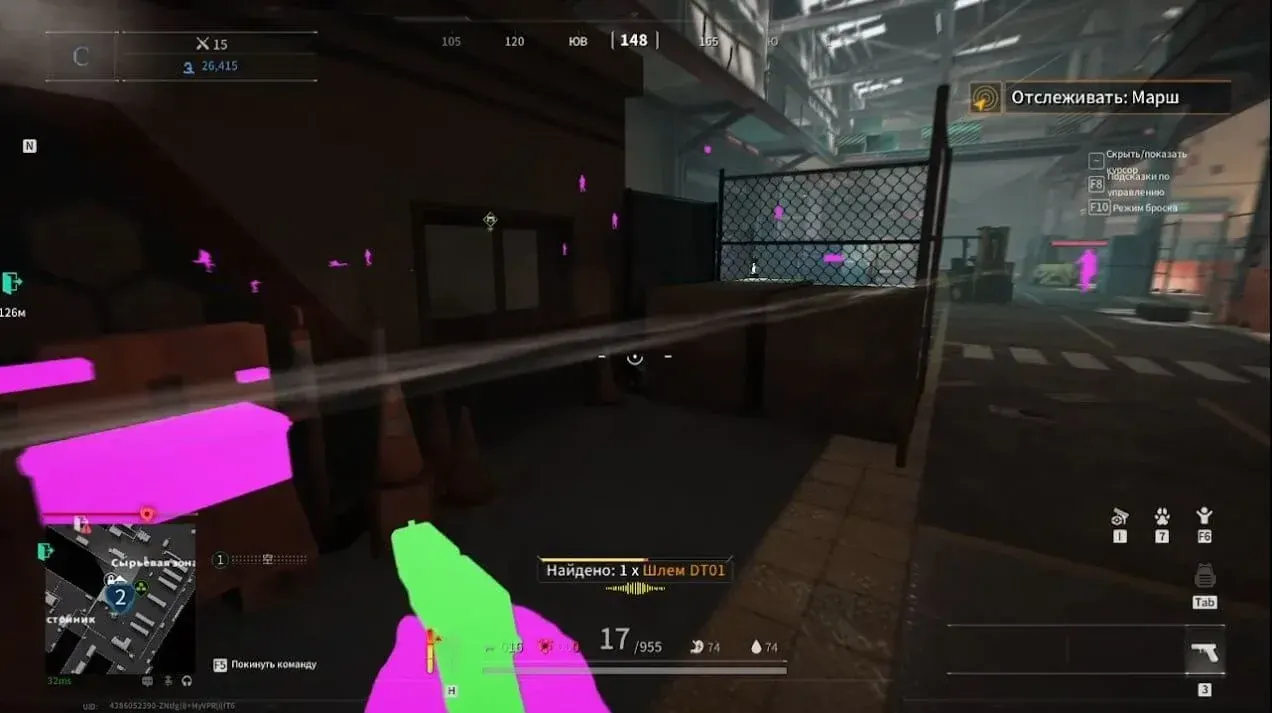
Purchase
Mason for Lost Light: system requirements
About Mason for Lost Light
For Lost Light, the extraction shooter from NetEase Games, Mason comes as a private visual cheat. It doesn't touch your shooting or aim for you: its job is to show where enemies and loot are.
Players and loot are highlighted, and enemies can be seen through walls and cover. There is no separate menu: F1 turns on Wallhack, F2 turns on Chams with loot highlighting, and F3 clears junk from the highlighting so that only enemies remain. Some small loot, such as spray cans and grenades, may stay unhighlighted.
You need the game from Steam and Windows 10/11 x64, one of the builds from 2004 to 25H2. An Intel or AMD processor works, and you can play in windowed, borderless windowed or fullscreen mode. The highlighting shows up in videos and screenshots: it is not hidden from recording. The game has its own in-game anti-cheat.
Features of Mason for Lost Light
- with F1, enemies are visible behind walls and cover.
- items are highlighted together with Chams on F2, but some small ones, such as spray cans and grenades, may not stand out.
- there is no settings window; the cheat is controlled only with the F1–F3 keys.
- each of the three functions has its own key: F1, F2 or F3.
- with F2, player models are filled with colour.
- F3 removes extra junk from the highlighting, leaving only enemies on screen.