Fecurity cheat for Delta Force on Windows
Undetected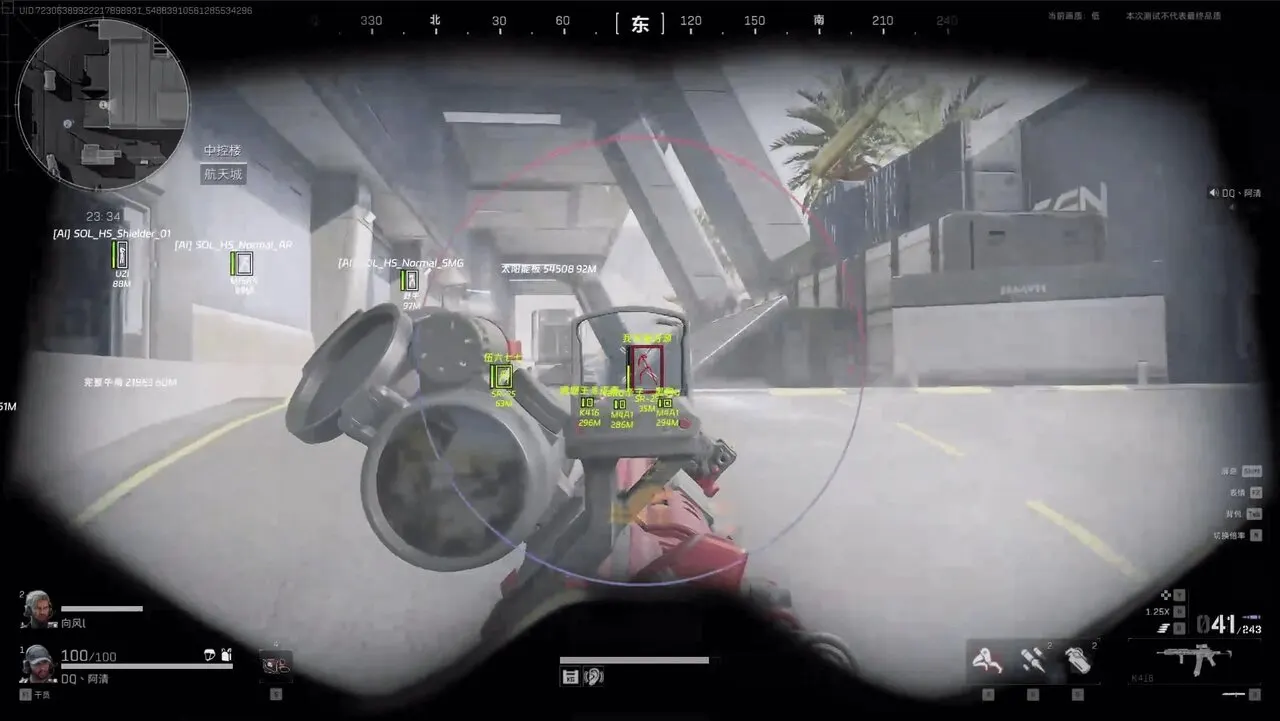
Purchase
Fecurity for Delta Force: system requirements
About Fecurity for Delta Force
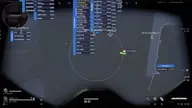
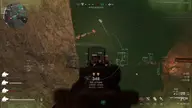
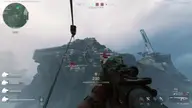
Fecurity is a cheat for Delta Force with an aimbot on two hold keys and a button that turns it on permanently. Prediction accounts for enemy movement, and you can set FOV, hitbox priority, the share of shots at the nearest body part and target switch delay.
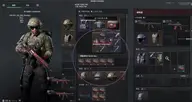
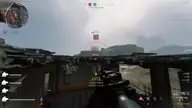
The player wallhack draws outlined boxes, skeleton, health, helmet and body armor, hero name, nickname and distance. Loot ESP shows items and crates with the price and quantity of their contents, and highlights valuable items and dead bodies. There is visor effect removal and Edge Slide for long jumps with stamina refill.
Supported systems are Windows 10 and 11 (21H2–25H2) on Intel and AMD, modes are windowed or borderless, and clients are Steam, EGS, Global, Garena and WeGame. A spoofer is not included in the build, no USB flash drive is used, and StreamProof hides the menu and ESP from screenshots and streams.
Features of Fecurity for Delta Force
- turns the aimbot on/off.
- aim only at visible enemies.
- aim at enemies only.
- size of the area where the aim works.
- show the aim area size as a circle.
- predicts the enemy's movement path.
- delay before switching targets (in MS).
- lets you choose priority body parts for the aim.
- the percentage of shots that go to the body part closest to the crosshair.
- bind 2 keys to activate the aimbot (hold).
- a key that fully turns the aimbot on/off when pressed.
- wallhack that shows players and info about them.
- Wallhack as boxes.
- extra box outline.
- players' HP (as a bar).
- shows info on players' helmets and body armor.
- wallhack drawn as skeletons.
- skeleton line thickness.
- shows hero names.
- player names (nicknames).
- distance to ESP targets.
- WH range.
- show bodies with ESP.
- ESP for items.
- ESP for crates.
- show the item/crate name.
- shows how many items are in a crate.
- shows item values.
- minimum item value to display.
- a separate filter that marks expensive items.
- key to toggle the loot wallhack (on/off).
- key to turn the crate wallhack on/off.
- enable boxes around vehicles.
- key that toggles the vehicle wallhack on/off.
- ESP element opacity setting.
- lets you customize colors for all visuals in the cheat.
- remove visor effects (from a worn helmet).
- long jumps and stamina refill.
- choose the unit of measurement: meters or feet.
- lets you bind your own key to open the cheat menu.
- the Fecurity menu and ESP won't show up in screenshots, videos or streams.