Desync cheat for PUBG: Battlegrounds on Windows
Undetected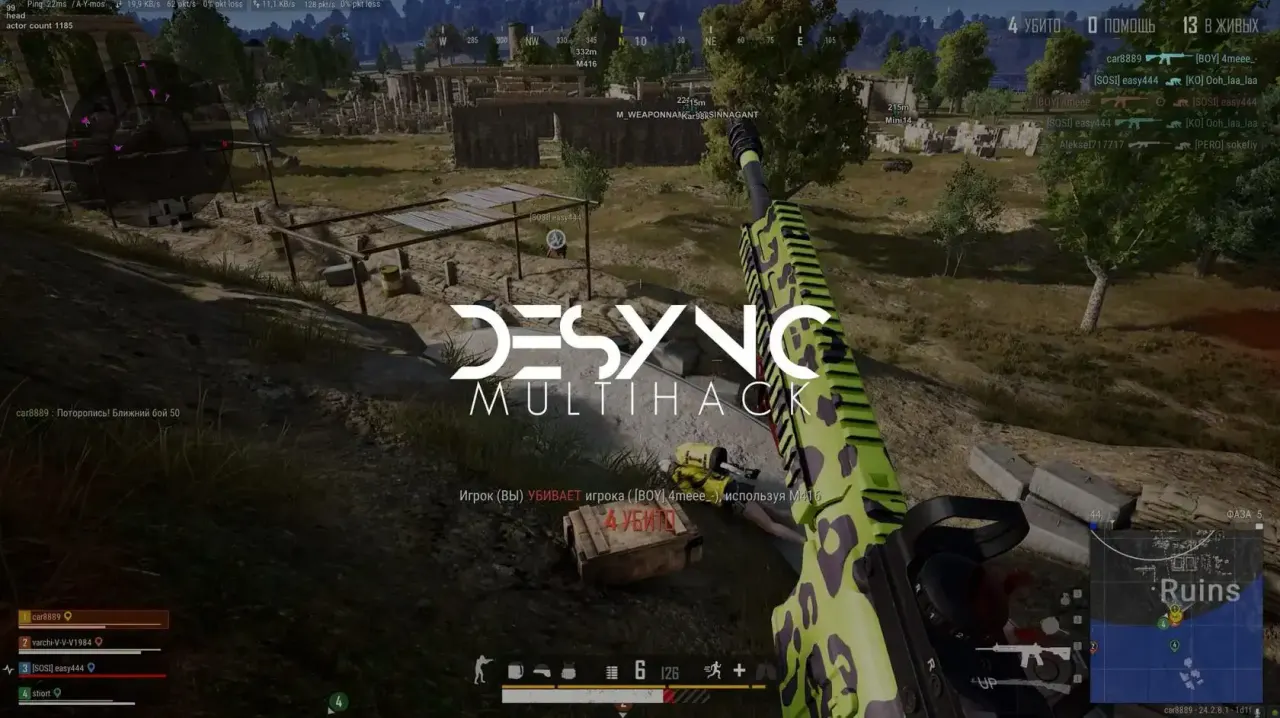
Purchase
Desync for PUBG: Battlegrounds: system requirements
About Desync for PUBG: Battlegrounds
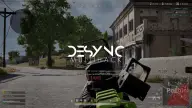
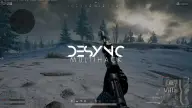
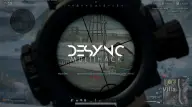
Desync is a cheat for PUBG: Battlegrounds with an aimbot, ESP and auto loot. The aim works on two keys with two aim points; the bone is switched with a separate button, and after a kill the target changes automatically. Aim speed and FOV are adjustable, a marker for the aim point is shown on screen, and the current bone is labeled in the top-left corner. You can aim at knocked-down players, and recoil is compensated.
The wallhack shows outlined boxes, lines, skeleton, health, nickname, weapon, kill count and distance, with grenades marked separately; there is also screen dimming. Also available are bullet tracers, a custom crosshair, auto loot on a key and a radar with mode selection, opacity, range and the players' view direction.
Windows 10 and 11 are supported, with Windows 11 recommended. Intel and AMD processors, windowed, borderless and fullscreen modes, Steam and Kakao clients. No USB flash drive is needed, and the overlay is hidden from OBS recordings.
Features of Desync for PUBG: Battlegrounds
- The "This cheat is currently not safe on Windows 10, I recommend playing on Windows 11 only" setting controls the matching option of the product.
- Turn the AIMBOT on or off.
- Assign keys for aiming.
- Sets where the aim points.
- Target switching.
- Automatic target switching after a kill.
- Aim speed.
- Aim field of view.
- Show the field of view.
- Show the aim marker.
- Show the selected target (in the top left corner).
- Aim at downed players.
- Recoil compensation while aiming.
- Turn ESP on or off.
- Turn on enemy outlines.
- Turn on outline borders.
- Screen dimming.
- Lines.
- Health display.
- Grenade display.
- Weapon display.
- Skeleton display.
- Player name display.
- Kill count display.
- Distance display.
- Other features.
- Bullet tracer display.
- Extra crosshair.
- Automatic item pickup.
- Turn auto-loot on/off.
- Turn the radar on or off.
- Radar mode.
- Radar transparency.
- Maximum radar distance.
- Player view direction on the radar.