Rob Run
Lovec cheat for Rob Run on Windows
Undetected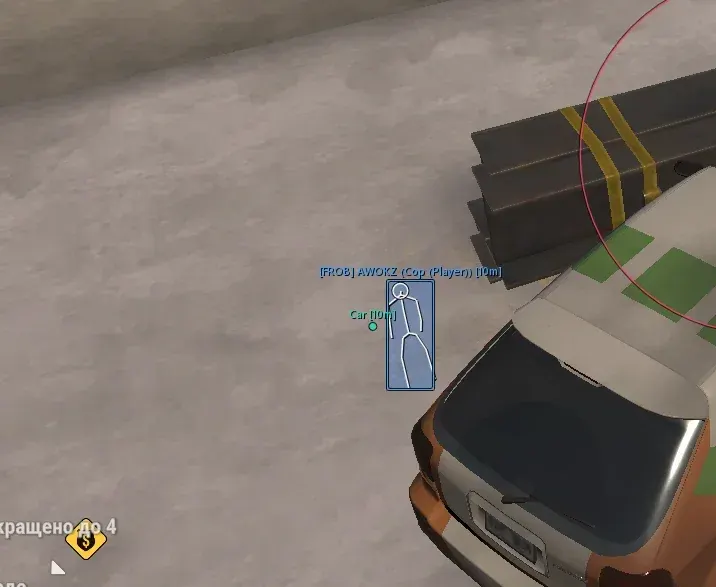
01 / 10




Purchase
Lovec for Rob Run: system requirements
Game mode
Windowed, borderless
Processors
Intel and AMD
Game client
Steam
Systems
Windows 10, Windows 11 (x64), except 26H1 and 26H2
Built-in Spoofer
No
USB drive
Yes
Additional requirements
Anti-cheat: in-game. No OBS recording bypass. The loader runs from a USB flash drive.
About Lovec for Rob Run
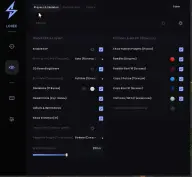
Lovec is a cheat for Rob Run on Windows 10 and 11 (x64), except 26H1 and 26H2. It combines a vector aim and Silent Aim: target zone, smoothing, target priority, movement prediction and excluding friends and party members.
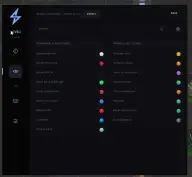
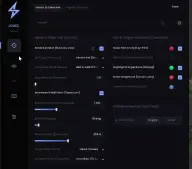
ESP shows players, bandits, cops, civilians, NPCs, loot, bags, cash, cargo, crates, safes, containers and vehicles. It has hotkeys, category colors and saved configs. The loader runs from a USB flash drive.
Features of Lovec for Rob Run
Aimbot
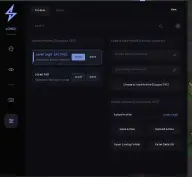
- Vector aim and Silent Aim, smoothing, hit chance, movement prediction, FOV and a maximum distance.
Activation modes
- Always, while shooting, while aiming or on left/right mouse button.
Friend exclusion
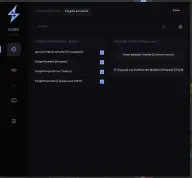
- Friends and party members are kept out of the target list.
Player and NPC ESP
- Player categories, boxes, skeletons, a head circle and colors by faction.
Loot and world ESP
- Ground loot, bags, cash, cargo, crates, weapon cases, safes and containers.
Vehicles
- Cars and other vehicles in ESP.
Hotkeys
- Toggling the aim and ESP, separate keys for boxes, skeletons and lines.
Settings and configs
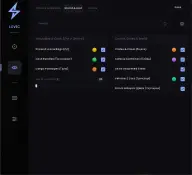
- FPS limit, a watermark, interface scale 75-175%, creating and resetting configs.