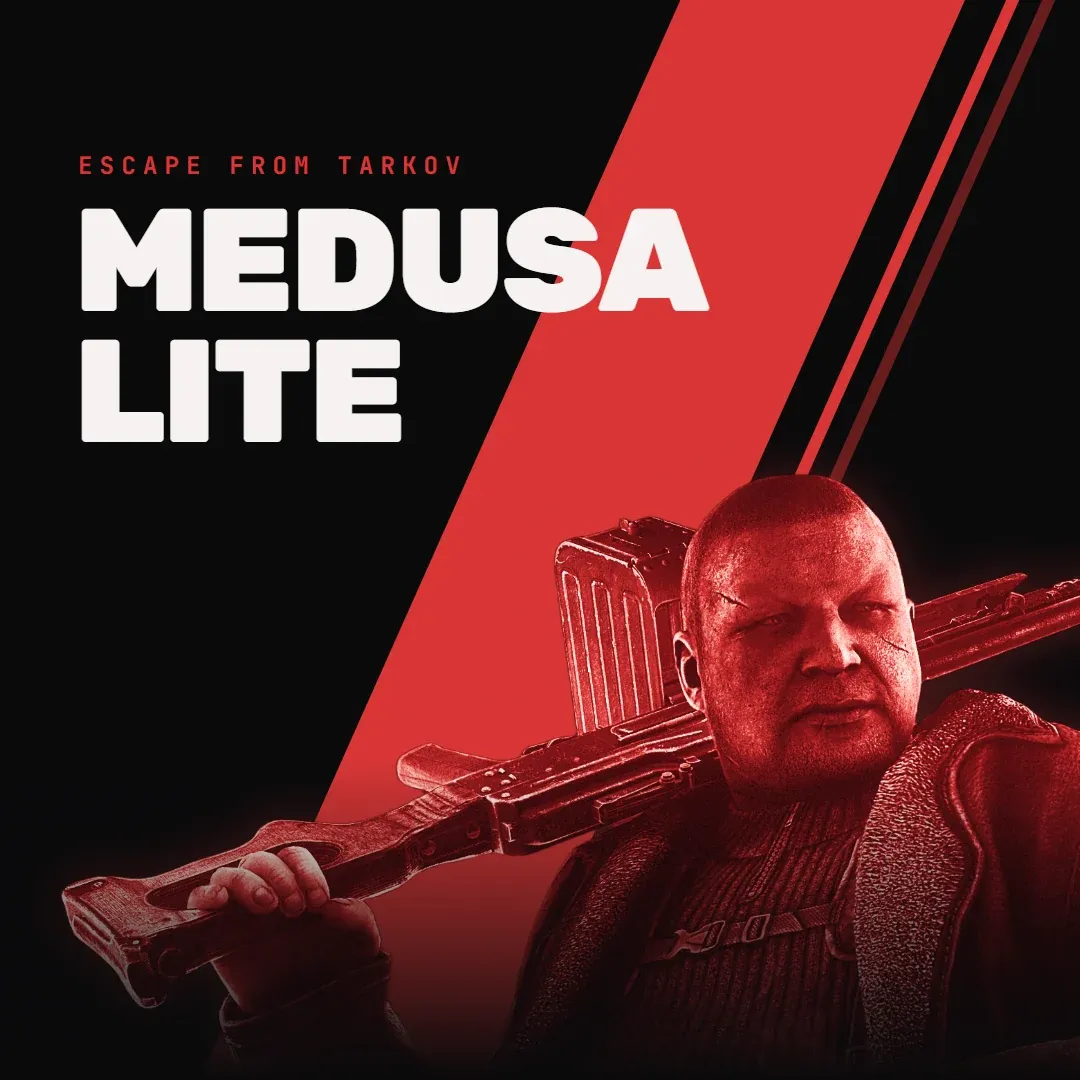
Lovec Radar cheat for Escape from Tarkov on Windows
Undetected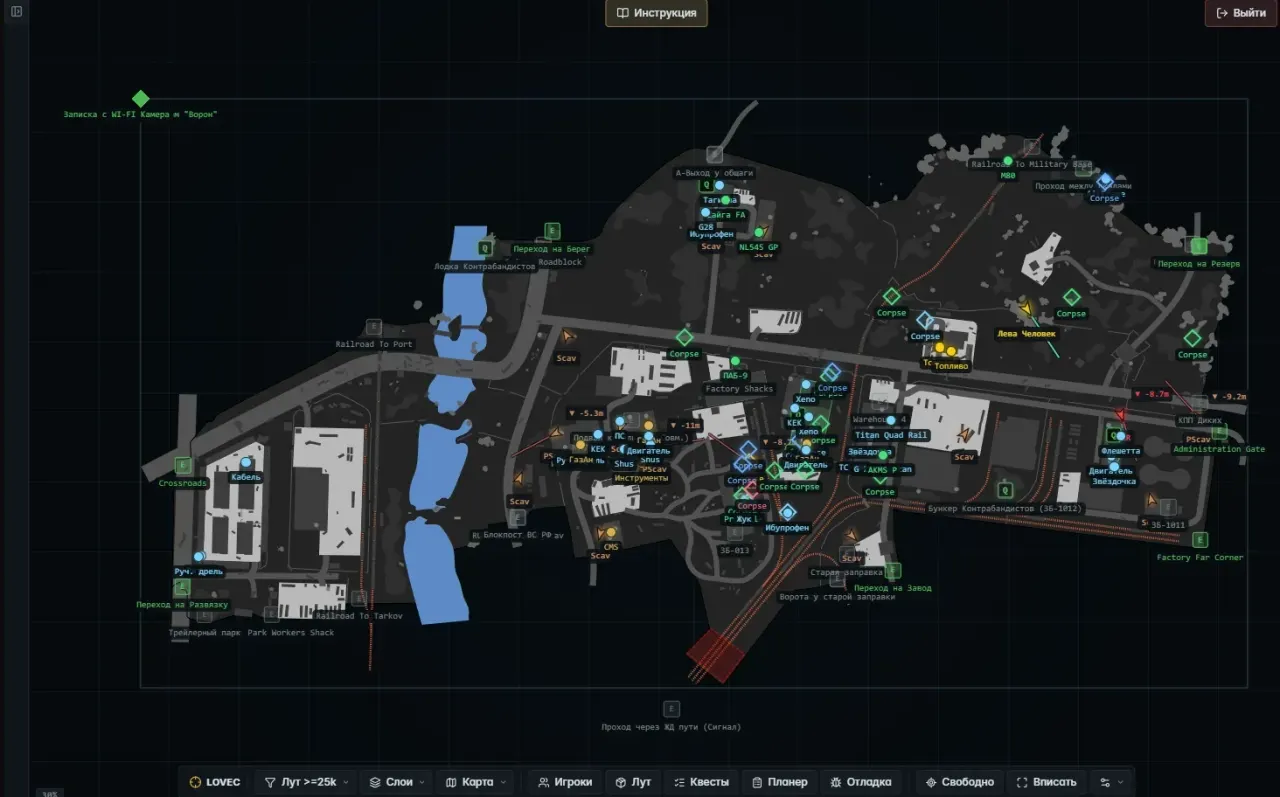
Purchase
Lovec Radar for Escape from Tarkov: system requirements
About Lovec Radar for Escape from Tarkov
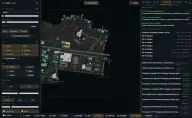
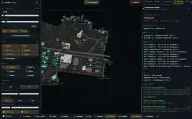
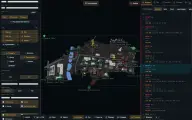
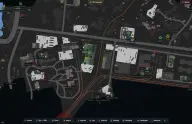
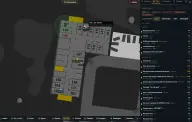
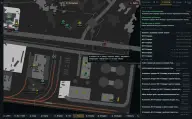
Lovec Radar moves an Escape from Tarkov raid onto a live web map and draws nothing over the game. A small collector gathers the data on the PC, while the map is viewed in a browser on a phone, tablet or second monitor; Discord is not needed, and on a separate screen the map stays out of stream capture. Multi-level maps switch floors by height on their own.
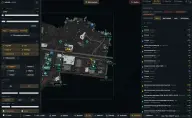
The map shows you, teammates, PMCs, Scavs and AI, with bosses and raiders highlighted separately. High Alert flags the moment an enemy is looking at you, and the player list sorts by threat, distance and value. Loot is filtered by minimum price, quest items, wishlist and hideout; the price comes from the flea market, a trader or the higher of the two.
The quest planner gathers tasks by map, items to hand in and quest zones. Extracts are marked open, conditional, closed, inactive or transit. A teammate opens the same map through a session link. The loader starts only from a USB flash drive; Windows 10 or 11, Steam or BSG Launcher.
Features of Lovec Radar for Escape from Tarkov
- players, loot, quests and objects update as the raid goes on.
- on multi-level maps the right floor is picked automatically.
- a target is above, below or on your level.
- the view sticks to you or to a marked target.
- panning with the mouse, wheel zoom, «Fit» and «Centre» buttons.
- a compact map view without side panels.
- you, teammates, PMCs, Scavs and AI are marked differently.
- dangerous NPCs get a marker of their own.
- direction arrows and lines for you, enemies and AI.
- an alert when an enemy looks your way.
- sorting by threat, PMC, bosses, distance, value or name.
- a click marks a player, a double click starts following.
- streamers are highlighted by account ID.
- dead players and valuable bodies on the map.
- minimum price, important, quest, wishlist and hideout.
- flea market, trader or the more profitable of the two prices.
- short name and price, colour by price tier.
- show, notify or hide for a single item.
- a searchable list and a custom colour for selected ones.
- a separate price threshold for bodies.
- custom, quest, important, expensive, containers and bodies.
- active tasks, items, zones and completion points on the map.
- maps, items to hand in and bring / found-in-raid tags.
- open, conditional, closed, inactive and transit statuses.
- switches, levers, grenades and traps when they are in the data.
- players, loot, quests, extracts, hazards, bodies and switches.
- a teammate joins the session by link or nickname, and each keeps their own filters.
- across loot, items and containers.
- Russian and English, marker size, compact mode and a help overlay on the map.