Mason Squad cheat for Windows
Undetected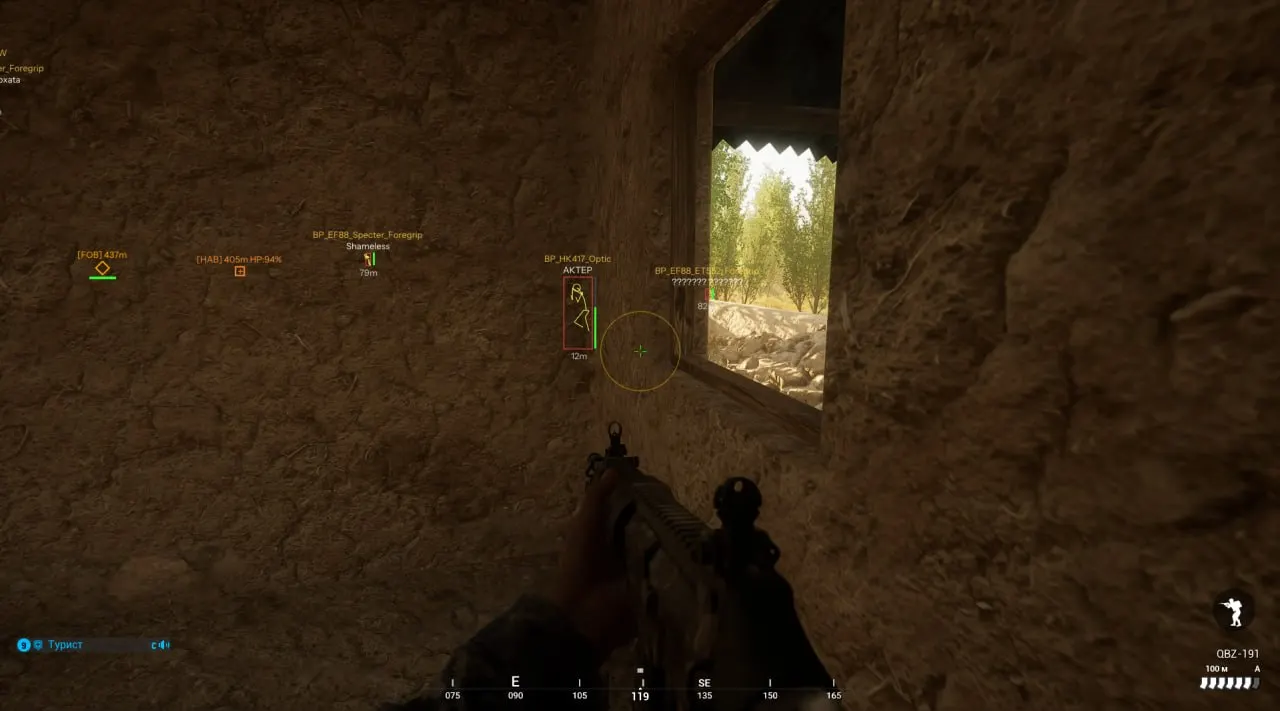
Purchase
Mason Squad: system requirements
About Mason Squad
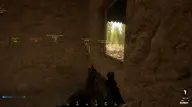
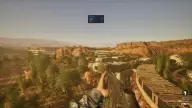
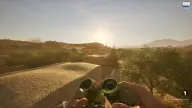
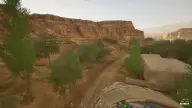
An aimbot with a randomised hitbox, FOV, smoothing and a target switch delay. ESP: boxes, names, distance, skeleton, weapon, and showing or hiding teammates.
On the Squad map you see enemy FOBs and HABs, friendly bases and posts, and every vehicle with its remaining health and a 3D box, while the Ticket Tracker follows both teams' tickets. Mason warns you about admin surveillance cameras and swaps the default crosshair for its own.
Misc has Speed Hack, enlarged player models, No Suppression, unlimited breath hold, Rapid Fire, Infinite Ammo, interacting with objects from afar, No Recoil and No Sway, instant magazine refills and Desync Mode with temporary invulnerability and invisibility; the End key unloads the cheat. It is external software for the Steam version with Easy Anti-Cheat, in windowed or borderless mode. You need Windows 10/11 x64 (builds 2004–26H1), UEFI and GPT; turn Secure Boot off and turn on Hyper-V, VT-x and VT-d. No USB drive is needed, and the overlay stays visible in recordings and screenshots.
Features of Mason Squad
- helps bring your aim onto a target inside the set FOV radius.
- picks a random point on the target's body every time it aims.
- draws a circle on screen showing the aimbot's activation radius.
- sets the aimbot activation area.
- adjusts how smoothly it aims at the target.
- sets the delay before switching to a new target.
- draws frames around players (boxes).
- labels each player with their nickname.
- shows the distance to players.
- shows players' skeleton models.
- shows the name of the weapon players are holding.
- shows or hides players on your own team, as you choose.
- highlights enemy forward posts (FOBs) and main bases (HABs).
- shows where your team's bases and posts are.
- highlights every vehicle on the map.
- shows how much health a vehicle has left.
- draws a 3D box around every vehicle.
- shows each team's current ticket count.
- warns you when admin surveillance cameras are active on the server.
- shows a custom crosshair in the center of the screen.
- makes your character move faster across the map.
- enlarges player models locally so they are easier to keep in sight.
- removes screen and crosshair shake under heavy enemy fire.
- lets you hold your breath for as long as you like, which is especially handy for snipers.
- raises the rate of fire of the weapon in your hands.
- the magazine never runs out of rounds, and all magazines of the current weapon refill in an instant.
- lets you interact with objects and structures from any distance.
- the weapon is not pushed off target by recoil and does not sway in your hands.
- desyncs your character from the server and grants temporary invulnerability, invisibility and infinite stamina.
- pressing End unloads the cheat from the game right away.