Mason Lite cheat for Apex Legends on Windows
Updating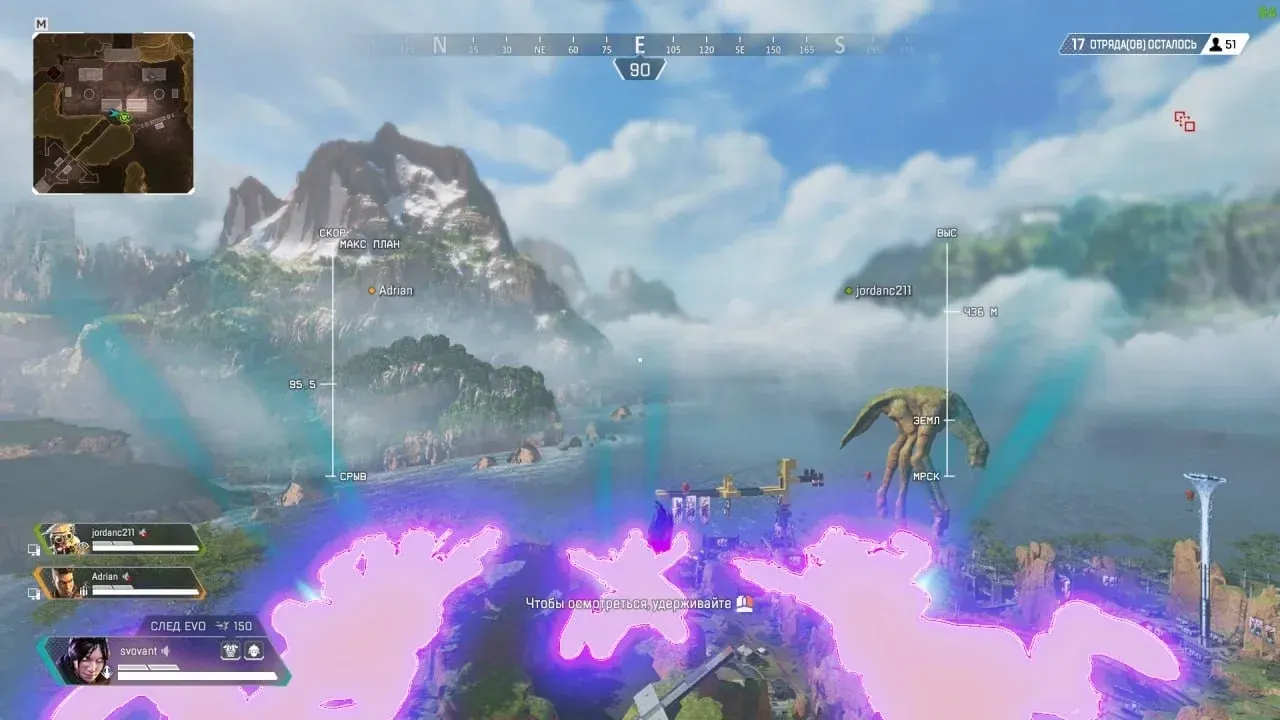


MASON LITE is being updated: the developer is releasing a new version. Sales resume as soon as it is out.
Ask about timingMason Lite for Apex Legends: system requirements
About Mason Lite for Apex Legends
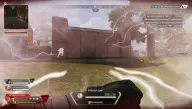
Mason Lite for Apex Legends is a lightweight build without a menu: once launched, everything runs on its own, and the features you need are toggled with hotkeys. By default, players are shown with bars and tracers; everything else is toggled on F1–F5.
F1 adds a box around every player, F2 puts a crosshair with a pulsing FOV circle in the centre of the screen, and F3 changes the box style: Corner, Outline or Glow. F4 shows the branded watermark in the HUD, and F5 turns on BunnyHop and SuperGlide.
Only the Steam version of the game is supported. The cheat is compatible with 64-bit Windows 10 and 11 builds 2004–25H2 (on Windows 11 24H2 it is not guaranteed to work) and with Intel and AMD processors; run the game windowed or in windowed fullscreen. The cheat's overlay is not visible in video recordings or screenshots. The game's anti-cheat is Easy Anti-Cheat. Secure Boot must be turned off, Hyper-V turned on and VT-x/VT-d enabled in BIOS; the system must boot in UEFI from a GPT disk, and you will need a USB flash drive. The key is issued automatically after payment.
Features of Mason Lite for Apex Legends
- the F1 key adds a box around every player on top of the bars and tracers.
- F2 shows a crosshair and a pulsing FOV circle in the centre of the screen.
- F3 switches the box look: Corner, Outline or Glow.
- F4 puts the branded watermark on the screen.
- F5 turns on bunny hopping and SuperGlide.
- everything not bound to the F1–F5 keys turns on automatically.