Mason CS2 cheat for Counter-Strike 2 on Windows
Undetected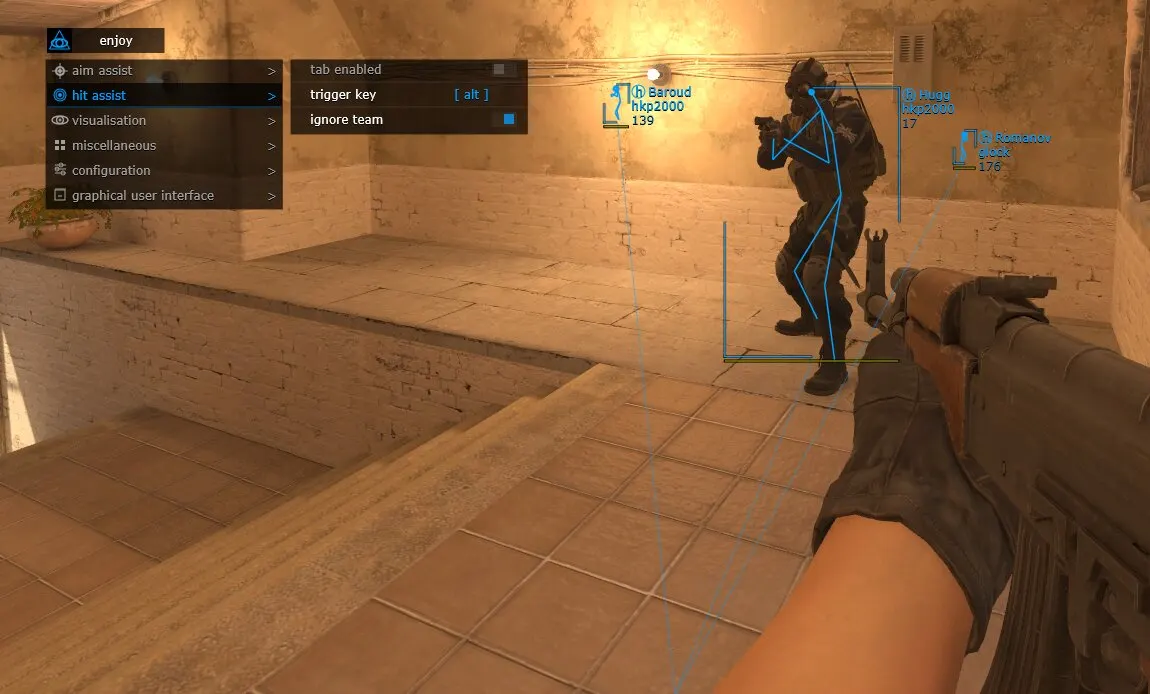
Purchase
Mason CS2 for Counter-Strike 2: system requirements
About Mason CS2 for Counter-Strike 2
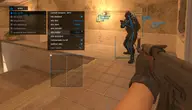
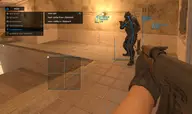
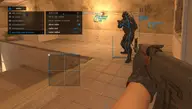
Aimbot with separate settings per weapon that works while the key is held: hitboxes, FOV, smoothing, aim precision and switching to the next target after a kill. RCS with an adjustable compensation level, Triggerbot, ESP: 2D boxes, skeleton, lines, names, health, weapon, equipment, distance and the C4 timer; teammates and enemies already in sight can be hidden.
A separate radar is drawn over the game: you drag it with the mouse and set its size and radius in the menu. You can show the aimbot zone circle and your own crosshair in the centre. Save CPU mode spares processor resources, the config is copied to the clipboard and loaded back from it, and the menu switches between English and Chinese.
The cheat is made for Counter-Strike 2 from Steam: it needs Windows 10 or 11, x64 only, and either an Intel or an AMD processor will do. All three screen modes work: windowed, borderless fullscreen window and fullscreen. The game's anti-cheat is Valve Anti-Cheat, and the overlay is not hidden from screen recording or screenshots.
Features of Mason CS2 for Counter-Strike 2
- picks the weapon that gets its own aimbot settings.
- the aimbot aims only while the assigned key is held.
- the aimbot targets the body part you have chosen.
- the radius of the zone in which the aimbot triggers.
- how smoothly the aimbot aims (smoothed movement).
- a separate setting for aimbot precision.
- dampens weapon recoil while the aimbot is aiming.
- the aimbot picks only enemies marked on the radar.
- after a kill the aim switches to the next target by itself.
- sets how strongly the aimbot compensates recoil.
- fires automatically when an enemy is under the crosshair (has its own settings).
- the triggerbot fires on its own key and leaves teammates alone.
- the pause before the triggerbot fires is set manually.
- the master switch for all visual features.
- a 2D box and skeleton over every player.
- lines drawn to every player on screen.
- the enemy's health, nickname and the weapon in hand.
- the distance to every enemy is shown on screen.
- shows the items players carry.
- where the C4 is planted and how long until it explodes.
- visuals hide teammates and leave only enemies on screen.
- ESP skips enemies you can already see and shows the rest.
- a circle on screen shows the area where the aimbot works.
- draws its own crosshair right in the centre of the screen.
- a separate radar window: move it with the left mouse button held, size and radius are adjustable.
- the menu switches between English and Chinese.
- a lighter operating mode that puts less load on the processor.
- saving the config to the clipboard and loading it back from there.