External vs internal cheats
Contents6 sections
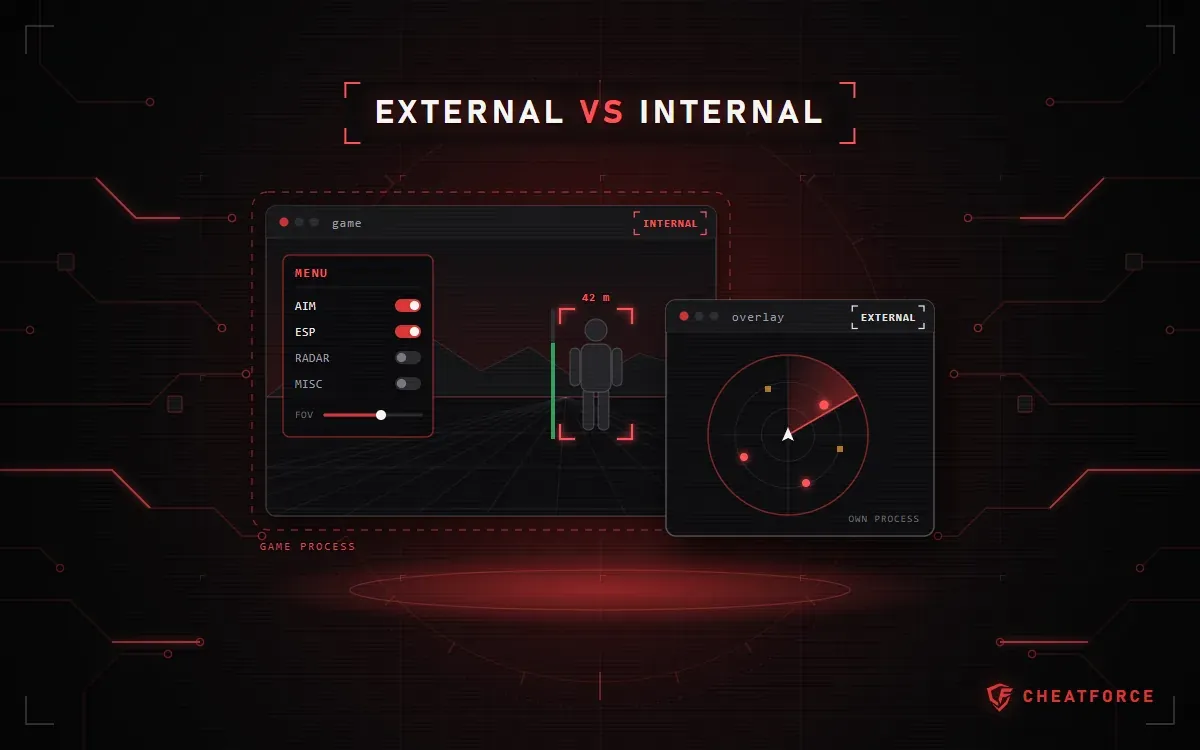
An internal cheat runs inside the game process, while an external cheat is a separate program that runs alongside the game and shows data over it or in its own window. These words answer one question — where the cheat's code runs. They tell you nothing about how many features it has, how convenient the menu is, or whether the anti-cheat will notice it.
Below: what other types are in the CheatForce catalog (web radar, macro, mobile builds), where the type is shown on the product page, and why you should choose by features and requirements rather than by one word in the name.
Internal vs external: a short definition
An internal cheat is loaded into the game process. It draws its menu and visual features right in the game frame.
An external cheat is a standalone program on the same computer. It reads game data from the outside and shows it over the game window or in a separate window.
Many product pages don't name the type at all, and it isn't the main thing when choosing. What matters more is what exactly the cheat shows and what it requires from your system.
Web radar, macro and mobile versions
Some products in the catalog don't fit the "internal or external" split. It's worth telling them apart before you buy.
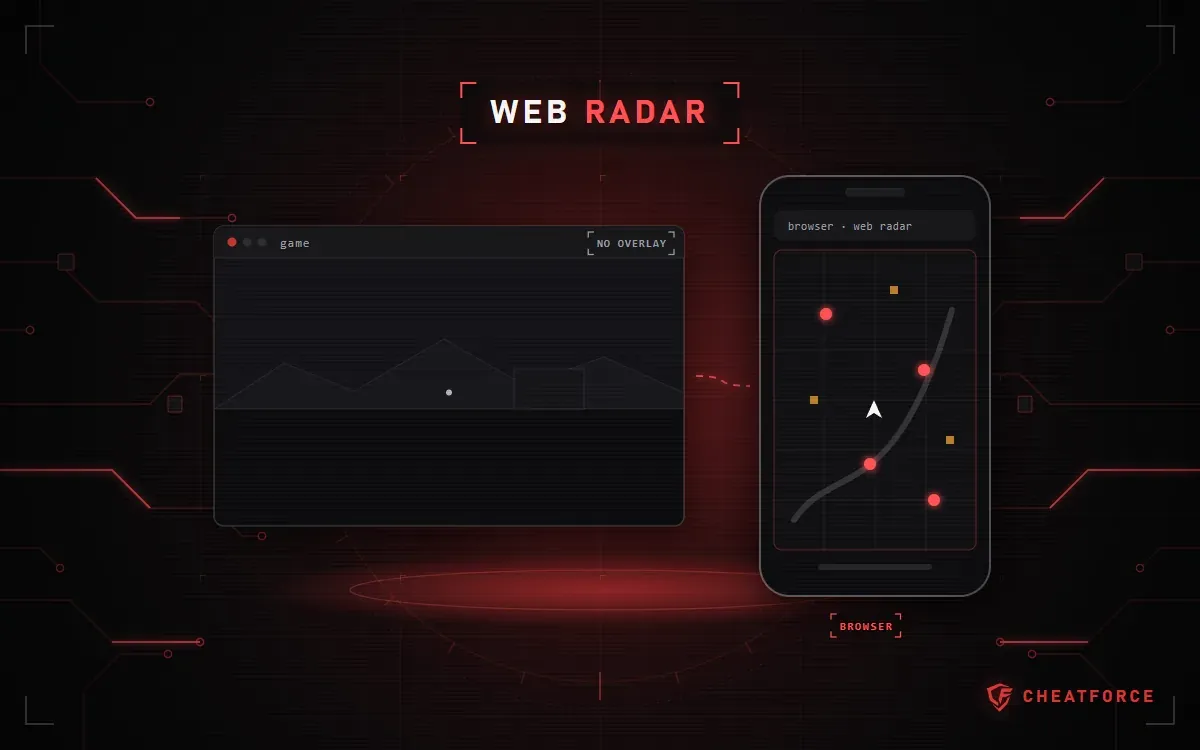
Web radar
A map with players and items opens in a browser on a second monitor, laptop, tablet or phone. The NNCheats Radar web radar for Escape from Tarkov is "fully external" according to its product page. Arcane PUBG Radar opens in a browser on any device, including a smartphone, can share a link to the map (Share Radar Link) and supports the Steam overlay.
The second device only displays the picture. The program that collects the data still runs on the gaming computer: NNCheats Radar lists Secure Web Server in its features and Windows versions in its requirements.
Macro
The Macro Product recoil control macro for PUBG doesn't show enemies — it helps you hold your aim while shooting. According to its product page, it works "without injection" and doesn't touch game files or processes. That's a claim from the description, not a guarantee. The "System requirements" list only the Russian-language version of Windows 10/11.
Mobile builds
For phones and emulators, the platform and installation method matter more:
- Magic Lite for Oxide: Survival Island — Android 10–16, 64-bit only, no root needed;
- King iOS, the iOS version for PUBG Mobile — iOS 15.7 or later, installed via Sideloadly from a PC or with a certificate without a PC;
- Cerberus PC — a PUBG Mobile build for the GameLoop emulator on Windows 10/11.
To install on an iPhone or iPad without a PC, you need a certificate, which is a separate product. When you buy an iOS key for 7 days or longer, Certificate M1 is included for free. Certificates depend on Apple's infrastructure and in some cases can stop working.
Cheat types at a glance
| Type | Where it runs | Where you see the data | What to check on the product page |
|---|---|---|---|
| Internal | Inside the game process | Menu and visuals in the game | Game client, anti-cheat |
| External | A separate program on the PC | Over the game or in a window | Game mode, Windows version |
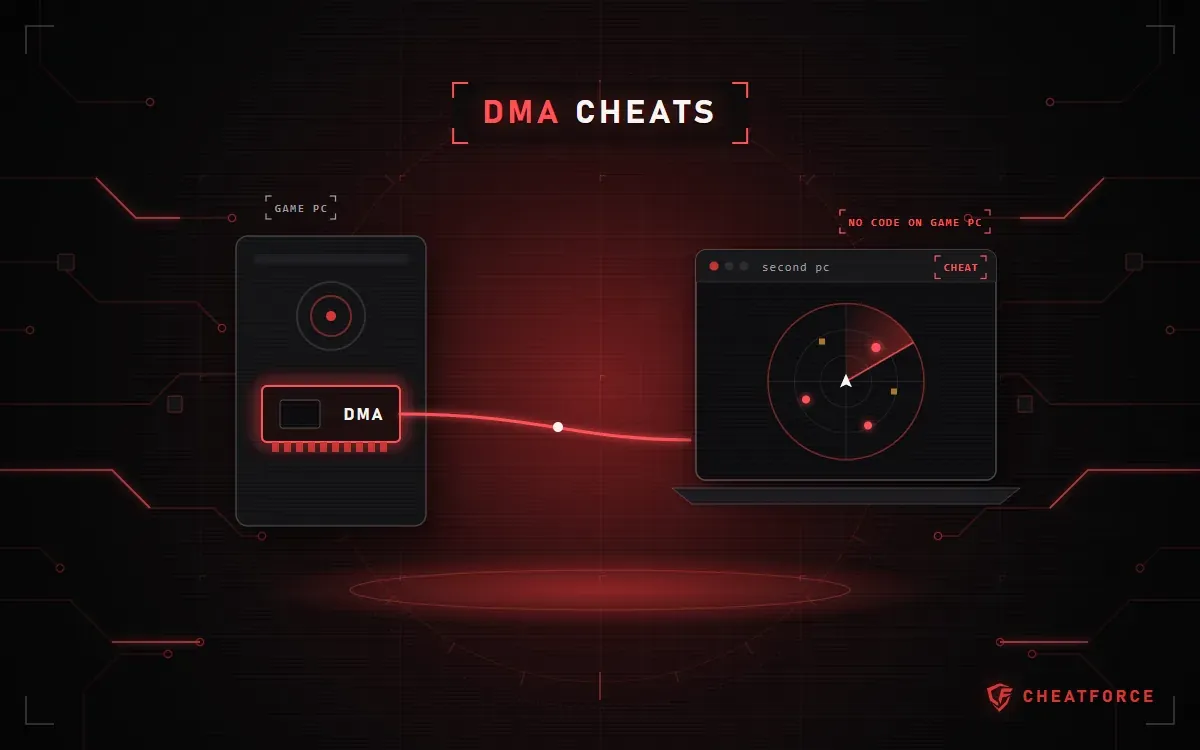
| Web radar | A program on the gaming PC | A browser on another device | Devices, what the map shows |
| Macro | On the PC, works with input | The macro's overlay | Resolution, Windows language |
| Mobile version | Phone, tablet, emulator | The device screen | OS version, installation method |
The table is a general outline; the exact terms are always on the product page. To compare products for one game, open that game in the catalog by game.
How to tell the type from the product page
There's no separate "type" field on the product page. Look in four places:
- The name. Sometimes the type is right in it: Covcheg Rust External or Mason Tundra Internal for War Thunder.
- The start of the "About the product" section. The EXLAB EFT and EXLAB Apex descriptions open with the words "External software", and the external Bleak for ARC Raiders is presented that way in its description.
- "Cheat features". NNCheats Radar lists External Web Radar, while NNCheats with a built-in 2D radar lists Internal 2D Radar, meaning a radar inside the game.
- "System requirements". The type isn't written there, but you can see how the cheat launches: "Game mode" (windowed, borderless or any), "Game client" and "Additional requirements". For example, the Mason Full requirements list UEFI and GPT, Hyper-V and VT-x/VT-d enabled, Secure Boot disabled, a USB flash drive to launch it, and the EAC anti-cheat.
Note. If the type isn't stated anywhere, don't guess from screenshots. Ask before paying in the Telegram support bot, on Discord or at support1@cheatforce.ru.
The other checks — plans, compatibility, the "Instructions" button — are collected in the pre-purchase checklist.
The type doesn't determine the feature set
An external cheat isn't necessarily limited to visuals. According to its product page, Covcheg Rust External offers Aimbot (auto-aim) in two modes: Aim Vector and Aim Silent (hits without visible crosshair movement). It also has Player ESP (wallhack, showing players through walls) and Chams, which highlight models. Bleak has Memory Aimbot, ESP and a radar.
The word internal doesn't mean the cheat has everything either. Mason Tundra Internal's set is built for War Thunder: Aimpoint, Silent Aim to Point, Autolead (automatic lead) and Chams.
The same developer can offer both a full cheat and a separate radar. NNCheats gives you Silent Aimbot, ESP and a built-in radar, while NNCheats Radar is a browser map with player stats, quest items and a loot price filter (Loot Price Filter).
So compare the "Cheat features" list, not the type: what exactly the ESP shows, whether there's a loot filter, whether aiming works only on visible targets (Visible Check). If the names are unclear, check the breakdown of what aimbot, ESP and radar mean.
Is external safer? What about ban risk
Neither type is safer than the other by definition. The EAC, BattlEye and Riot Vanguard anti-cheats use system-level components, so running separately from the game doesn't make a program invisible. A web radar on a second device and a macro "without injection" are no exception.
The status on the product page isn't a forecast: Undetected describes the product's current state, not a promise for the future. Read more in the article on how to read statuses and ban risk.
The installation and launch FAQ answers the ban question briefly: "No one can completely rule out a ban." It also advises playing on an alt account and not launching a product with the "Being updated" status. Under the terms of sale, the buyer accepts the ban risk, and the seller doesn't guarantee there will be no ban.
Important. If your account gets banned, the money for the key won't be refunded: under the terms of sale, a ban for using the program is not grounds for a refund. The store doesn't compensate for lost accounts and items either.