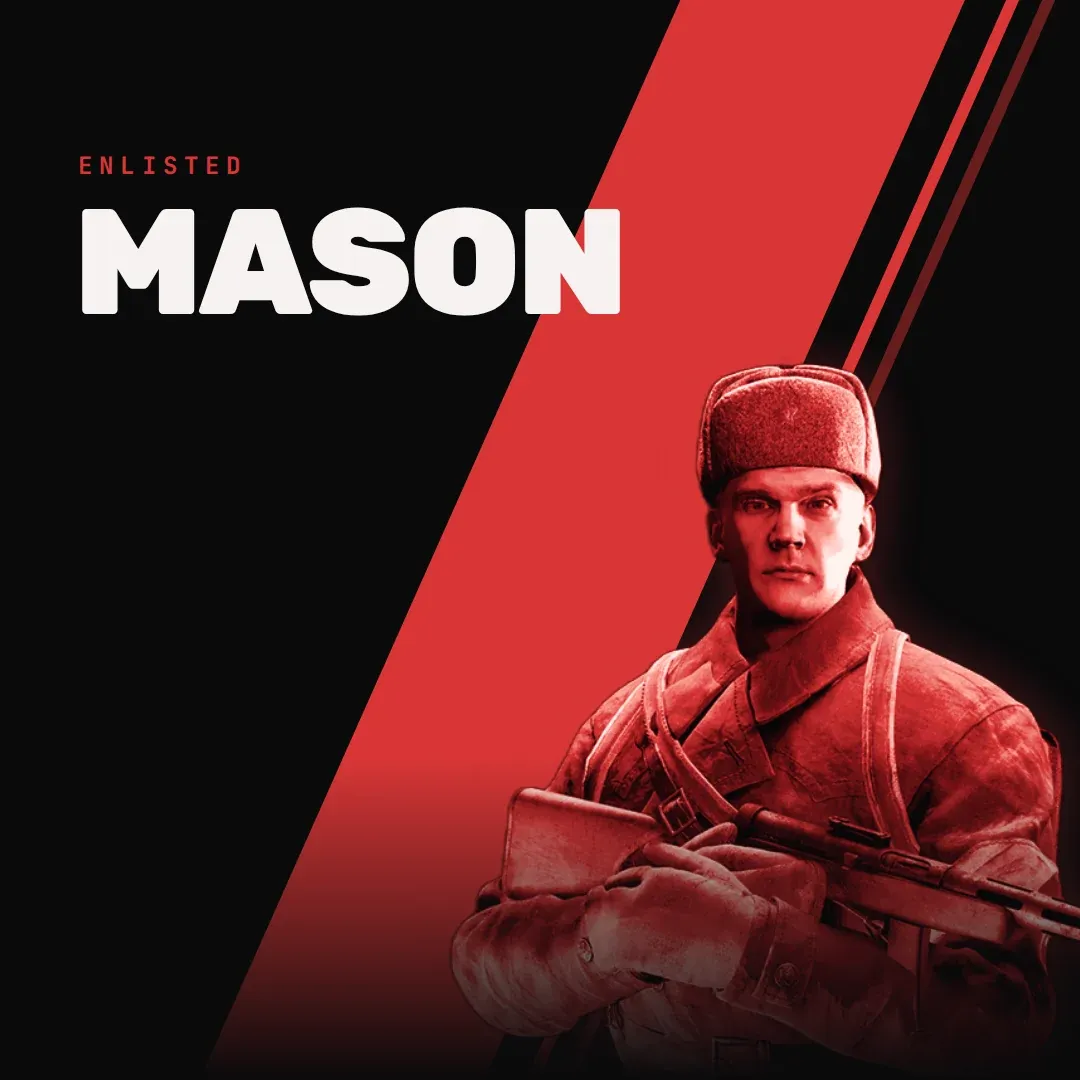
Mason Chams cheat for Enlisted on Windows
Updating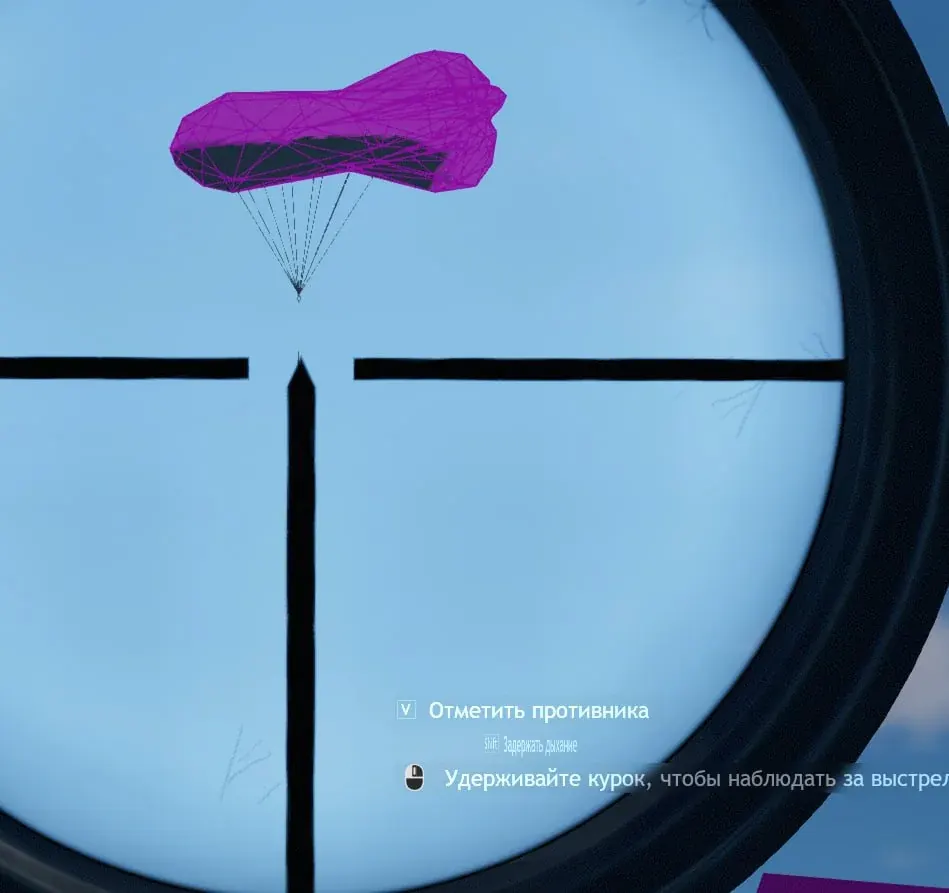
MASON CHAMS is being updated: the developer is releasing a new version. Sales resume as soon as it is out.
Ask about timingMason Chams for Enlisted: system requirements
About Mason Chams for Enlisted
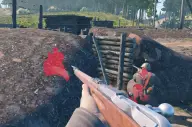
Mason Chams is a separate program for Enlisted, the World War II squad shooter, with a single function: player highlighting. It has no menu: the highlight switches on automatically.
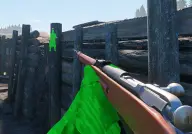
Soldier models are coloured pink, and the program has no other functions. You will not find an aimbot that pulls onto targets on a key, ESP with boxes and skeletons, a radar or a menu on its own key here; all of that is in the separate Mason product for this game.
The program runs on x64 builds of Windows 10 and 11 from version 2004 to 22H2, and either an Intel or an AMD processor will do. The game has to come from Steam or from its own launcher, in windowed or windowed fullscreen mode. Mason Chams is made for the in-game anti-cheat and does not hide from screen capture: the highlight shows up in recordings, screenshots and streams.
Features of Mason Chams for Enlisted
- soldier models on the map are marked with a coloured highlight.
- players are marked with a pink highlight.
- unlike Mason for Enlisted, the program has no menu.
- the highlight turns on by itself; no functions are enabled by hand.