NNCheats Radar cheat for Escape from Tarkov on Windows
Undetected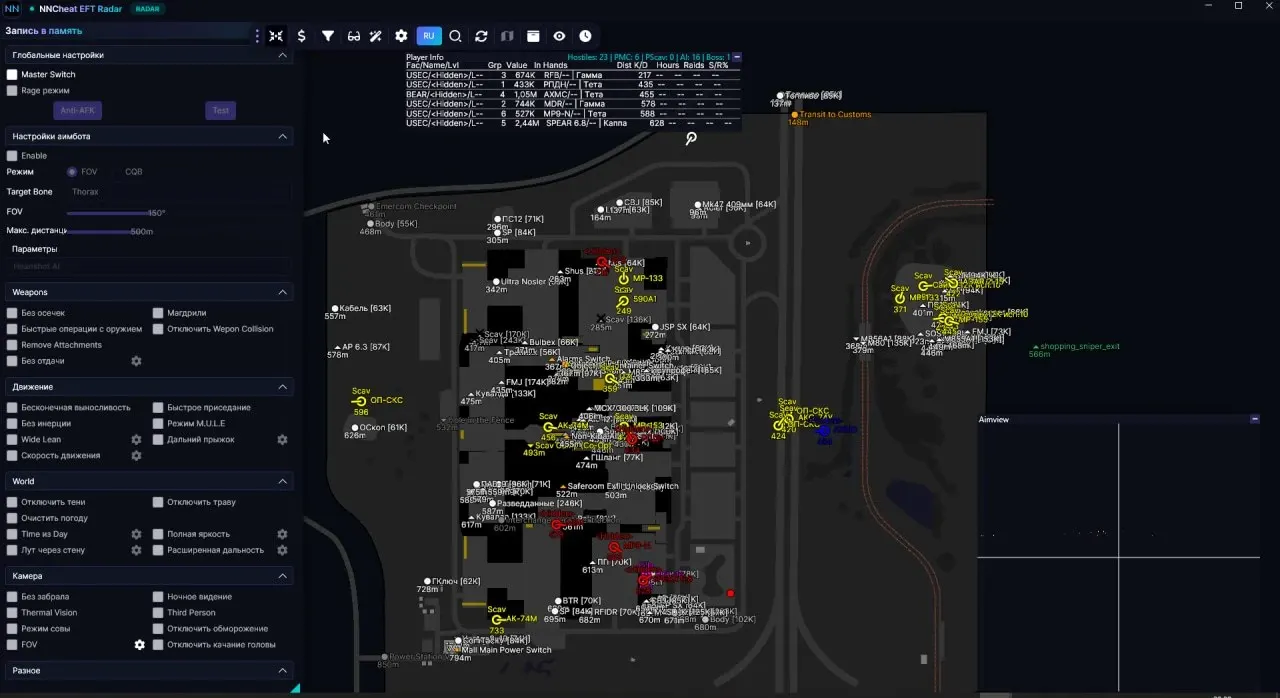
Purchase
Setup instructions
NNCheats Radar for Escape from Tarkov: system requirements
About NNCheats Radar for Escape from Tarkov
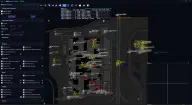
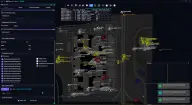
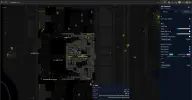
NNCheats Radar is a web radar for Escape from Tarkov that draws nothing over the game. The raid map is shown in a separate window or in a browser, and data is transmitted through a local web server, so the radar can be opened on a second PC, laptop, tablet or smartphone.
The positions of the player, enemies and loot are synced with the map with almost no delay. For each player you can see in-raid stats: K/D and the valuable loot they are carrying. Items are filtered by price, the quest tracker highlights quest items and task zones, and extraction points with their status and transits are always shown on the map.
It requires Windows 10 or 11 (2004–25H2) x64 with an official image and an Intel or AMD processor. The game runs in borderless windowed mode, and the supported clients are Steam and BSG Launcher. There is no built-in spoofer, and no USB flash drive is needed.
Features of NNCheats Radar for Escape from Tarkov
- Shows the stats of players in the raid, including K/D and the valuable loot a player carries.
- A radar in a separate window that draws nothing over the game and displays the map on a second screen or in a browser.
- Displays items on the map based on their value, helping you quickly find the most valuable loot.
- Filters quest items and task zones so you can complete the necessary objectives faster.
- Synchronizes the position of the player, enemies, and loot with the map with virtually no delay.
- Uses a local Web server for data transmission and convenient radar access.
- Lets you open the radar in a browser on a second PC, laptop, tablet, or smartphone for maximum convenience.
- Constantly shows extraction points, their status, and transits directly on the raid map.