Mason Full cheat for Rust on Windows
Undetected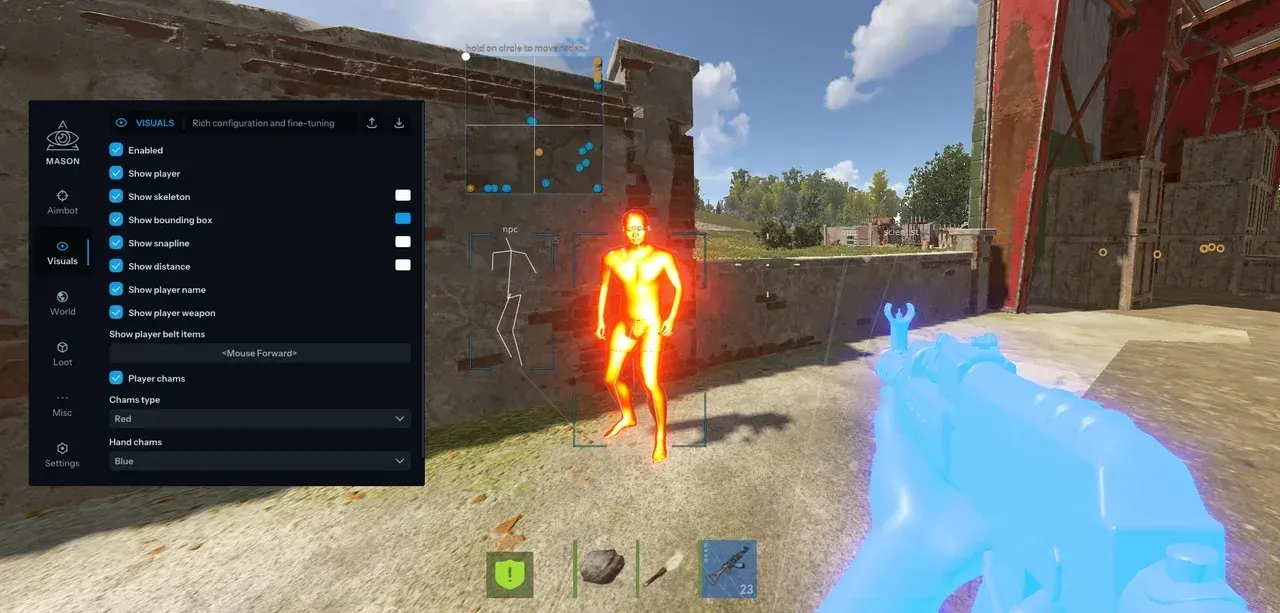
Purchase
Mason Full for Rust: system requirements
About Mason Full for Rust
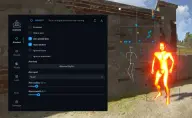
Mason Full for the Steam version of Rust is set up through a menu. What sets it apart from Lite, which has Player Box alone, is the aimbot, and from Mason Rust Internal, the hiding from OBS and screenshots. The aim works while a key is held: Silent Aim with Hitchance, prediction, automatic target switching, bone choice, radius, smoothing, and options to skip teammates and wounded players. The developer considers low smoothing a ban risk.
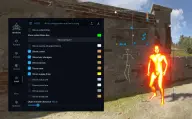
ESP draws 2D boxes, skeletons, lines, nicknames, distance, weapons and belt items, arrows to enemies behind you, bullet tracers and a player's last known position. Chams paint visible enemies in one of four colours of your choice and hidden ones white. Scientists and other NPCs, animals, vehicles, crates, airdrops, cupboards, traps, turrets, ore and wood piles are shown too.
Other features: Full Bright, Instant Eoka, melee reach up to 3 m, seeing through walls, silent running, zoom, a free camera, and FOV and sky colour changes. Requirements: a USB flash drive, UEFI, GPT, and Windows 10/11 x64 from 2004 to 26H1; Hyper-V and VT-x/VT-d must be on and Secure Boot off. The game's anti-cheat is Easy Anti-Cheat.
Features of Mason Full for Rust
- aims at the target while the chosen key is held and marks the locked target right away.
- registers a hit even when the crosshair is not on the enemy.
- sets the chance that Silent Aim triggers on each shot.
- leads moving targets and switches to the next one inside the aim radius automatically.
- choice of the body part to aim at and the size of the capture zone.
- how fast the crosshair settles on target; the developer says the lowest values raise the chance of a ban.
- teammates and wounded players can be excluded from the aim.
- the selected players are excluded from both the aim and the ESP.
- 2D boxes, skeletons, lines, nicknames and the distance to each player.
- shows the weapon in a player's hands and the items on their belt.
- arrows point to enemies behind you.
- draw the paths of fired bullets.
- keeps a player's last position on screen even when the client has no data on them.
- you pick the colour for visible enemies: pink, blue, green or red; those hidden behind cover are white.
- shows scientists, other NPCs and animals as separate options.
- vehicles labelled with their names, plus copters as a separate option.
- crates, airdrops, food and the nearest collectibles, and together with them items dropped by players nearby.
- sulfur, metal and stone ore nodes, and wood piles.
- cupboards, workbenches, recyclers, traps and turrets.
- draw limits for players and objects are set separately, and sleepers can be hidden.
- you see as well at night as in daytime.
- the Eoka fires instantly.
- a melee hit reaches up to 3 metres ahead.
- removes buildings from view so you can see through walls.
- zoom on a key, a free camera and its interactive mode, which the developer flags as risky to use.
- running without footstep sounds and a crosshair without sway.
- changes the in-game field of view and the sky colour.
- one key leaves only players on screen, the other turns the cheat off instantly.
- a radar over the game, with adjustable size and range.
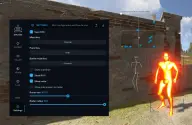
- a menu key, the visuals font size, CPU saving, a crosshair, the aim circle and configs through the clipboard.