Medusa Lite cheat for Escape from Tarkov on Windows
Undetected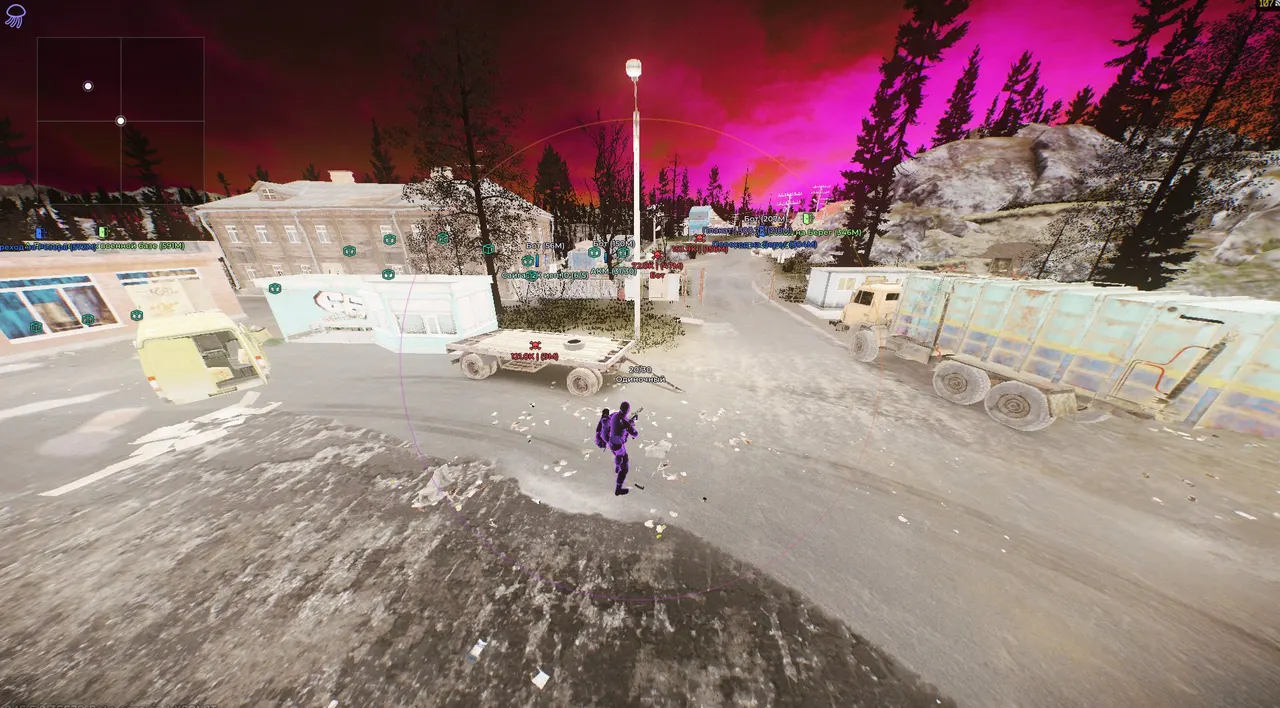
Purchase
Medusa Lite for Escape from Tarkov: system requirements
About Medusa Lite for Escape from Tarkov
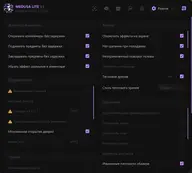
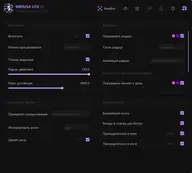
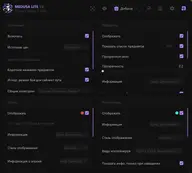
MEDUSA LITE is the lighter Medusa version for Escape from Tarkov: it drops the rage features of the top build but keeps the aimbot, detailed ESP and loot tools. The aimbot works inside a set FOV, with a choice of mode and bone, target lock, body and leg hotkeys and Instant Hit.
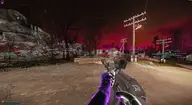
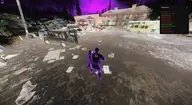
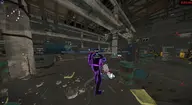
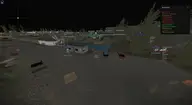
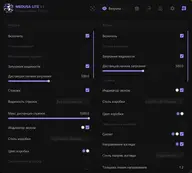
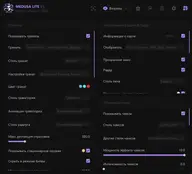
ESP highlights players and bots: boxes, skeleton, health, weapon, inventory with its value, arrows and sounds. Loot is colored by price, and you see containers, corpses and quest items, with an item filter and a quest helper. Misc adds no recoil, instant pickup, silent loot, thermal vision and third-person view, and in PvE on local servers there is God Mode, fly hack and auto quest completion.
A fit for players who want to loot calmly and spot threats without an aggressive kit. Requirements: Windows 10 or Windows 11 21H2–23H2, Intel or AMD, windowed or borderless mode, spoofer support and a screen-capture bypass. The risk of a ban always remains.
Features of Medusa Lite for Escape from Tarkov
- choose the price source used to value items.
- highlights quest items separately; can be limited to active quests.
- short item names so text doesn't flood the screen.
- a window listing found items, which can be made transparent.
- hides cheap and unwanted items.
- battle mode hides loot, corpses, containers and quest markers.
- the quest helper shows only the quests you have active.
- shows quest conditions you've already completed.
- corpses show the dead player's name and faction.
- corpses and containers can be drawn as text or icons.
- boxes around players and bots in several styles.
- fill inside the box.
- the skeleton of player and bot models.
- a line shows where a player or bot is looking.
- health bar for players and bots.
- a player's name, distance, faction and team next to the ESP.
- shows which weapon a player is carrying.
- the inventory contents of players and bots.
- the total value of a player's inventory, with a minimum-value filter.
- arrows point to players and bots outside the center of the screen.
- visualizes the sounds players and bots make nearby.
- chams highlighting on player and bot models.
- switch the chams style; an alternative style and a second color are available.
- shows scav nicknames.
- a quest list filtered by your settings.
- in PvE, lets you fly, with separate keys for up and down.
- in PvE, moves your character to the spot at the screen center.
- draws the aimbot FOV, with fill, style and animation options.
- a line from the crosshair to the selected target.
- aim goes to the head automatically on bots.
- a hotkey switches the aim to the body.
- a hotkey switches the aim to the legs.
- locks the aim on the chosen target for steadier aiming.
- pick a specific bone to aim at, or let it choose the nearest one.
- excludes the roles you pick from aiming.
- choose which container types appear, with price and distance.
- hides containers that have already been opened.
- price-based loot colors: tiers up to 100K, 250K, 500K and 1M.
- third-person view with adjustable camera distance.
- free camera with adjustable movement and rotation speed.
- thermal vision with switchable styles.
- zooms the view in, with an adjustable level.
- the camera doesn't jerk when you get hit.
- a key that quickly turns all features off.
- a key for battle mode, which hides extra markers.
- updates item names in the database.
- grabs loot without the standard interaction with the item.
- items are picked up with no delay.
- containers open instantly, with no wait.
- loads and unloads magazines faster.
- speeds up movement by roughly 1.5–1.7x.
- stamina doesn't drain.
- chain jumps without losing speed.
- lets you shoot while running.
- removes recoil and spread.
- reduces weapon sway.
- no jams or weapon malfunctions.
- speeds up aiming down sights.
- shows grenades by type: frag, flash and smoke.
- grenades can show distance, timer, trajectory and radius.
- marks mines, sniper zones and other dangerous areas.
- shows the BTR and its related markers.
- marks raid extraction points.
- a radar window with adjustable shape and look.
- current map data; choose who to show: PMCs, scavs, friends, streamers, bots.
- your weapon's data: ammo count and fire mode.
- turns on a custom crosshair.
- in PvE, opens nearby doors automatically.
- in PvE, completes quests automatically.
- in PvE, opens locked doors.
- removes grass for clearer visibility.
- turns shadows off.
- changes the time of day in raid.
- the chosen config loads automatically.
- copy a config to the clipboard and import it back the same way.
- only items from your filter stay on screen.
- find an item by name in the filter.
- shows what has been found in the current raid.
- in PvE, your character takes no damage.
- in PvE, falls deal no damage.
- in PvE, your character stays in perfect condition.
- switches how the aimbot works, including a Silent mode.
- size of the target capture zone around the crosshair.
- speeds up hit registration on the target.
- the aimbot and ESP only work on targets in direct line of sight.
- caps the working range of the aimbot and ESP.
- prevents being kicked for inactivity.
- hides extra information while recording or streaming.
- sets the raid limit for the K/D Dropper, along with reconnect and search-time caps.
- a window with your assigned hotkeys, optionally showing only active ones.